



Skip to content
View in the app

A better way to browse. Learn more.

WRobot

A full-screen app on your home screen with push notifications, badges and more.

To install this app on iOS and iPadOS
  1. Tap the Share icon in Safari
  2. Scroll the menu and tap Add to Home Screen.
  3. Tap Add in the top-right corner.
To install this app on Android
  1. Tap the 3-dot menu (⋮) in the top-right corner of the browser.
  2. Tap Add to Home screen or Install app.
  3. Confirm by tapping Install.

[Playingnaked] - Lorewalkers Discover/Exalted V1.0

(0 reviews)

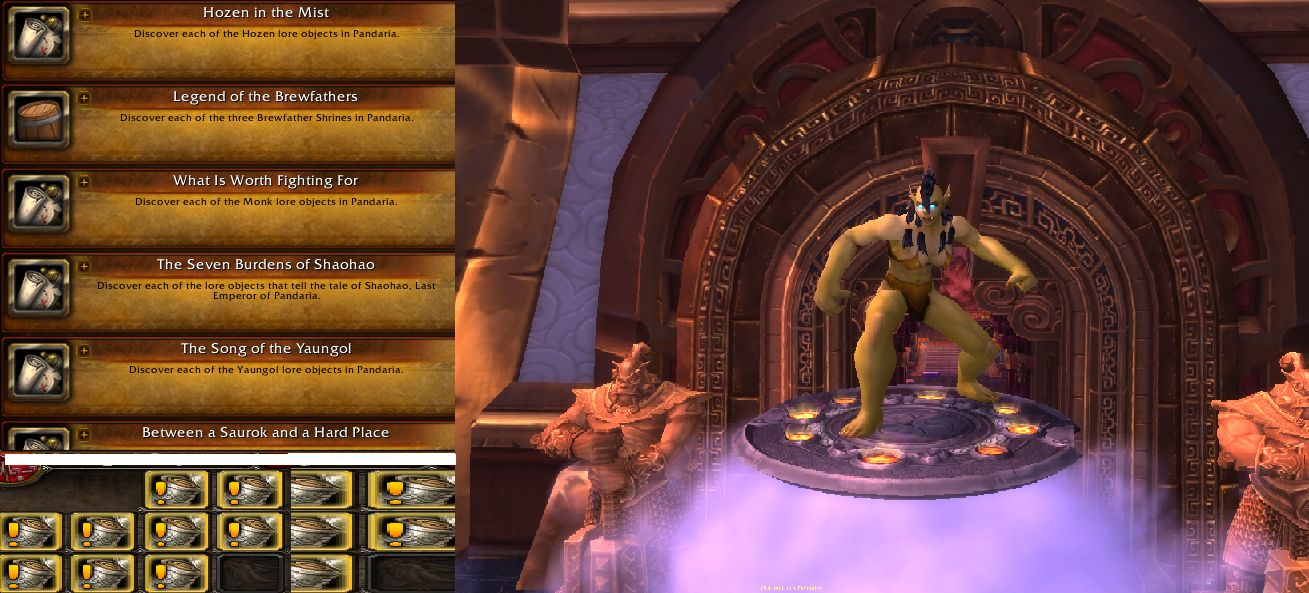
1 Screenshot

  1. Run this profile in Gatherer mode
  2. Do not leave it this profile unwatched
  3. Once you get all achievements you'll receive a bunch of scrolls which start quests such as Fish Tales you can then turn them too Lorewalker Cho which can be found in Mogu'shan Palace

Recently asked questions

  • "Will this profile click every on each discovery?" :
    Answer: NO however this will take you to each sight and dismount walk around the sight for you to click and discover.

If you come across any issues please feel to contact me.

Also leave feedback it's all I ask in return from you guys for me to improve my profiles in the future ahead.

What's New in Version V1.0

Released

No changelog available for this version.

User Feedback

You may only provide a review once you have downloaded the file.

There are no reviews to display.

Account

Navigation

Search

Search

Configure browser push notifications

Chrome (Android)
  1. Tap the lock icon next to the address bar.
  2. Tap Permissions → Notifications.
  3. Adjust your preference.
Chrome (Desktop)
  1. Click the padlock icon in the address bar.
  2. Select Site settings.
  3. Find Notifications and adjust your preference.