



Skip to content
View in the app

A better way to browse. Learn more.

WRobot

A full-screen app on your home screen with push notifications, badges and more.

To install this app on iOS and iPadOS
  1. Tap the Share icon in Safari
  2. Scroll the menu and tap Add to Home Screen.
  3. Tap Add in the top-right corner.
To install this app on Android
  1. Tap the 3-dot menu (⋮) in the top-right corner of the browser.
  2. Tap Add to Home screen or Install app.
  3. Confirm by tapping Install.

[Playingnaked] Beast Mastery 1.1

(3 reviews)

2 Screenshots

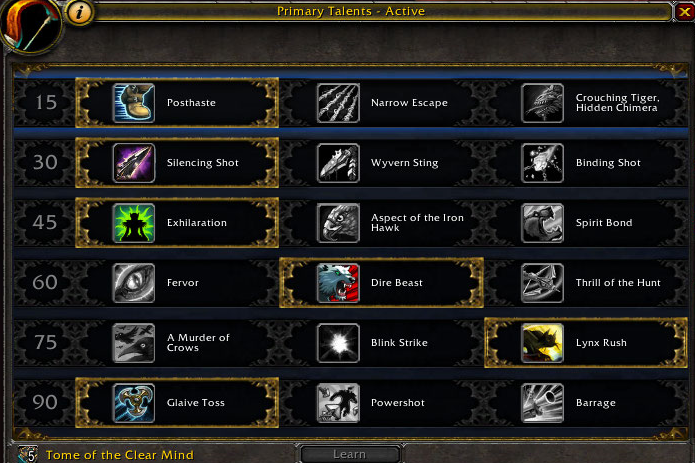
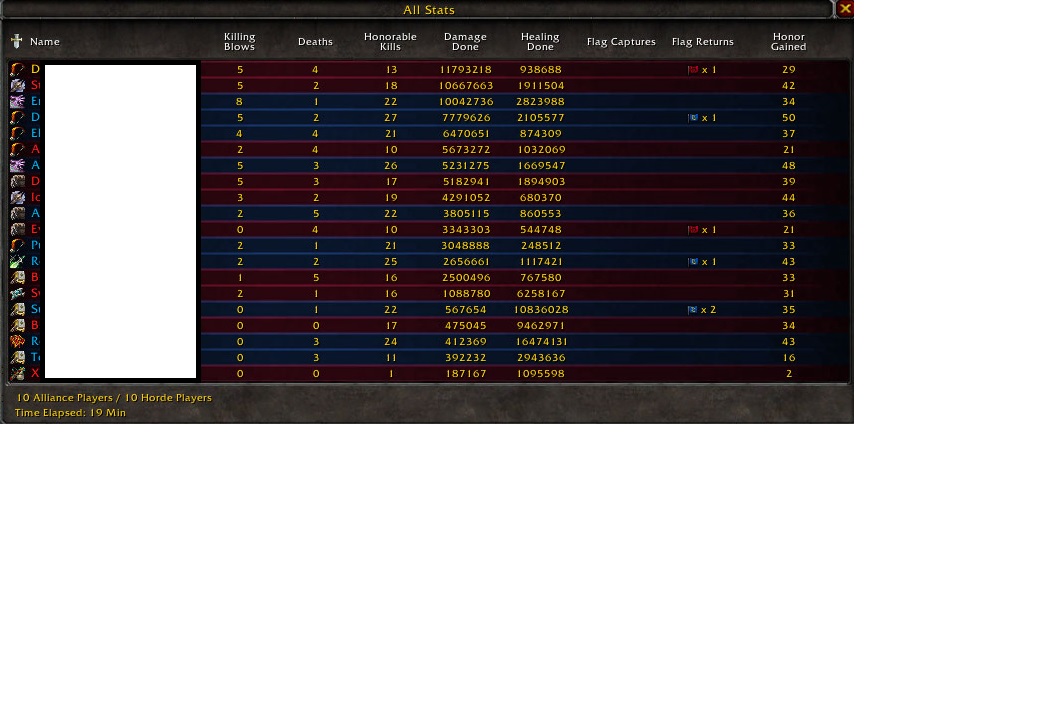
This was created mostly for BG/Honor grind farms.

  • Able to interupt casters/healers with 3 skill.
  • Able to Kite mele dps if taking to much dmg
  • Able to slow movment speed if enemy target is trying to run.
  • Able to burst most dps
  • Able to self heal

Please leave feedback so that it will help me

Improve it in the future with your comments!

Version 1.1

What's New in Version 1.1

Released

  • Fixed issue with delay on DIS/DET

User Feedback

Recommended Comments

Nicki Anonymous

Members

Outstanding Profile, one of the best I've seen. Really, really good job. Changed "Blood Fury" to "Is Spell Usable".

Thanks Playingnaked :)

Loki

Elite user

What glyphs are we using?

Playingnaked

Elite user

What you think it's best, Might need a few twinks here and there :)

Playingnaked

Elite user

I suggest using Spirit Bount instead of Exhiliration in Talent spec if you have it glyph-ed I noticed it has bigger self healing in the end of each fight.

Loki

Elite user

Is this usable for leveling aswell ?

Playingnaked

Elite user

Yes my friend it is! Never died vs lvl90 Elites at lvl86-89

Sixtime

Members

Bot doesn't use "kill command" on low levels.

Booshy

Members

Paired this FC with black prince rep grinder and worked like a dream.

Lionel Laurent

Members

Bonjour, je me demandé pourquoi il n'y a pas en précision ? Le boot fonctionne bien, juste que quand il y a des boss il reste dans les aoe, un truque qu'il faudrait régler.Je vous souhaite un bon jeu +++

Account

Navigation

Search

Search

Configure browser push notifications

Chrome (Android)
  1. Tap the lock icon next to the address bar.
  2. Tap Permissions → Notifications.
  3. Adjust your preference.
Chrome (Desktop)
  1. Click the padlock icon in the address bar.
  2. Select Site settings.
  3. Find Notifications and adjust your preference.