




Kemuron
Members
-
Joined
-
Last visited
Everything posted by Kemuron
-
The stage scenario is a separate quest ? Right ?
-
Hello. How can I write a profile for legion event ? I have to make the conditions for stages a scenario ? How can I do it ? P.S. Start quest
-
?
-
Hello. How can I write a profile for legion event ? I have to make the conditions for stages a scenario ? How can I do it ? P.S. Start quest
-
Droidz You can make arguments for each WoW in relogger ?
-
Droidz Start many wow on 1 Windows(substitution of data of the computer)
-
Droidz Are you here ?
-
Droidz PM
-
Antivirus is not installed. Reinstall required software, delete teamviewer - nothing... Tried on a virtual machine - nothing...
-
Disable TeamViewer: 6 фев 2017 15H25.log.html
-
6 фев 2017 15H22.log.html
-
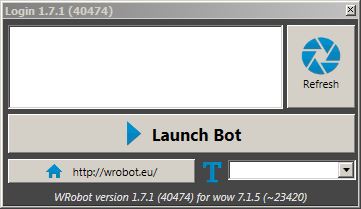
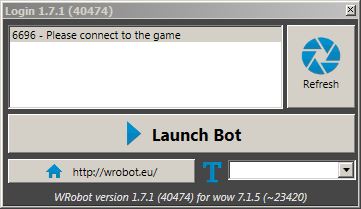
In game(wow1.exe): Disappears from the list at the time of "connection"
-
In wow login menu(on wow1.exe):
-
Yes
-
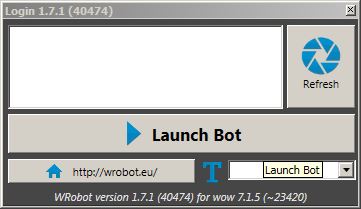
Official WoW client. WoW need to run through relogger or not necessarily ? I run wow with arguments, not relogger. P.S. Run with no arguments - nothing.
-
Hello. Wrobot attached only to wow.exe. You could do to wrobot saw processes with names wow1.exe, wow2.exe... ? Thanks for the reply.
