




x11r6
Members
-
Joined
-
Last visited
Everything posted by x11r6
-
Whenever a mob gets killed and doesn't provide any loot, WRobot will skil skinning aswell. This means losing precious leathers! :)
-
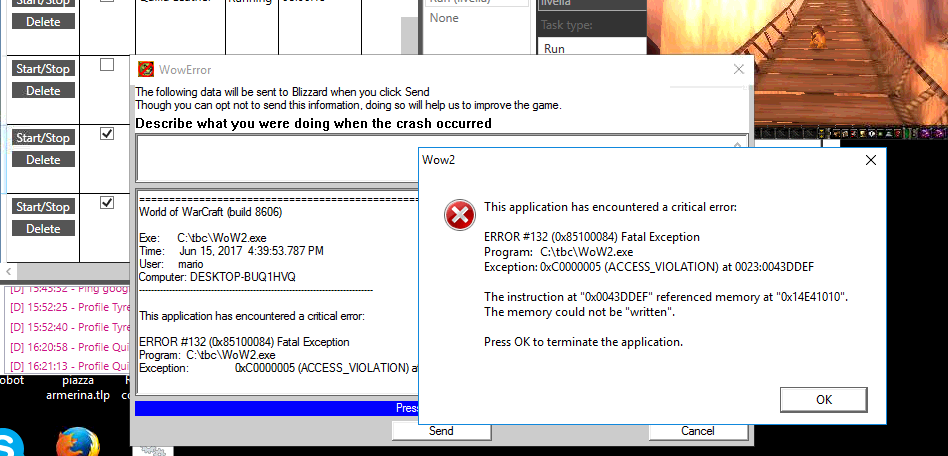
As the title says, the relogger doesn't understand if a WoW instance has crashed when the exe name is different from wow.exe (screenshot attached).
-
 how does it work? where should i set the trainer's location?
 -
Some classes are indeed still terrible and screaming bot all around (hunter is one of them). Just don't bot an account you could not accept to lose. I can see that the ban are still going on Outland (they announce it publicly when somebody gets banned, including the reason why he did, and tonight i saw a couple of "bot banning").
-
I could not make this to work either. I used a pretty lame workaround: i placed the spell Mangle (Cat) into the 1st position of the 3rd actionbar and then i was able to call RunMacroText("/click MultiBarRightButton1") from the custom class as lua code.