




nauper
Members
-
Joined
-
Last visited
Everything posted by nauper
-
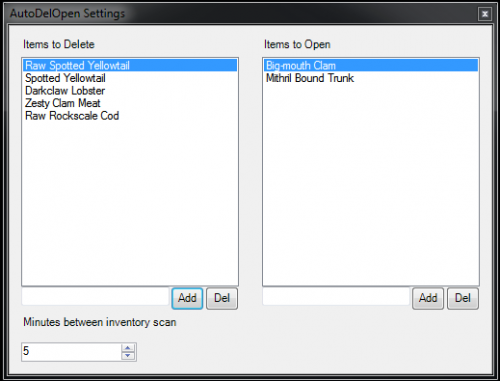 Auto Delete/Open Lets you add items that you want to open or delete from your inventory. Scans the players inventory every 1-60 minutes and removes or opens items found in the lists. There are two files, one for vanilla and one for retail. Those are the only two I have tested but it might work on the others aswell. I'm open for suggestion so please comment if you find something wrong or missing.
 -
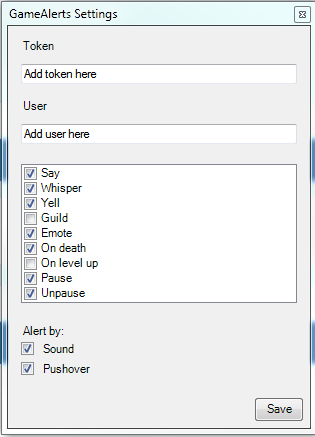 GameAlerts Allows you to get alerts by either sound or by setting up Pushover and getting notifications on your phone. The current notification events are Say Whisper Yell Guild Emote On death On level up Bot pause Bot resume There are two files, one for vanilla and one for retail. Those are the only two I have tested but it might work on the others aswell. I have added the event but I'm open for suggestion so please comment if you find something wrong or missing.
