




- Product: WRobot General
- Type: Suggestion
- Status: Fixed
Hello, i do this report again hoping that this time if you pay attention and can solve this big problem with the bot in archeology module.
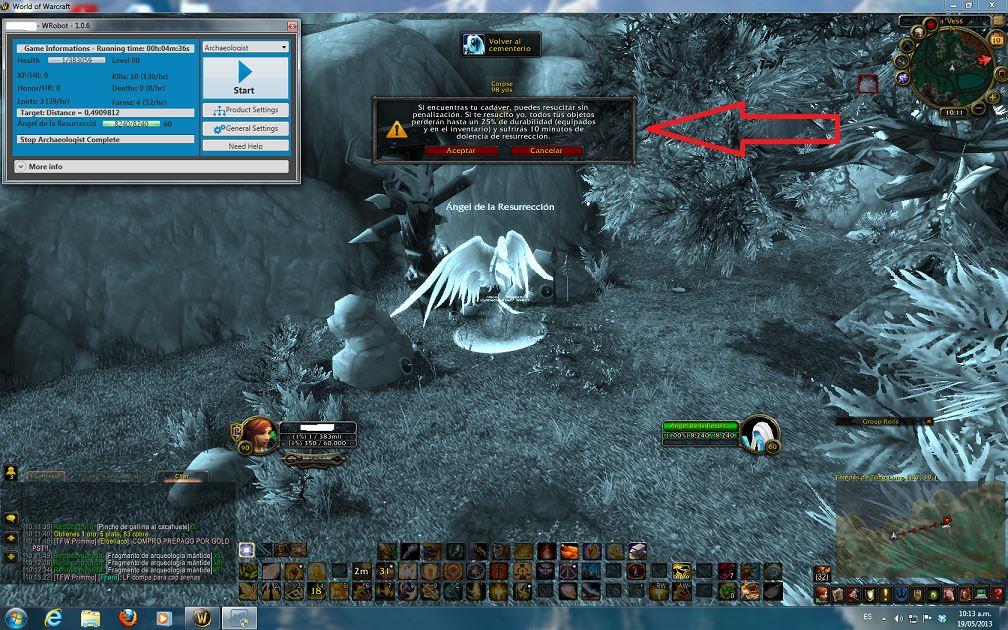
It happens that every time the character dies for some reason, the character does not seek to revive your body, he immediately seeks RESURRECTION angel and hereby revives, The big problem is that:
1. the character alive with disease debuff http://www.wowhead.com/spell=15007/dolencia-de-resurreccion, generating you get 75% less than their stats, when the character comes alive with this debuff equal returns to continue with archeology, but as it has 75% less of their statistics, because it dies again of add, and so a vicious circle is formed, generating the second major problem.
Two. repair cost is excessive for 2 times the character dies and revives with Angel repair costs reach nearly 1000 gold.
these addiction problems make working with archeology module becomes unfeasible
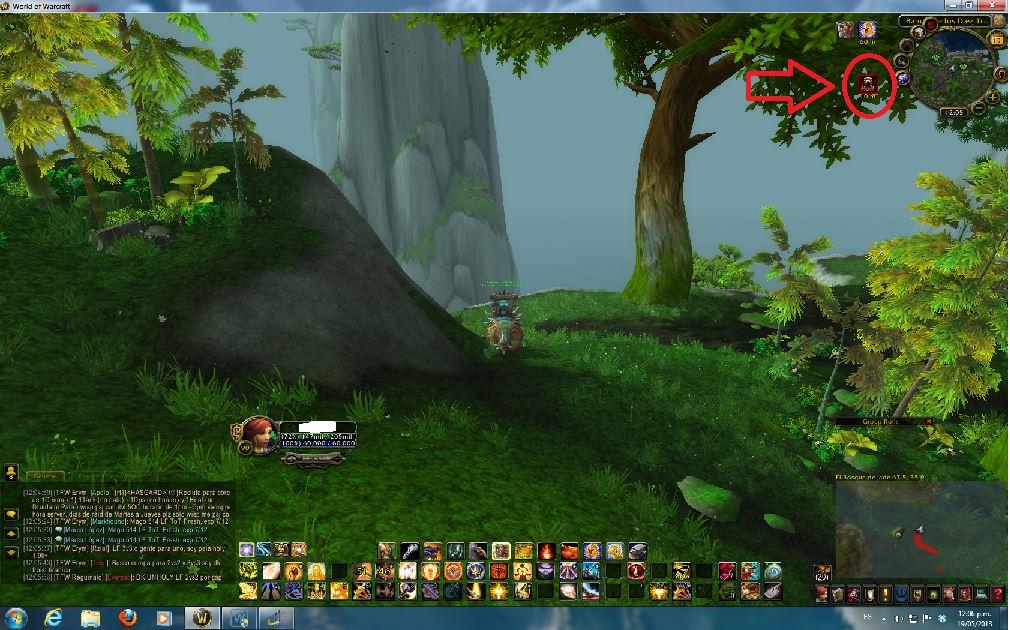
Deputy images d elo happens and a log so they can review, again I hope you can pay attention to this module and give a quick solution to the problem, I had already reported this but no one responded.
Recommended Comments
Create an account or sign in to comment