




Skip to content
View in the app

A better way to browse. Learn more.

WRobot

A full-screen app on your home screen with push notifications, badges and more.

To install this app on iOS and iPadOS
  1. Tap the Share icon in Safari
  2. Scroll the menu and tap Add to Home Screen.
  3. Tap Add in the top-right corner.
To install this app on Android
  1. Tap the 3-dot menu (⋮) in the top-right corner of the browser.
  2. Tap Add to Home screen or Install app.
  3. Confirm by tapping Install.

Bot stuck at repair vendor in Tornheim

  • Version: All
  • Product: WRobot General
  • Type: Bug
  • Status: Not a Bug

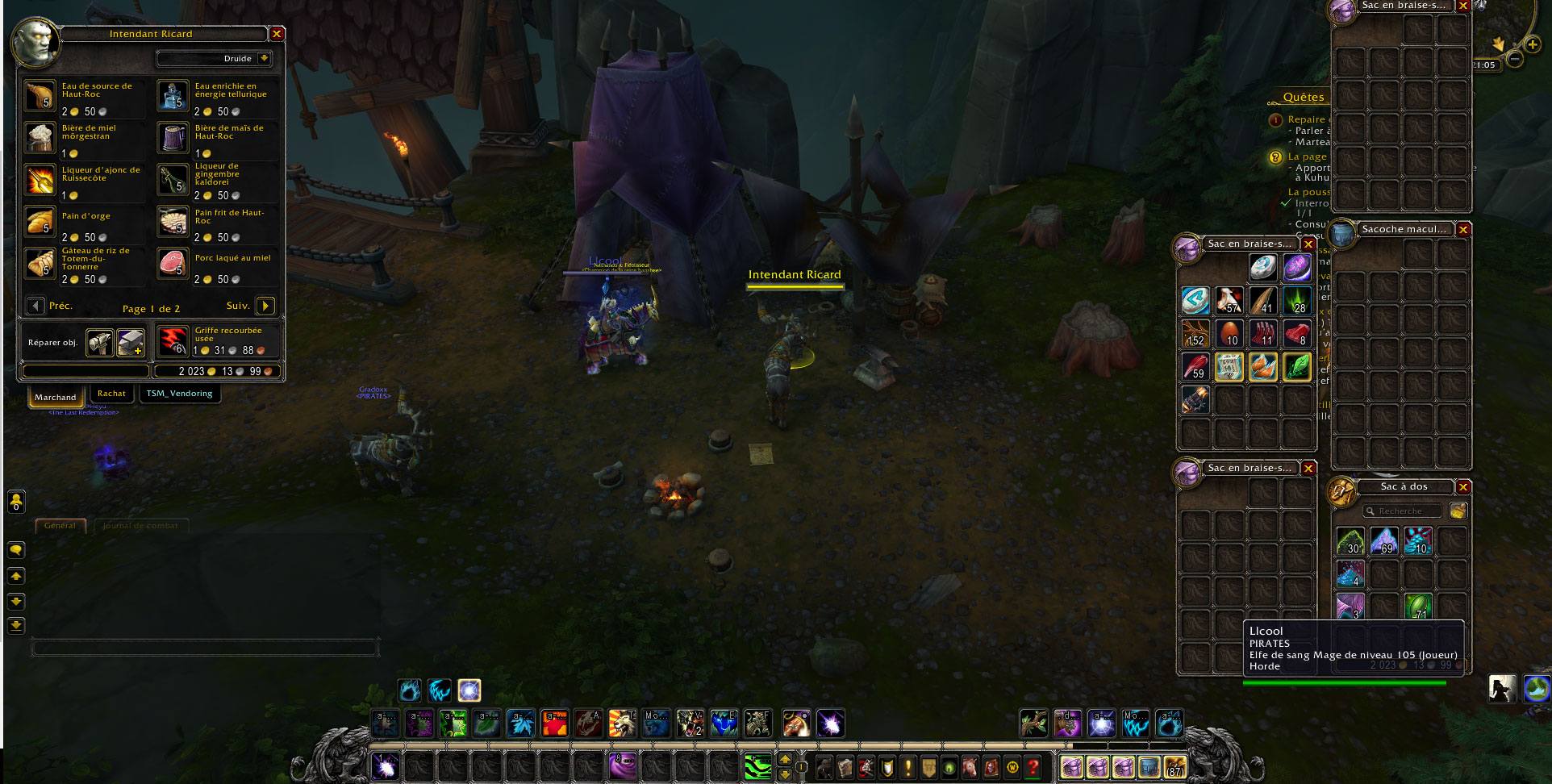
Bot get stuck in a loop while attempting to repair in Tornheim (NPC is called "Intendant Ricard") and just never press the damn button. When I manually press for repair the bot just keep with farming normally again.

"French Translation" : Le Bot reste bloqué en essayant de réparer, sans jamais y arriver. Si je répare manuellement, il repart dans son cycle de farm normalement.

I attached log and screenshot, thanks for help, I will just disable the repair option for now while the bug get checked.
Screen.jpg


User Feedback

Recommended Comments

Bonjour,

Vous obtenez ce problème uniquement avec ce vendeur? Avez vous essayé de désactiver vos addons wow?

Xolem

Members

Oubliez ce problème, obsolète depuis le temps, et répondez plutôt à mes messages privés que vous ignorez depuis des semaines, je suis au bord du chargeback paypal la...

Vous ne consultez jamais vos PM ou bien?

Xolem

Members

Et pour répondre à la question (quand même) j'utilisait le profil sans addons et je n'ai eu le bug qu'avec ce vendeur oui.

Xolem

Members

Ah oui effectivement j'avais oublié TSM. C'est surement ça, de toute façon j'avais réglé le problème en supprimant le vendeur du profil de collecte que j'utilisait. Merci

Create an account or sign in to comment

Account

Navigation

Search

Search

Configure browser push notifications

Chrome (Android)
  1. Tap the lock icon next to the address bar.
  2. Tap Permissions → Notifications.
  3. Adjust your preference.
Chrome (Desktop)
  1. Click the padlock icon in the address bar.
  2. Select Site settings.
  3. Find Notifications and adjust your preference.