



Skip to content
View in the app

A better way to browse. Learn more.

WRobot

A full-screen app on your home screen with push notifications, badges and more.

To install this app on iOS and iPadOS
  1. Tap the Share icon in Safari
  2. Scroll the menu and tap Add to Home Screen.
  3. Tap Add in the top-right corner.
To install this app on Android
  1. Tap the 3-dot menu (⋮) in the top-right corner of the browser.
  2. Tap Add to Home screen or Install app.
  3. Confirm by tapping Install.

Since latest update when I use radar3d everything goes black

  • Product: WRobot General
  • Type: Bug
  • Status: Unconfirmed

Looks like this.. 

What should i link for logs?
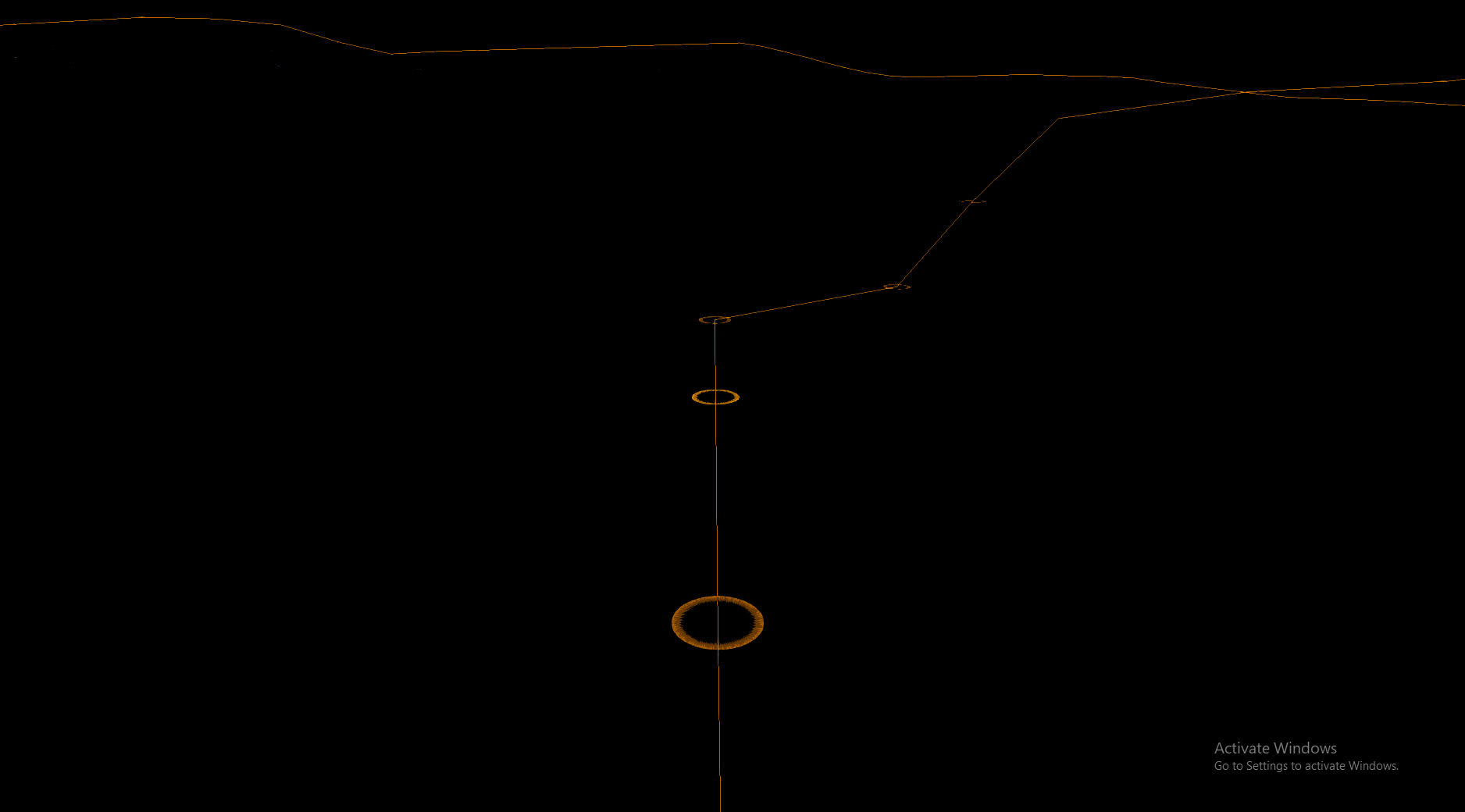


image.thumb.png.832d1a6a006b4c2452593db56c3328db.pngimage.thumb.png.d1d1f61f1be636805540d58a99d92d13.png

User Feedback

Recommended Comments

arktnas

Members

Unfortunately not, restarted pc, tried wrobot with dx and no dx hook, same issue. ?

arktnas

Members

BTW you are the most prompt support agent i've ever, ever met. Props

arktnas

Members

TDSKILLER FOUND A ROOTKIT OMG THIS MAKES SO MUCH SENSE! holy shit this makes me want to switch my major to computer science from offensive security 

arktnas

Members

❤️

Create an account or sign in to comment

Account

Navigation

Search

Search

Configure browser push notifications

Chrome (Android)
  1. Tap the lock icon next to the address bar.
  2. Tap Permissions → Notifications.
  3. Adjust your preference.
Chrome (Desktop)
  1. Click the padlock icon in the address bar.
  2. Select Site settings.
  3. Find Notifications and adjust your preference.