Skip to content
View in the app

A better way to browse. Learn more.

WRobot

A full-screen app on your home screen with push notifications, badges and more.

To install this app on iOS and iPadOS
  1. Tap the Share icon in Safari
  2. Scroll the menu and tap Add to Home Screen.
  3. Tap Add in the top-right corner.
To install this app on Android
  1. Tap the 3-dot menu (⋮) in the top-right corner of the browser.
  2. Tap Add to Home screen or Install app.
  3. Confirm by tapping Install.

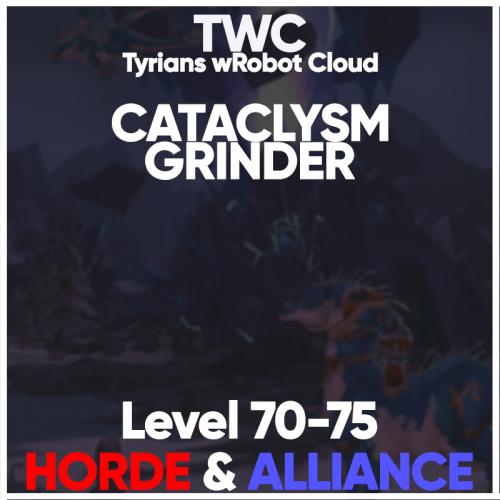
Grinder - Cata

2 files

  1. Join our Discord here: https://discord.gg/UEahd68
    Hey friends,
    welcome to a small interim release from TWC. Today with a profile which I clapped together very quickly. It's a simple grinder
    profile for Cataclysm and levels from level 70-75 in Coldarra in Borean Tundra. Have fun with it! ?

    Profile Details:
    - Vendor & Repair NPC added
    - Can be used with flying Mount
    - Pretty Safe & small Route

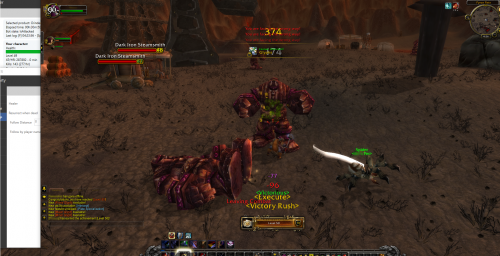
    This Profile got tested with a Level 70 Retribution Paladin. I did not died a single time while
    grinding on this Spot on my whole way to Level 75. However, the Profile is pretty slow. So
    run it over night!
    Some more (additional) Details:
    - You get a ton of Green & Blue Equipment which sells for good Money.
    - You get a few "Frostweave Cloth" which you can either use or sell.
    - Tested with a Retribution Paladin, 0 Deaths.
    Do I get Support from you?:
    Yes, just join our Discord here: https://discord.gg/UEahd68 we will support you there! You can also
    Report Bugs of these Profiles in our Discord!
    Enjoy the Grind,
    ~ Tyrian / Marvelino123 ❤️

    • 102 Downloads
    Submitted
  2. Profile tested on 
    Atlantiss server
     
    See changelog for more info 
     
     
    • 1194 Downloads
    • 17 Comments
    Updated

Account

Navigation

Search

Search

Configure browser push notifications

Chrome (Android)
  1. Tap the lock icon next to the address bar.
  2. Tap Permissions → Notifications.
  3. Adjust your preference.
Chrome (Desktop)
  1. Click the padlock icon in the address bar.
  2. Select Site settings.
  3. Find Notifications and adjust your preference.