Skip to content
View in the app

A better way to browse. Learn more.

WRobot

A full-screen app on your home screen with push notifications, badges and more.

To install this app on iOS and iPadOS
  1. Tap the Share icon in Safari
  2. Scroll the menu and tap Add to Home Screen.
  3. Tap Add in the top-right corner.
To install this app on Android
  1. Tap the 3-dot menu (⋮) in the top-right corner of the browser.
  2. Tap Add to Home screen or Install app.
  3. Confirm by tapping Install.

Gatherer - BFA

1 file

  1. JOIN OUR DISCORD: https://discord.gg/aebcGtPTBA

    Hey Friends, welcome to my first BfA Profile for Firestorm - Sethraliss 8.2.
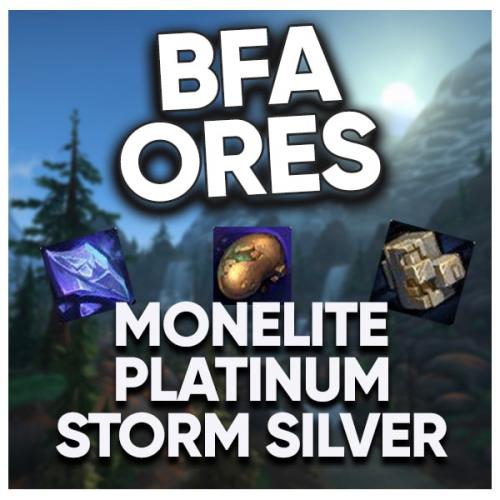
    In this Profile we cover a great Route for Farming Storm Silver, Monelite & a little bit Platinum Ore.
    There is one spot in Tiragarde Sound which is just awesome for this Farming Method. Important:
    DO NOT use a Class which does AOE Damage unless you have good Gear!

    ATTENTION: This is a very very basic Gatherer Profile! It's nothing fancy at all but does the
    Job good and quite efficient.

    Known Bugs:
    - Due to wRobot is not yet smoothly working with BfA the Bot can get Stuck at some
    places. However, this is very very rarely.

    Start the Profile here:
    - Anywhere in the green marked Place

    JOIN OUR DISCORD: https://discord.gg/aebcGtPTBA

    Enjoy this Profile!
    ~ Marvelino123 aka Tyrian

    • 153 Downloads
    Submitted

Account

Navigation

Search

Search

Configure browser push notifications

Chrome (Android)
  1. Tap the lock icon next to the address bar.
  2. Tap Permissions → Notifications.
  3. Adjust your preference.
Chrome (Desktop)
  1. Click the padlock icon in the address bar.
  2. Select Site settings.
  3. Find Notifications and adjust your preference.