




Skip to content
View in the app

A better way to browse. Learn more.

WRobot

A full-screen app on your home screen with push notifications, badges and more.

To install this app on iOS and iPadOS
  1. Tap the Share icon in Safari
  2. Scroll the menu and tap Add to Home Screen.
  3. Tap Add in the top-right corner.
To install this app on Android
  1. Tap the 3-dot menu (⋮) in the top-right corner of the browser.
  2. Tap Add to Home screen or Install app.
  3. Confirm by tapping Install.

Valley of the Four winds mining

(1 review)

3 Screenshots

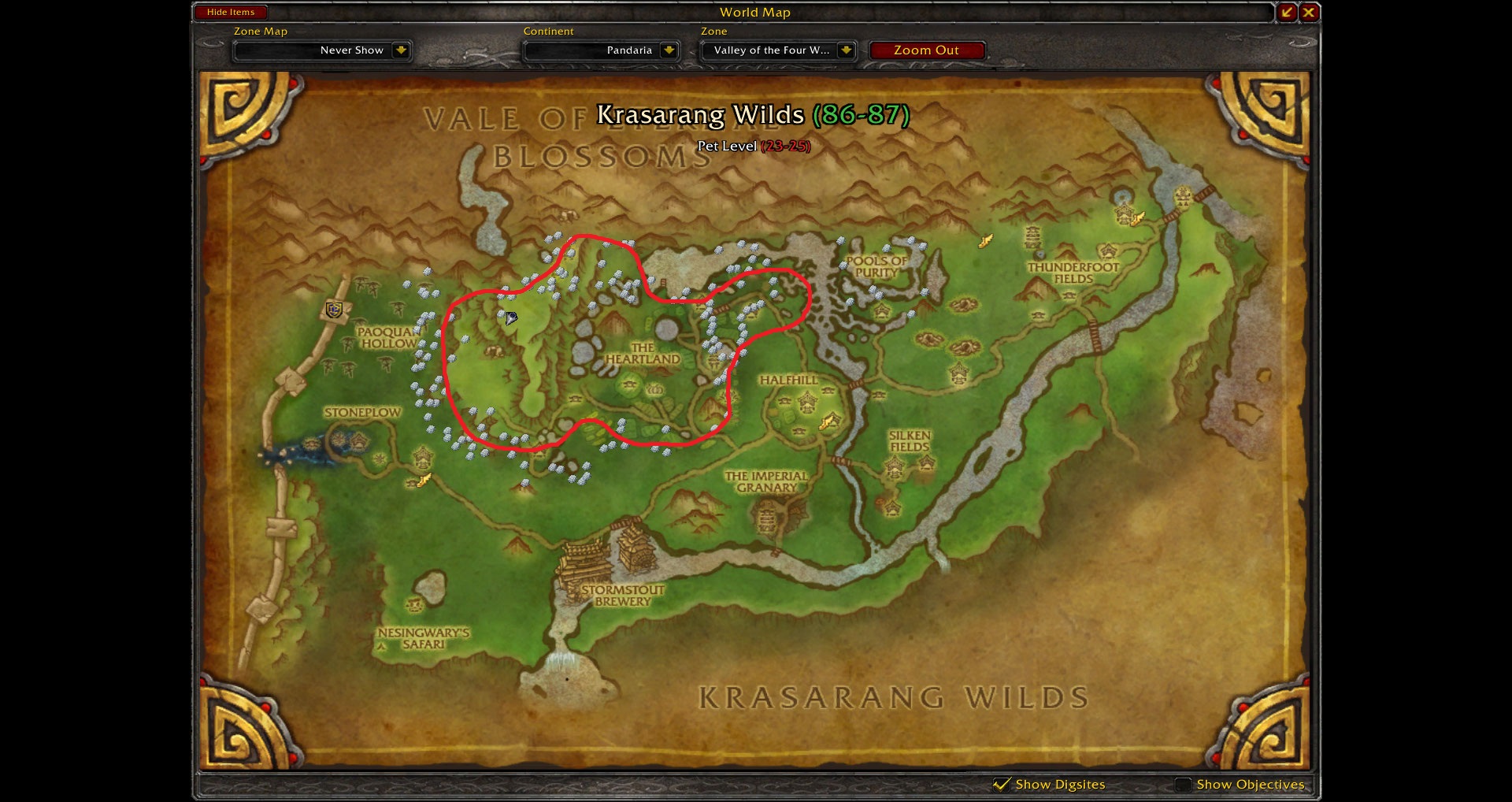
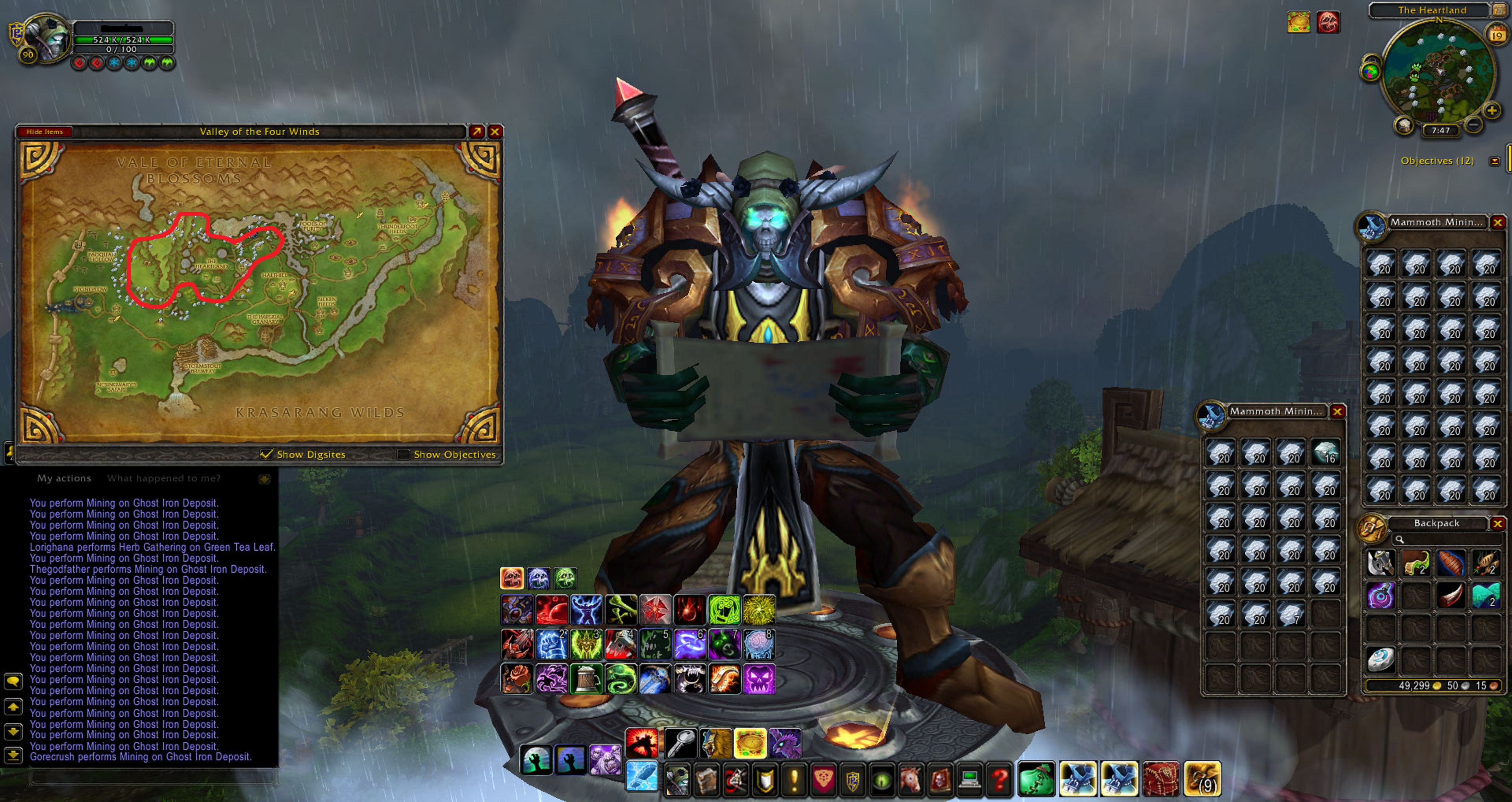
Mining Profile - Valley of the Four Winds

Quick profile I made for - Ghost Iron Ore

I've been testing the profile for hours now and no problems yet.(Hasn't been stuck or died)

---------------------------------------------------------------

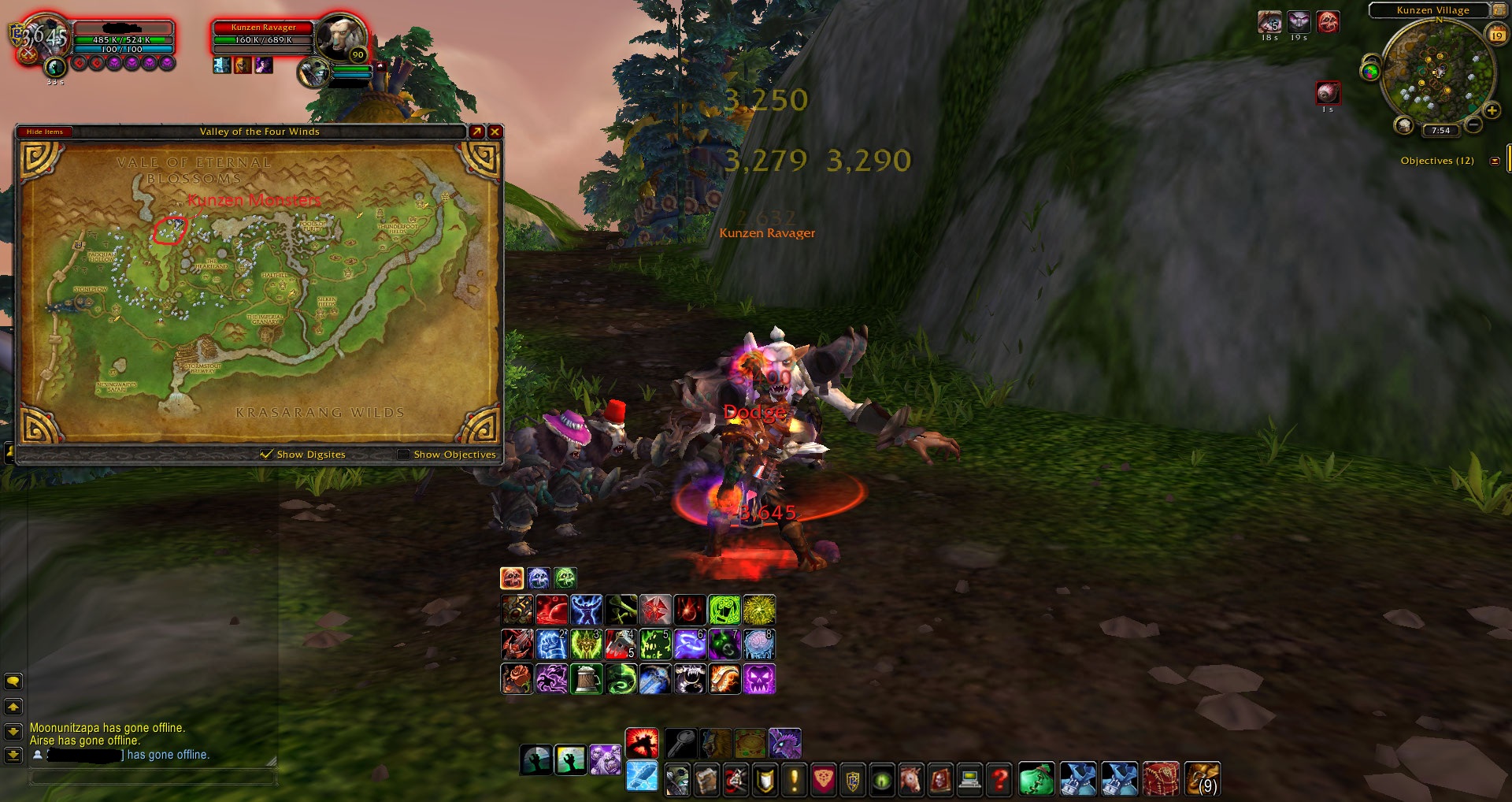
I know most people won't like this but there is a certain area where you will have to fight Npc's.

I've been using a Blood Death knight and haven't had a problem with them.

http://www.wowhead.com/npc=59119

Feedback would be awesome.(if anyone uses)

What's New in Version 12/20/12 02:37 AM

Released

No changelog available for this version.

User Feedback

You may only provide a review once you have downloaded the file.


Account

Navigation

Search

Search

Configure browser push notifications

Chrome (Android)
  1. Tap the lock icon next to the address bar.
  2. Tap Permissions → Notifications.
  3. Adjust your preference.
Chrome (Desktop)
  1. Click the padlock icon in the address bar.
  2. Select Site settings.
  3. Find Notifications and adjust your preference.