



Skip to content
View in the app

A better way to browse. Learn more.

WRobot

A full-screen app on your home screen with push notifications, badges and more.

To install this app on iOS and iPadOS
  1. Tap the Share icon in Safari
  2. Scroll the menu and tap Add to Home Screen.
  3. Tap Add in the top-right corner.
To install this app on Android
  1. Tap the 3-dot menu (⋮) in the top-right corner of the browser.
  2. Tap Add to Home screen or Install app.
  3. Confirm by tapping Install.

Black Prince Rep V 1.0

(2 reviews)

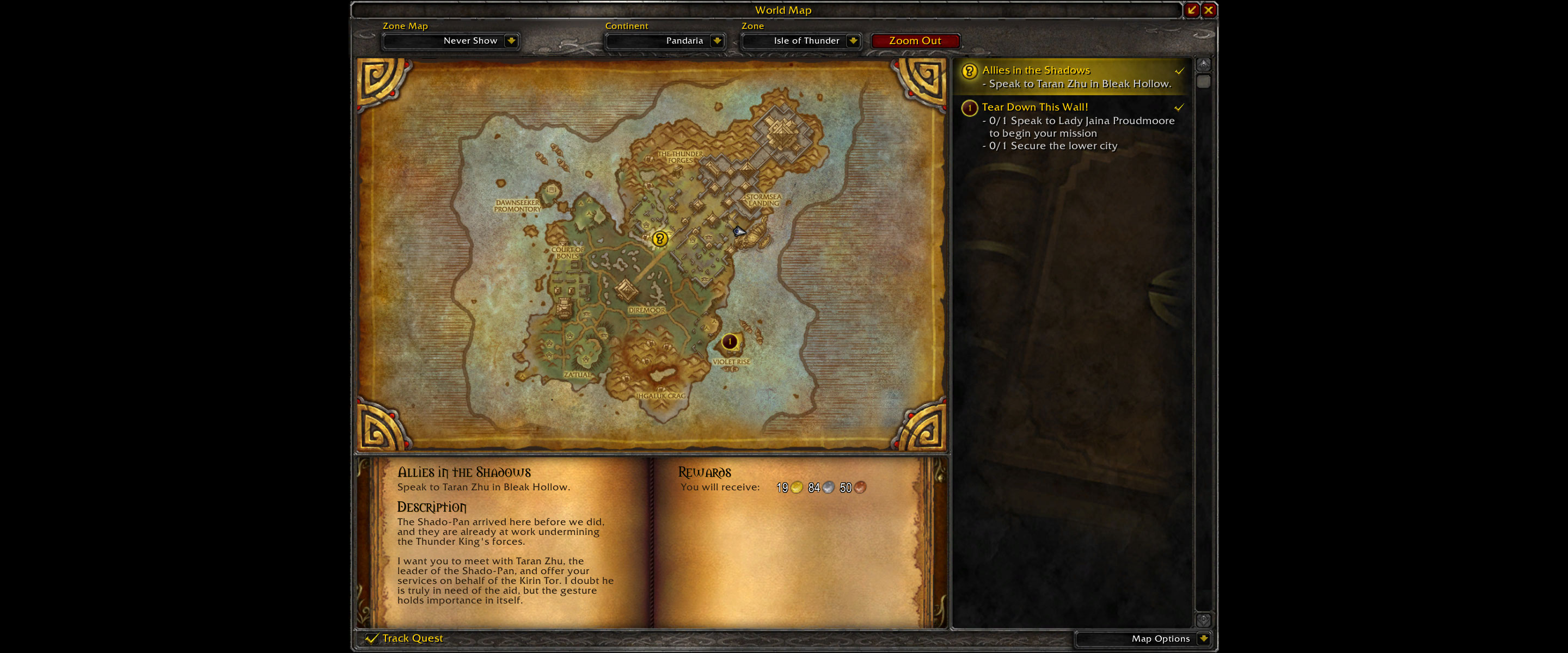
1 Screenshot

This is a very small profile, but the spawns are very quick. I ran this for hours on a BM hunter with no deaths. My pull range was set to 25 feet and it will just path down and back (plenty of 2 mob packs). Was getting 27-28 per kill non human with level 25 guild (so popularity perk).

What's New in Version V 1.0

Released

  • None

User Feedback

Recommended Comments

actkoala

Members

Can you pls let us know where to start. If you mark farm place on the map this will be very helpfull.

jimmyn

Members

If you look at the map where my arrow is where the profile starts.  Its right at the docks area

Kirito

Members

This is a really good grinding profile I must say! Tried it out for 30 min (trial on Wrobot) and I'm more than satisfied with it. I got about 1,4k in rep, about 40 windwool cloth, a key to the palace of Lei Shen 2 greenies and other vendor trash in one session. Probably would be a lot more effective if you're not a Shadow Priest doing this as well so give it a go!

kallenberg

Members

Good profile, the area could be bigger.. tried it myself but have not been able to avoid elites in a correct way due to bot limits. Nevertheless, exalted in a ~4-6h, great.

gomisensei

Members

doesn't seem to dismount after gathering all the mobs, just runs back and forth, never trying to engage

hemera

Members

good thank you !!!

Umallyn

Members

Loving the profile dude! got all the rep i needed in no time. Good work.

Account

Navigation

Search

Search

Configure browser push notifications

Chrome (Android)
  1. Tap the lock icon next to the address bar.
  2. Tap Permissions → Notifications.
  3. Adjust your preference.
Chrome (Desktop)
  1. Click the padlock icon in the address bar.
  2. Select Site settings.
  3. Find Notifications and adjust your preference.