



Skip to content
View in the app

A better way to browse. Learn more.

WRobot

A full-screen app on your home screen with push notifications, badges and more.

To install this app on iOS and iPadOS
  1. Tap the Share icon in Safari
  2. Scroll the menu and tap Add to Home Screen.
  3. Tap Add in the top-right corner.
To install this app on Android
  1. Tap the 3-dot menu (⋮) in the top-right corner of the browser.
  2. Tap Add to Home screen or Install app.
  3. Confirm by tapping Install.

Horde 90-95 Frostfire Ridge 1.0

(1 review)

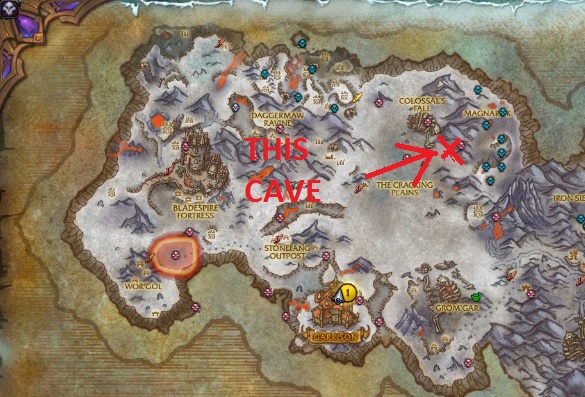
1 Screenshot

Droidz shared a grinder profile on a post that I was following and I gave it a test run. I added some targets to the list that wasn't included to help keep from pulling too many mobs at once. Well rounded profile. Go to Frostfire Ridge and start the bot and enjoy. And as I say in all my uploads, careful with PvP servers as there are people out there just wanting to ruin your day. Also a reason why I am unable to provide XP/hr, but as to how Droidz labled the profile, I'm gonna go with 300k/hr. Enjoy! And all props to Droidz

What's New in Version 1.0

Released

No changelog available for this version.

User Feedback

You may only provide a review once you have downloaded the file.


dont work it stuck on mountains

Account

Navigation

Search

Search

Configure browser push notifications

Chrome (Android)
  1. Tap the lock icon next to the address bar.
  2. Tap Permissions → Notifications.
  3. Adjust your preference.
Chrome (Desktop)
  1. Click the padlock icon in the address bar.
  2. Select Site settings.
  3. Find Notifications and adjust your preference.