




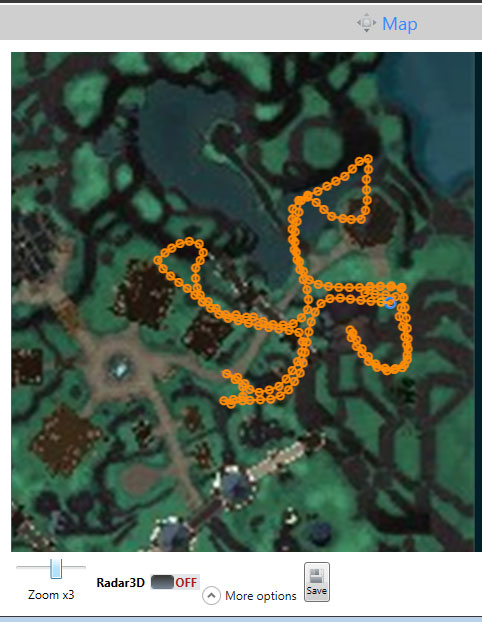
This profile is for the gatherer product in Wrobot. It will gather all of the ore and mining carts from the level 3 Alliance Garrison mine. Just stand out front and run. Read below as Garrison needs special options.
*READ THIS BEFORE USING*
To use WRobot in your garrison requires some strange configurations.
1) Goto General Settings -> Enter Advanced Settings... -> Looting and Farming options
2) add this to Harvest object (one id by line):
235376
235387
235388
235389
235390
235389
235388
235391
236936
232541
232542
232543
232544
232545
232542
232543
(this adds all of the mines, carts and herbs in your garrison. you can just manually add the nodes and mine carts by item id if you want)
3) set Search Radius to around 10
4) Other Options tab (still in Advanced Settings)
make sure Use Paths Finder is disabled (as in not checked)
I usually just plop my toon right in front of the garrison and let this do a few cycles and it clears out the mine pretty efficiently. Sometimes it does miss a few nodes but for the most part clears out the mine.
You may only provide a review once you have downloaded the file.
There are no reviews to display.