Skip to content
View in the app

A better way to browse. Learn more.

WRobot

A full-screen app on your home screen with push notifications, badges and more.

To install this app on iOS and iPadOS
  1. Tap the Share icon in Safari
  2. Scroll the menu and tap Add to Home Screen.
  3. Tap Add in the top-right corner.
To install this app on Android
  1. Tap the 3-dot menu (⋮) in the top-right corner of the browser.
  2. Tap Add to Home screen or Install app.
  3. Confirm by tapping Install.

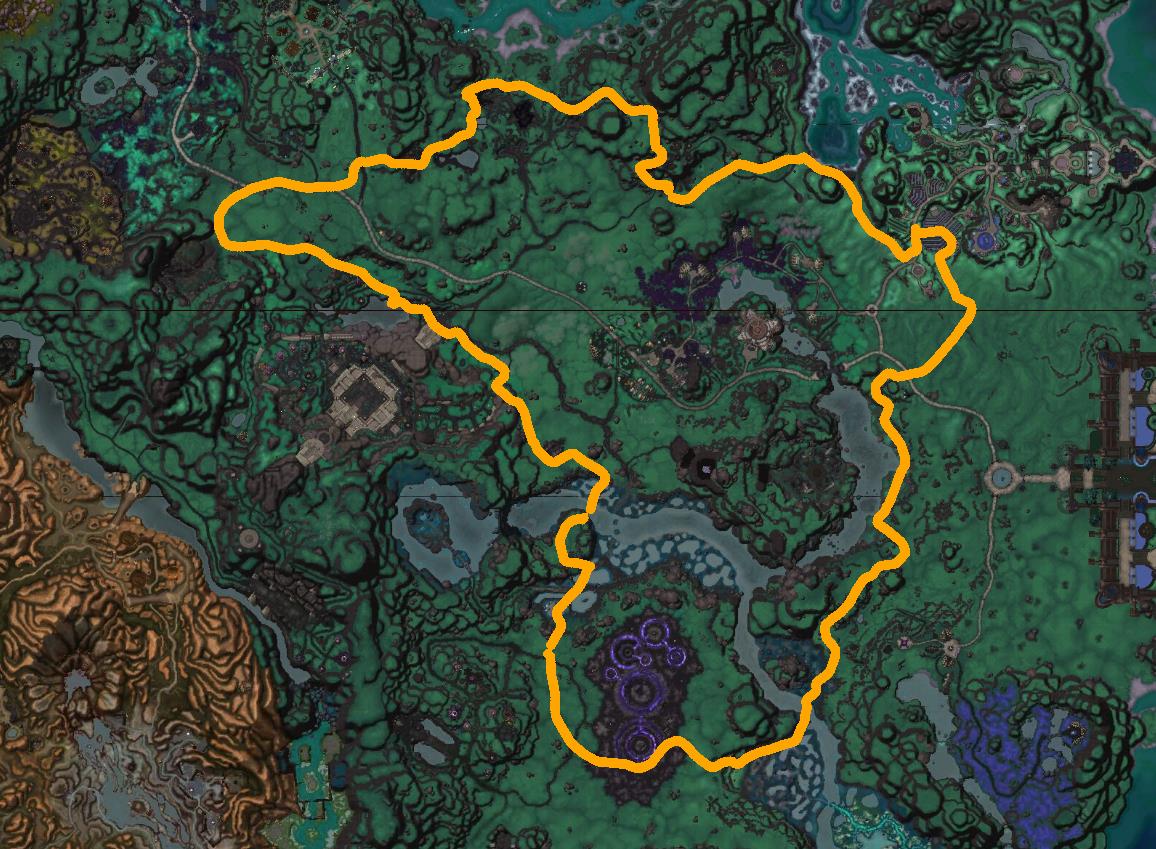
Shadownmoon Valley (Ground)(Mine, Herb, Timber)

(1 review)

1 Screenshot


Shadownmoon Valley (Ground)(Mine, Herb, Timber)


User Feedback

You may only provide a review once you have downloaded the file.


Perfect, doesn't get caught.

Total hours used; +140hours, 3-12hours run at a time.

There is one spot that troubles the bot, but it works it around every single time. Jumps few times, mounts back up and start moving again.

On a private server, +2k players online all the time, still getting 230 nodes/hour, mining. 170 kills per hour. (On a private server!)

*I've only used this on 6.2.3 Private server. Server is glitchy af compared to retail, but still the bot works like a charm.


Account

Navigation

Search

Search

Configure browser push notifications

Chrome (Android)
  1. Tap the lock icon next to the address bar.
  2. Tap Permissions → Notifications.
  3. Adjust your preference.
Chrome (Desktop)
  1. Click the padlock icon in the address bar.
  2. Select Site settings.
  3. Find Notifications and adjust your preference.