




Skip to content
View in the app

A better way to browse. Learn more.

WRobot

A full-screen app on your home screen with push notifications, badges and more.

To install this app on iOS and iPadOS
  1. Tap the Share icon in Safari
  2. Scroll the menu and tap Add to Home Screen.
  3. Tap Add in the top-right corner.
To install this app on Android
  1. Tap the 3-dot menu (⋮) in the top-right corner of the browser.
  2. Tap Add to Home screen or Install app.
  3. Confirm by tapping Install.

Disc Priest

(1 review)

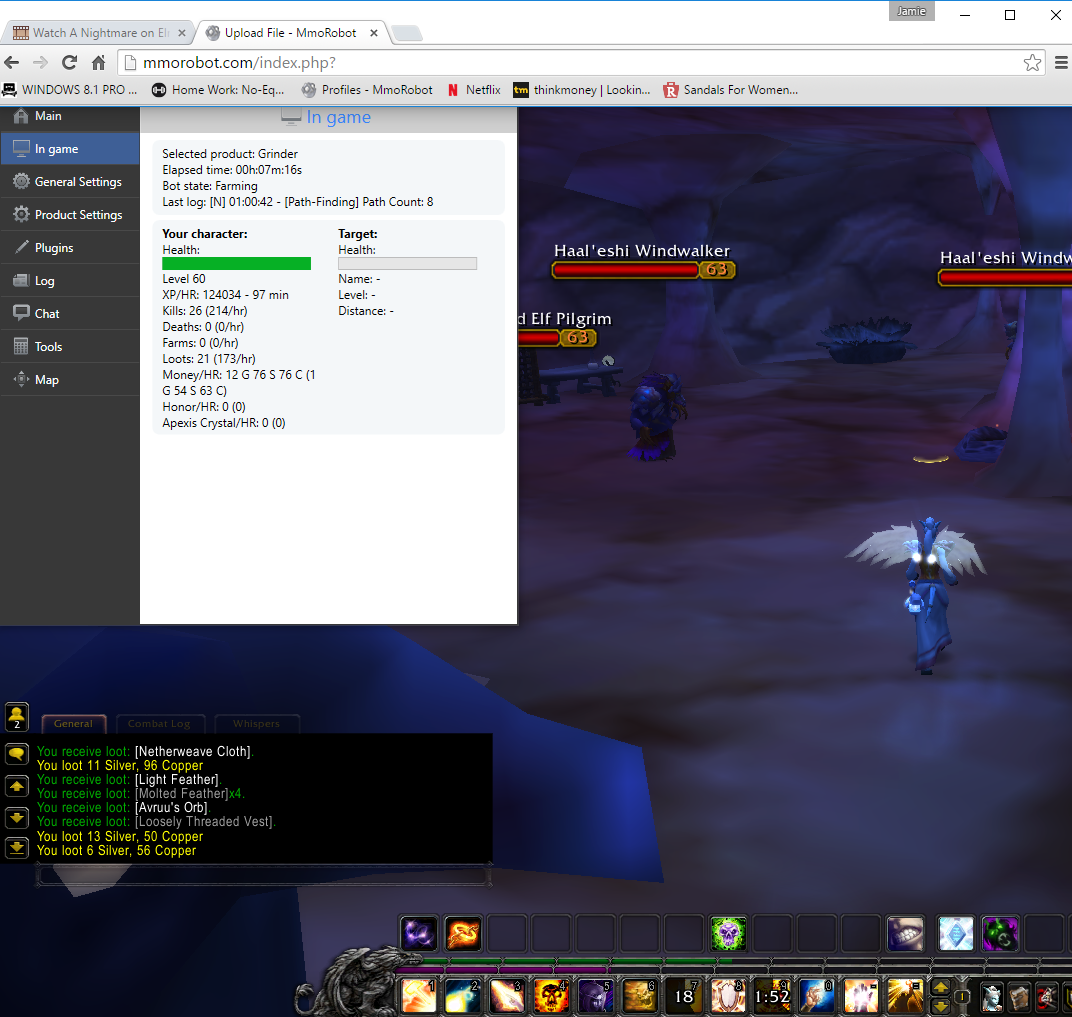
2 Screenshots

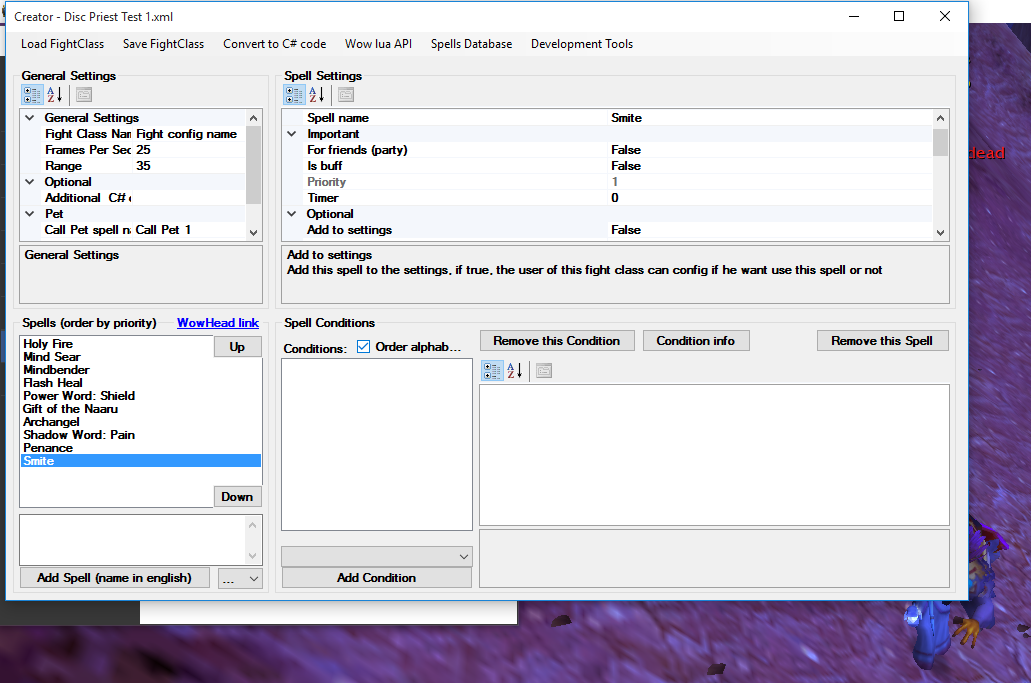
Okay so basic disc priest, if you want to add spells open in Tools > create fight class and add spell name with Correct spelling, this includes Capitals. Then from top being the last priority spell to bottom being first, assign it to the spot you want it, then you can add spell conditions if you please.


Thanks for looking, Hope you enjoy!

User Feedback

You may only provide a review once you have downloaded the file.

   1 of 1 member found this review helpful 1 / 1 member

So far no problems thank you very much for this love it so far.

Account

Navigation

Search

Search

Configure browser push notifications

Chrome (Android)
  1. Tap the lock icon next to the address bar.
  2. Tap Permissions → Notifications.
  3. Adjust your preference.
Chrome (Desktop)
  1. Click the padlock icon in the address bar.
  2. Select Site settings.
  3. Find Notifications and adjust your preference.