




What's New in Version 2.1.1
Released
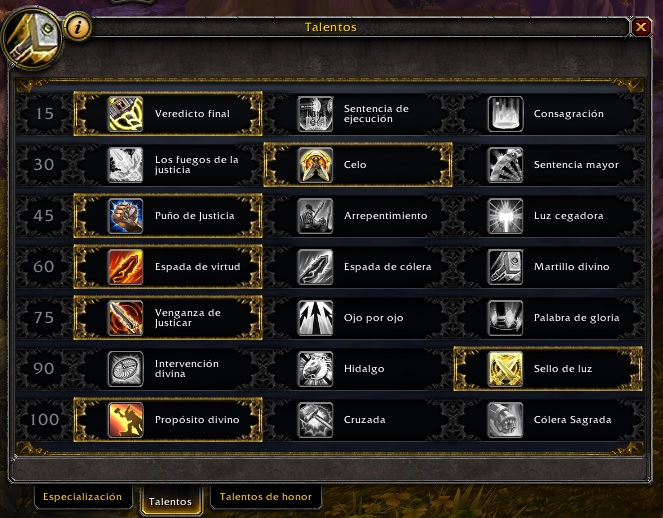
Added Zeal for some extra damage
Justicar's Vengeance when under 80% HP
Divine Storm replaces Templar's Verdict when 2 or more targets are close enough (won't use it if under 80% HP, will wait for Justicar's Vengeance instead)
Uploaded 2 profiles, the PvP one is the complete one and contains all the skills, the PvE one is a profile you can use to maximize the dps (does not uses some useful pvp to reduce global cooldown)
Both profiles include the new Artifact spell Wake of Ashes, bot uses it everytime the cooldown is up.
Make sure to manually update your talents!!!
11/09/2016 2.0 Profiles UPDATE!
Because of the Artifact weapon upgrade to the passive spell "Ashes to ashes" (which generates 5 holy power and leaves a DoT) I decided to change the priority of the spell Wake of Ashes to the very top to start combats with it if targets in range, but it WON'T be used if you already have 2 or more Holy Power, this way you won't be wasting that much holy power which will contribute to increase the DPS done.
Also I removed Avenging wrath from the Retribution PvE 2.0 Profile, that way you can save it and use it for boss encounters instead of wasting it on the trash
Any feedback will be welcome! Enjoy 

You may only provide a review once you have downloaded the file.