




Pickpocket-TombofLights.xml
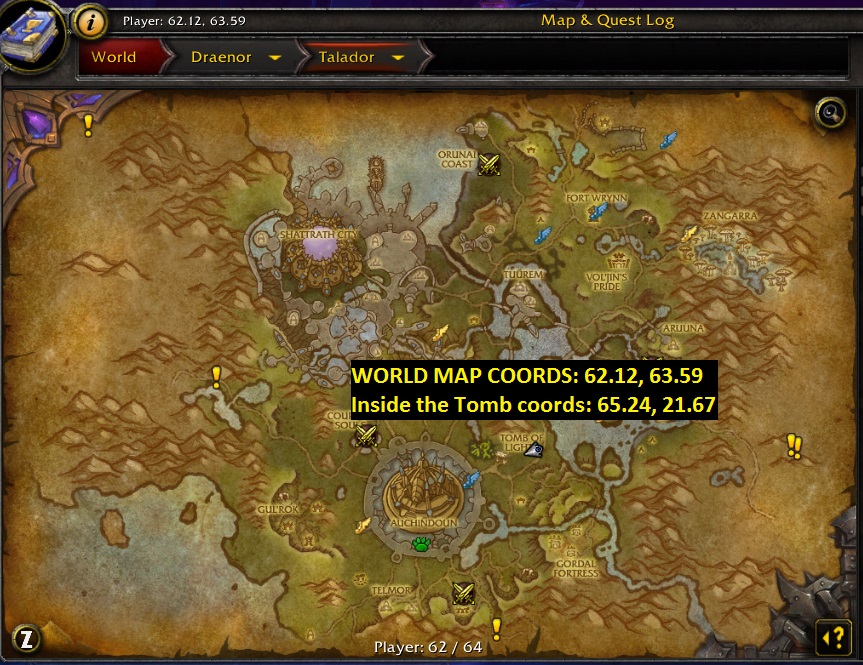
This profile needs to be placed in the QUESTER folder and treated as a questing profile. You will make your way into Talador on Draenor, and over to the Tomb of lights. Once downstairs, enter the room on the left and head back to coords: 65.24, 21.67 or the coords shown on the map below. You will need to stand in that specific spot to easily reach 3 out of 5 combat spots. While they are distracted, you will pick their pockets.
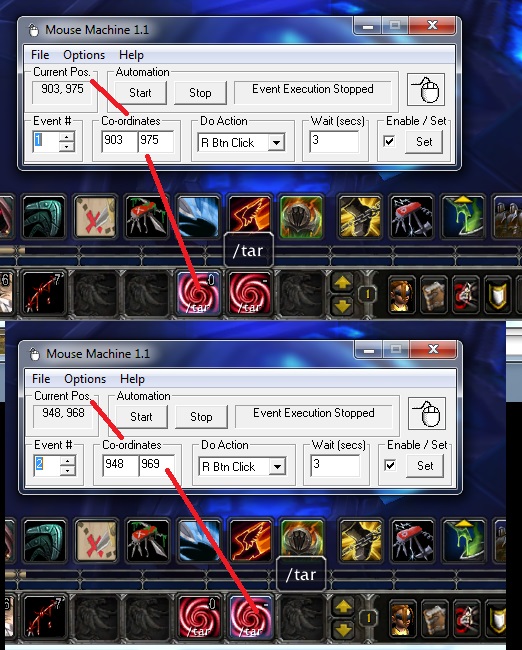
IMPORTANT: In order for this to work without a problem, you need a mouse sim of some sort. I use Mouse Machine. It allows me to click on specific axis and radius locations, and at specific intervals. This allows me to trigger the /target Shadow Infiltrator and /target Shadow Pillager. See the image below on how the macros are placed on the bar and how to see the coords. Once you have the Mouse Machine set to click each button every 3 seconds, start the bot, and then the mouse sim. As you can see in the other image, in 20 seconds, I cleared multiple items. I made almost 100k gold in just 3 hours.
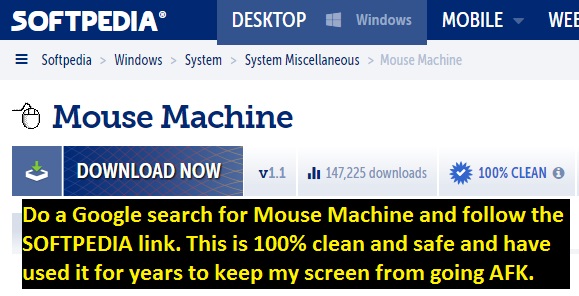
Link to Mouse Machine for Windows

You may only provide a review once you have downloaded the file.
There are no reviews to display.