JAICA
Members
-
Joined
-
Last visited
Everything posted by JAICA
-
Thanks it worked!
-
ok i'll try. im in Firestorm
-
30 May 2018 12H51.log.html
-
yes. I install 5.4.8
-
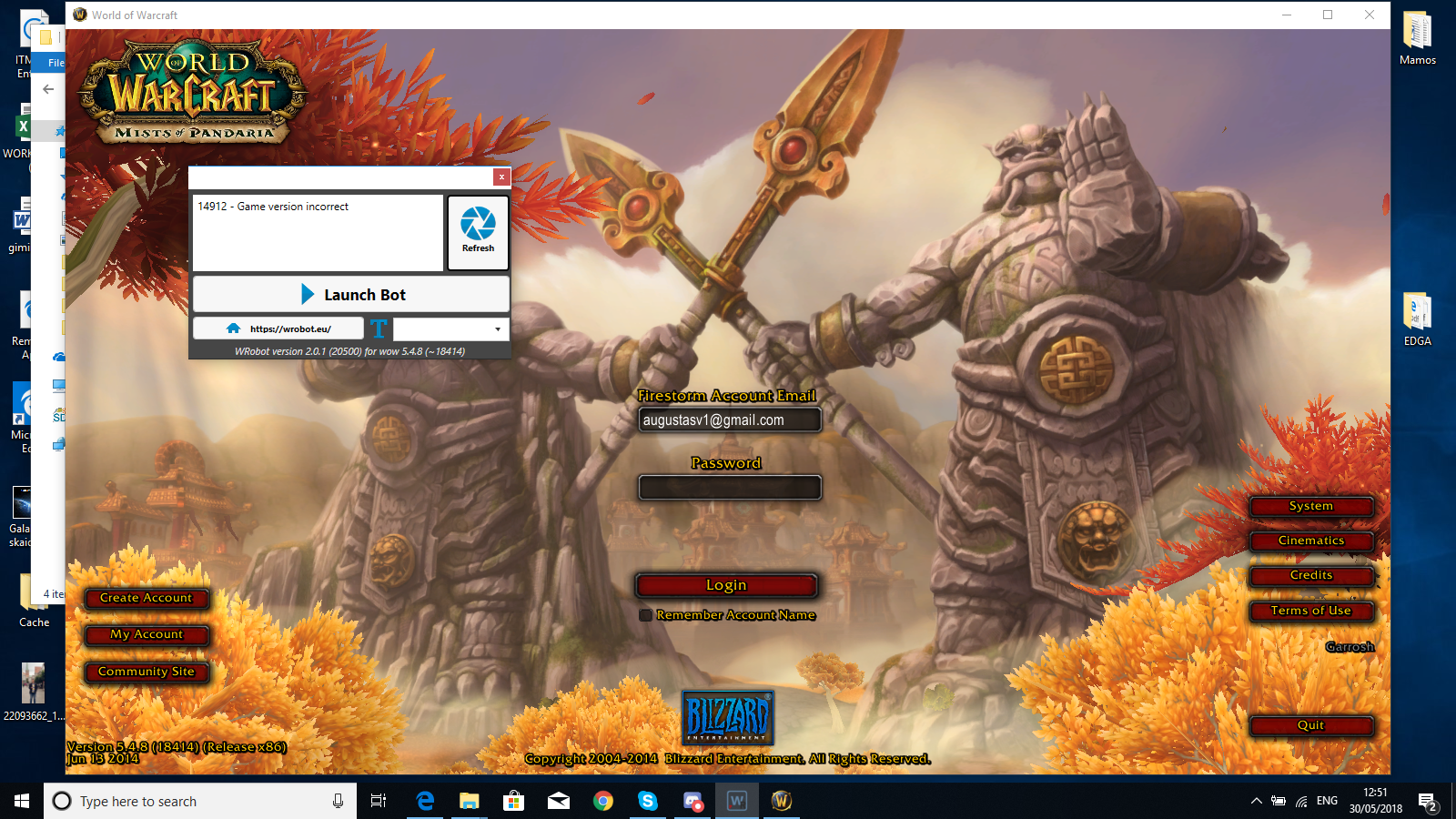
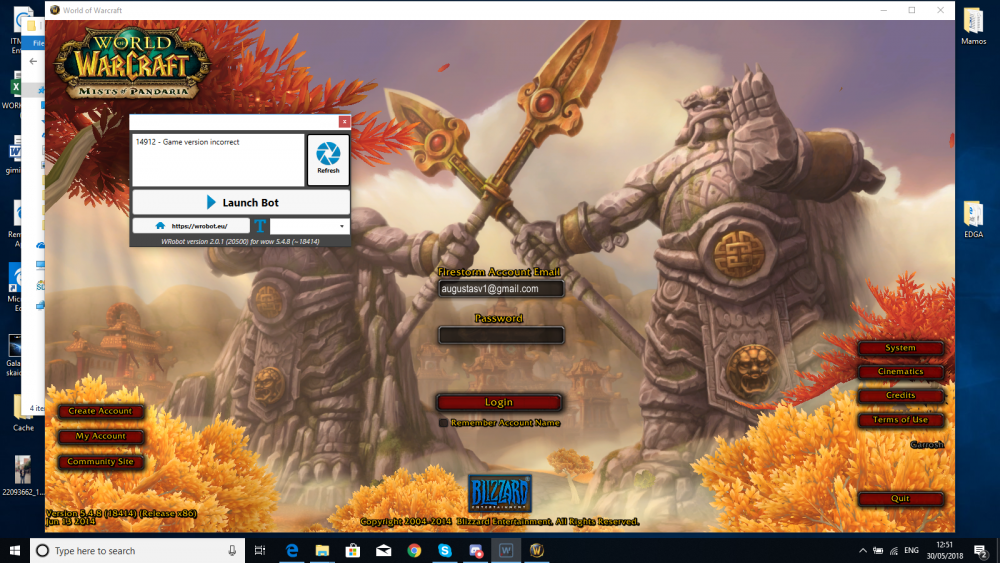
Hello everybody. I recently bought a 3day trial and I cant manage to start the bot, ive tried launching it in 32bit windowed mode, everything LITERALY. Ive downloaded the bot like 100 times still nothing. It says that it dosent support my game version (mop 5.4.8) please help!
-
could I get some help thourgh skype then? it dosent seem to work for me..
-
does this work in private servers? since ur answer didint answer my problem.
-
I did that too, didint help
-
Hi im trying to play in Firestrom private mop server. I updated my launcher to the version 5.4.8 but when I start wow WRobot says its the wrong version.. What do I do?
-
Im new here but since i am playing in 4.3.4 Cataclysm i want to ask u guys, is there any way i could downgrade the wrobot to my version? If yes then how? :OO Thank you.