




psunseri
Members
-
Joined
-
Last visited
-
RESOLVED!!! Any other mac users using virtualization, make sure you install the folder for wrobot within the virtual machines local disc
-
Hello, As shown below, the bot successfully launches for me but the 'Product Settings' tab is blank. I've updated all of the dependencies, completely uninstalled wrobot and re-installed, ensured that it's running as an administrator, disabled firewall, updated setting in compatibility and still no luck. Screens and log posted below: Setup: Running Parallels on a Mac to run Windows. Running 64 bit version of Windows 10. Attempting to play on Elysium vanilla WoW 20 May 2018 13H19.log.html
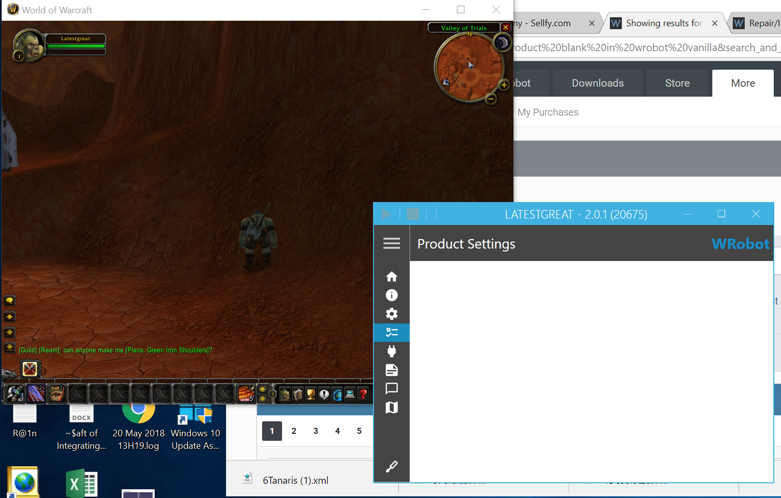
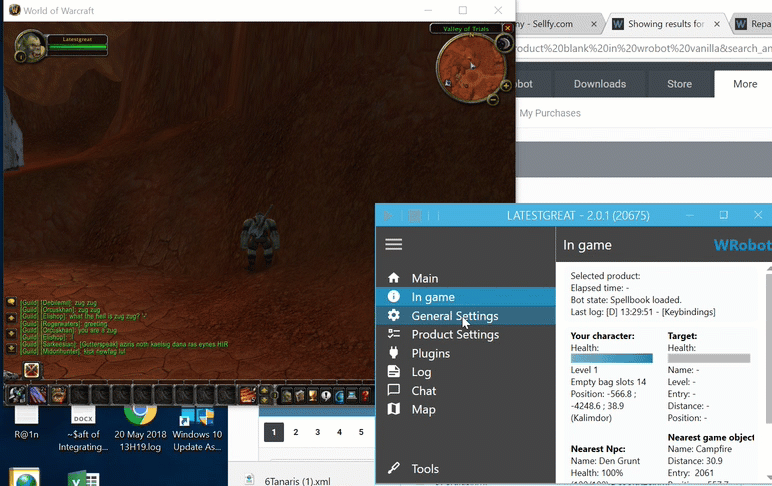
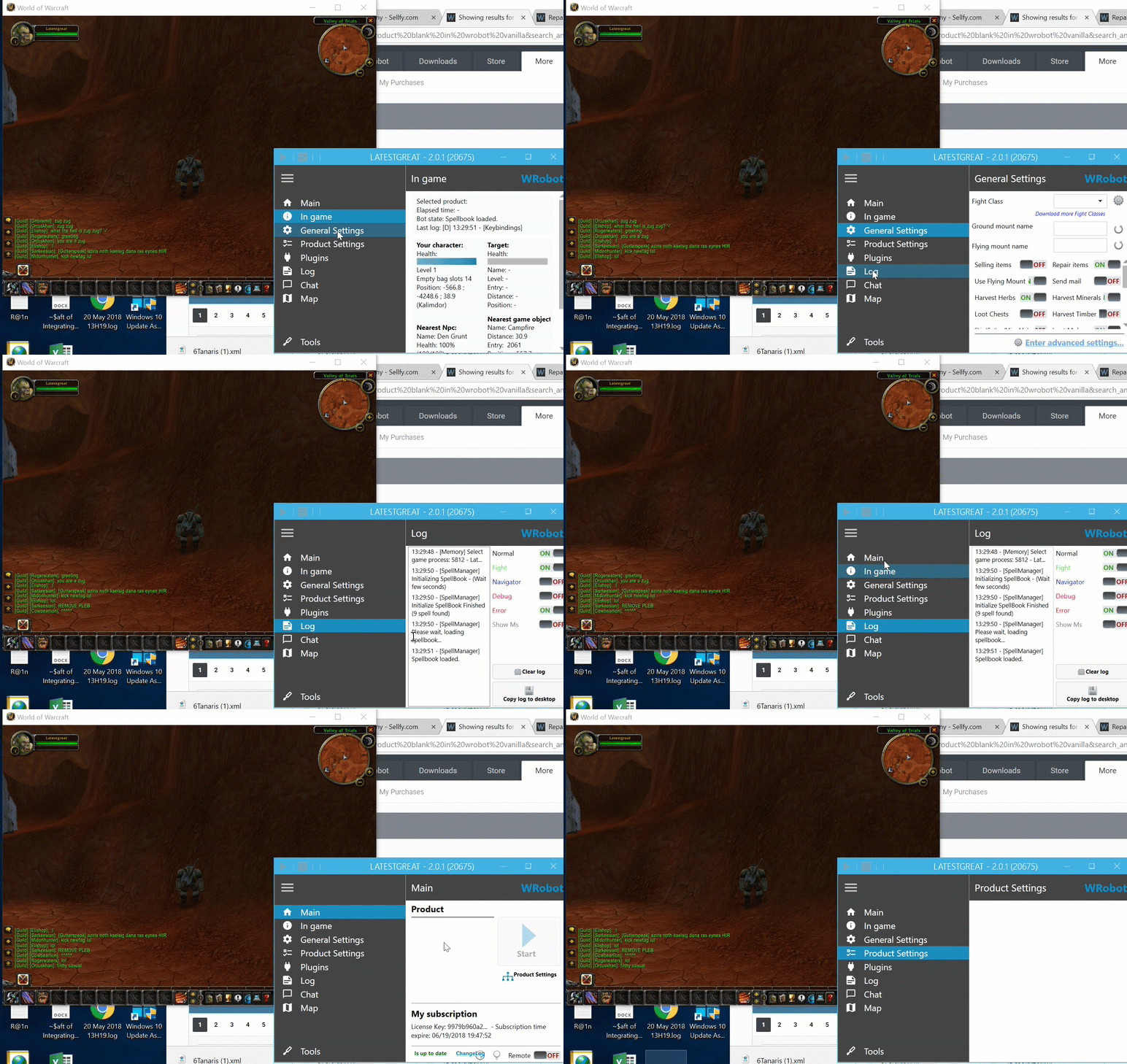
-
Hi Syn, If you're wanting someone to provide you better support, you'll need to provide more information so the community can diagnose/reproduce/resolve your errors. Describe your system and the steps you're taking to reach the updater application not responding please.