



Skip to content
View in the app

A better way to browse. Learn more.

WRobot

A full-screen app on your home screen with push notifications, badges and more.

To install this app on iOS and iPadOS
  1. Tap the Share icon in Safari
  2. Scroll the menu and tap Add to Home Screen.
  3. Tap Add in the top-right corner.
To install this app on Android
  1. Tap the 3-dot menu (⋮) in the top-right corner of the browser.
  2. Tap Add to Home screen or Install app.
  3. Confirm by tapping Install.

jason.callahan92

Members
  • Joined

  • Last visited

  1. Is there anyway to get the BOT to work for the Legion Beta?
  2. Ok, so earlier i posted about WRobot not loading any Fight Classes. Well, finally got that to work. I let it farm for awhile and eventually i stopped it. well now im trying to farm BGs. and the second i load into the bot, my game client closes and cant figure out why. ive already re-installed the Bot several time.
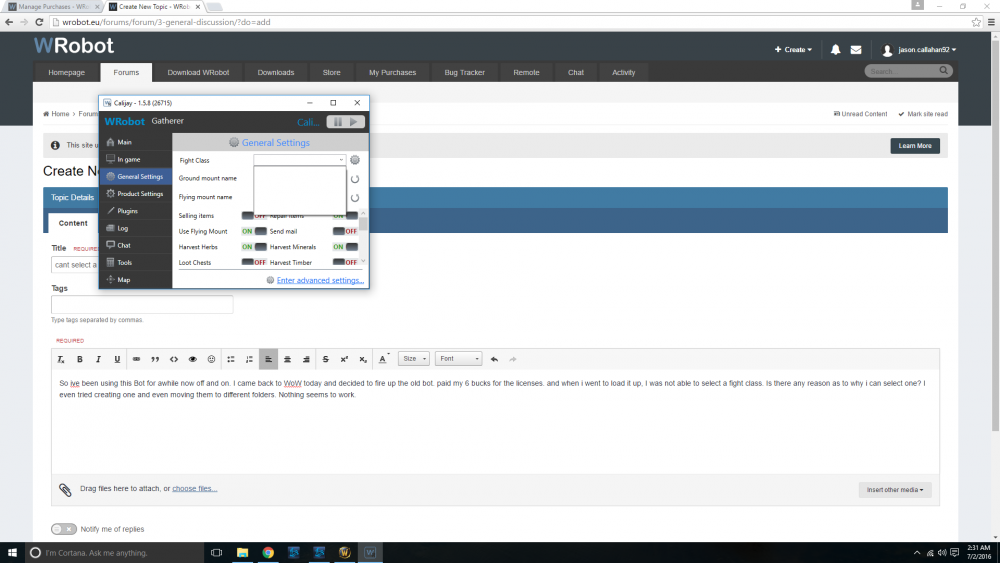
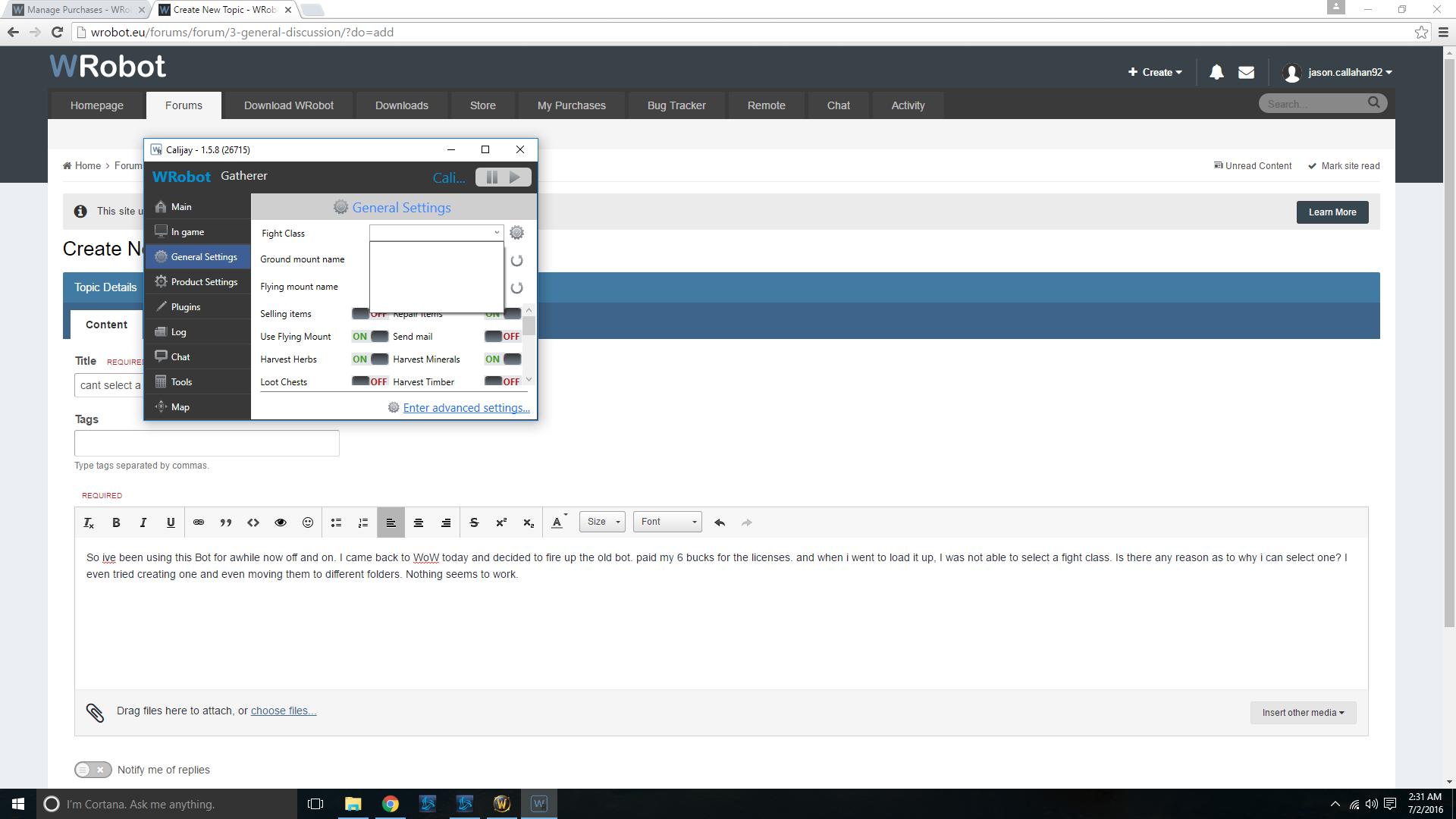
  3. So ive been using this Bot for awhile now off and on. I came back to WoW today and decided to fire up the old bot. paid my 6 bucks for the licenses. and when i went to load it up, I was not able to select a fight class. Is there any reason as to why i can select one? I even tried creating one and even moving them to different folders. Nothing seems to work.
Account

Navigation

Search

Search

Configure browser push notifications

Chrome (Android)
  1. Tap the lock icon next to the address bar.
  2. Tap Permissions → Notifications.
  3. Adjust your preference.
Chrome (Desktop)
  1. Click the padlock icon in the address bar.
  2. Select Site settings.
  3. Find Notifications and adjust your preference.