Skip to content
View in the app

A better way to browse. Learn more.

WRobot

A full-screen app on your home screen with push notifications, badges and more.

To install this app on iOS and iPadOS
  1. Tap the Share icon in Safari
  2. Scroll the menu and tap Add to Home Screen.
  3. Tap Add in the top-right corner.
To install this app on Android
  1. Tap the 3-dot menu (⋮) in the top-right corner of the browser.
  2. Tap Add to Home screen or Install app.
  3. Confirm by tapping Install.

xiaonan

Members
  • Joined

  • Last visited

Everything posted by xiaonan

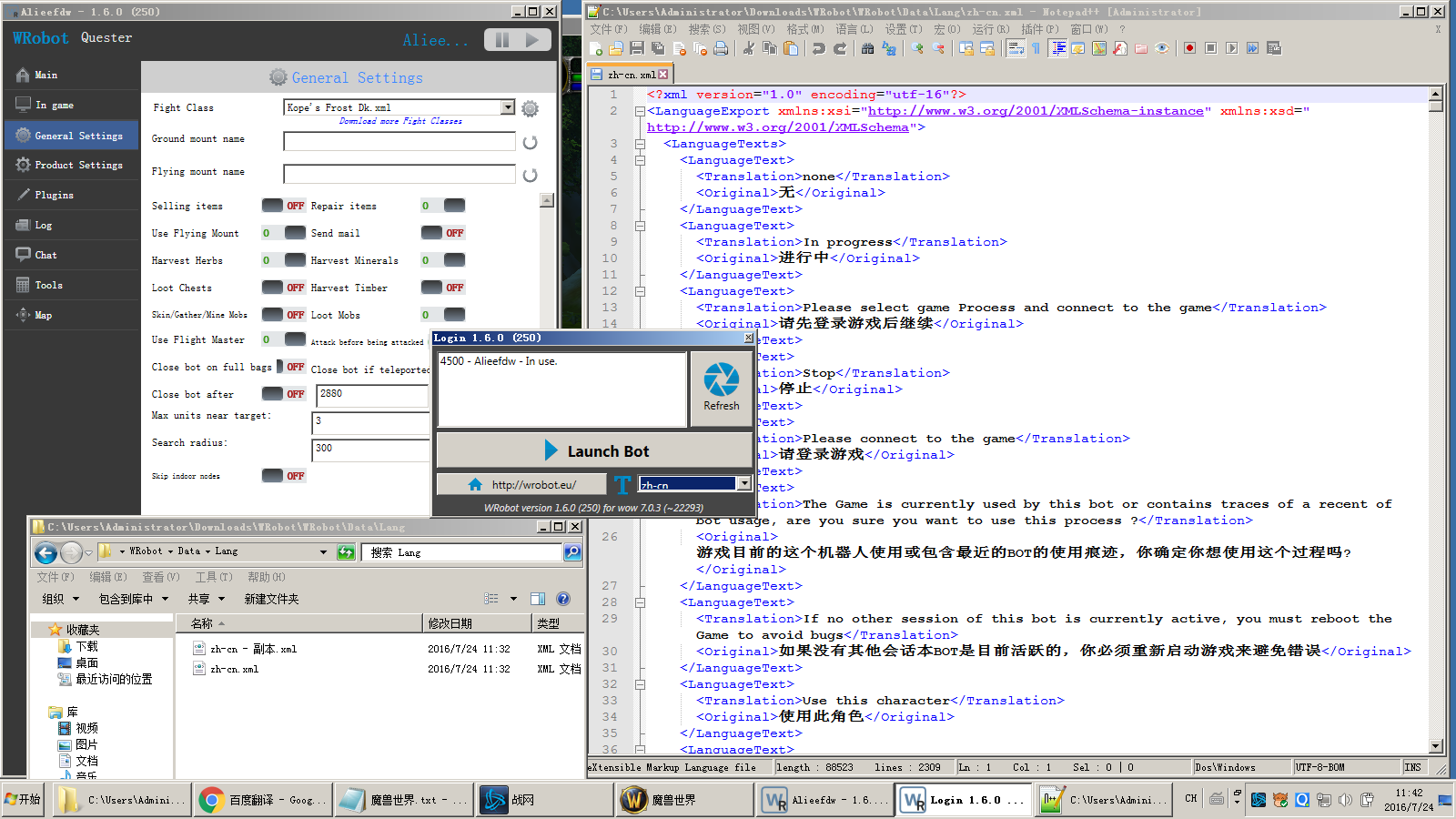
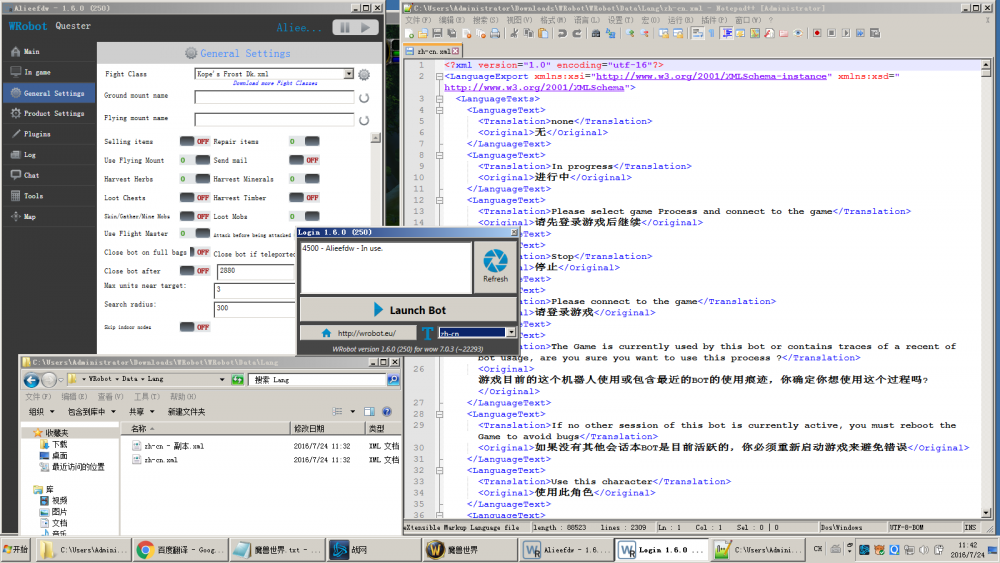
  1. Why does the translation file not work?
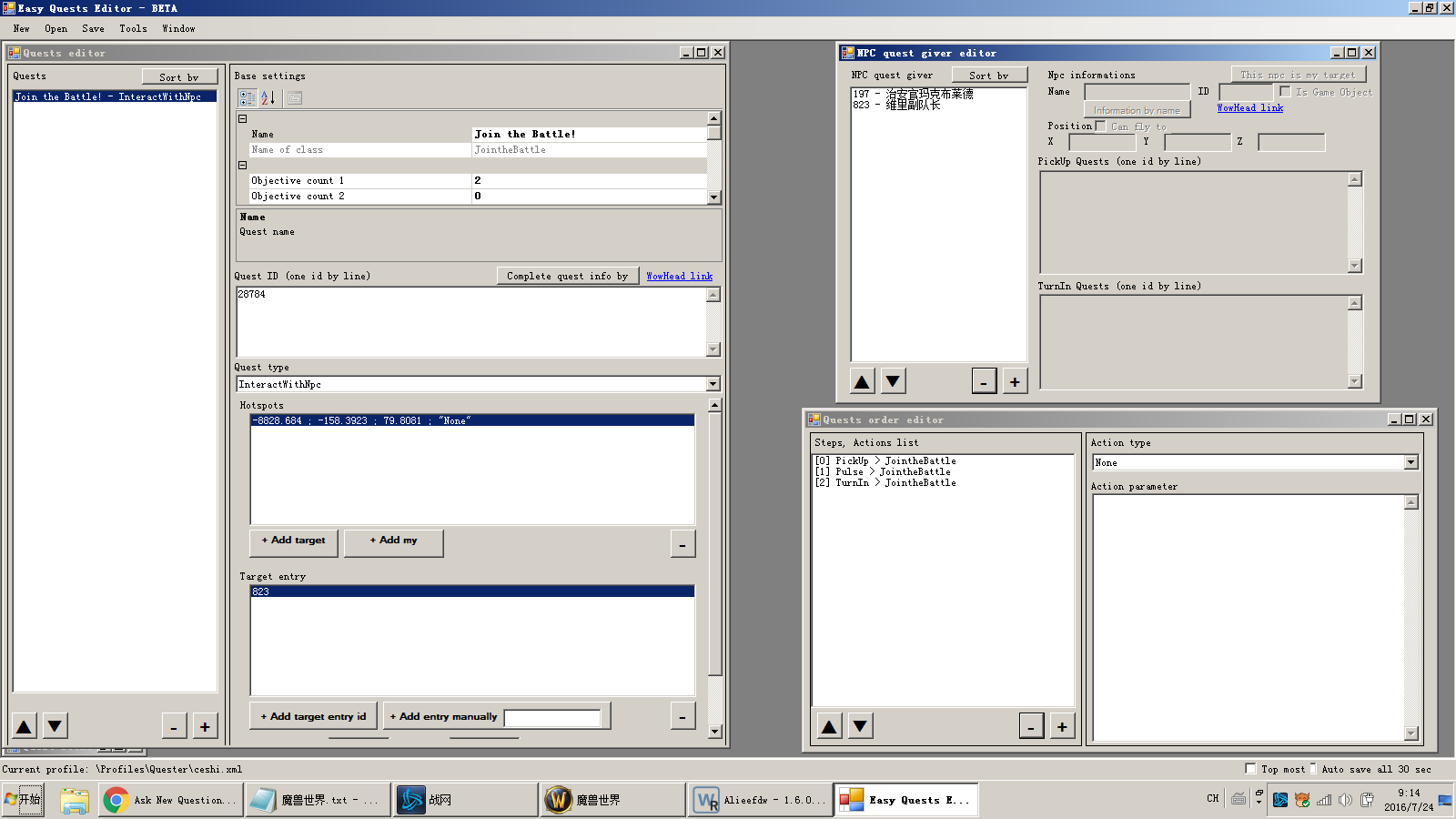
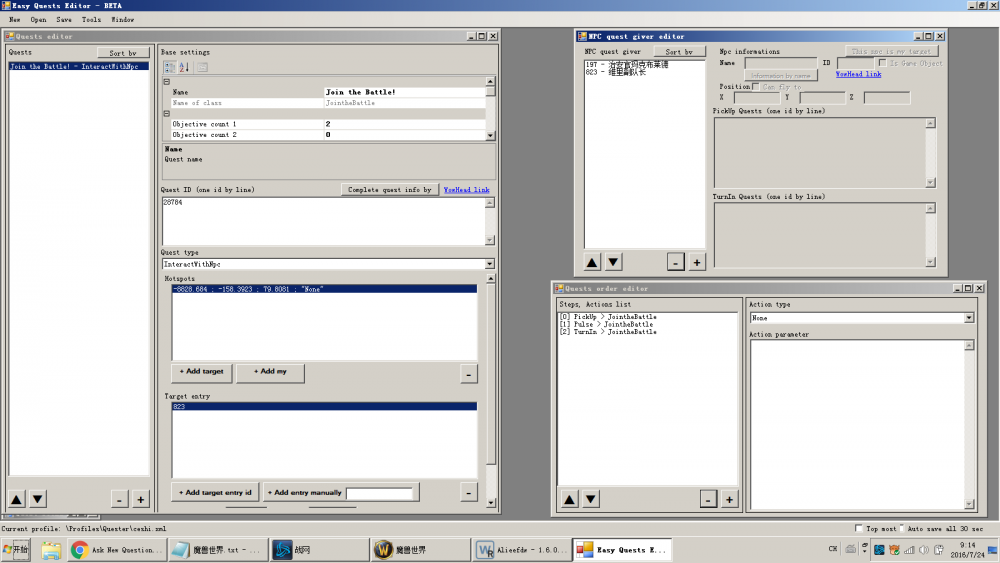
  2. As the figure, my task can receive tasks, and then go to the target NPC, but will not complete the task, I would like to ask how to set?
  3. I do not know whether to support the honorbuddy script?
  4. Because the English interface can not see how to understand, so temporarily unable to write their own script.
  5. Is there a complete 1-90 or 1-100 task script? I look at the site is the need to change the way.
  6. Can be grateful
  7. Hunter professional download 1.0.0 Myfirsttry can you?
  8. Now is running, but is not the use of skills, but to take weapons to fight, why?
  9. Software interface can support Chinese? Less likely to use, researchers are still unable to start a morning.

Account

Navigation

Search

Search

Configure browser push notifications

Chrome (Android)
  1. Tap the lock icon next to the address bar.
  2. Tap Permissions → Notifications.
  3. Adjust your preference.
Chrome (Desktop)
  1. Click the padlock icon in the address bar.
  2. Select Site settings.
  3. Find Notifications and adjust your preference.