Kedaru
Members
-
Joined
-
Last visited
-
I buy one mounth in 02/21/18 and expires in 03/21/2018. i don´t use. i need help
-
Yes, I deleted it and reinstalled it in a new folder. I installed the version already installed, in the WRBot donwloads folder. I installed it on the pendrive. in all gave the same problem. I do not know what I can do more ... Sorry for bad english, and thanks.
-
ok, Fresh logs. 3 mar 2018 13H10 - xfsUWf.log.html 3 mar 2018 13H10.log.html 3 mar 2018 17H30 - jaywAPR.log.html 3 mar 2018 17H30.log.html
-
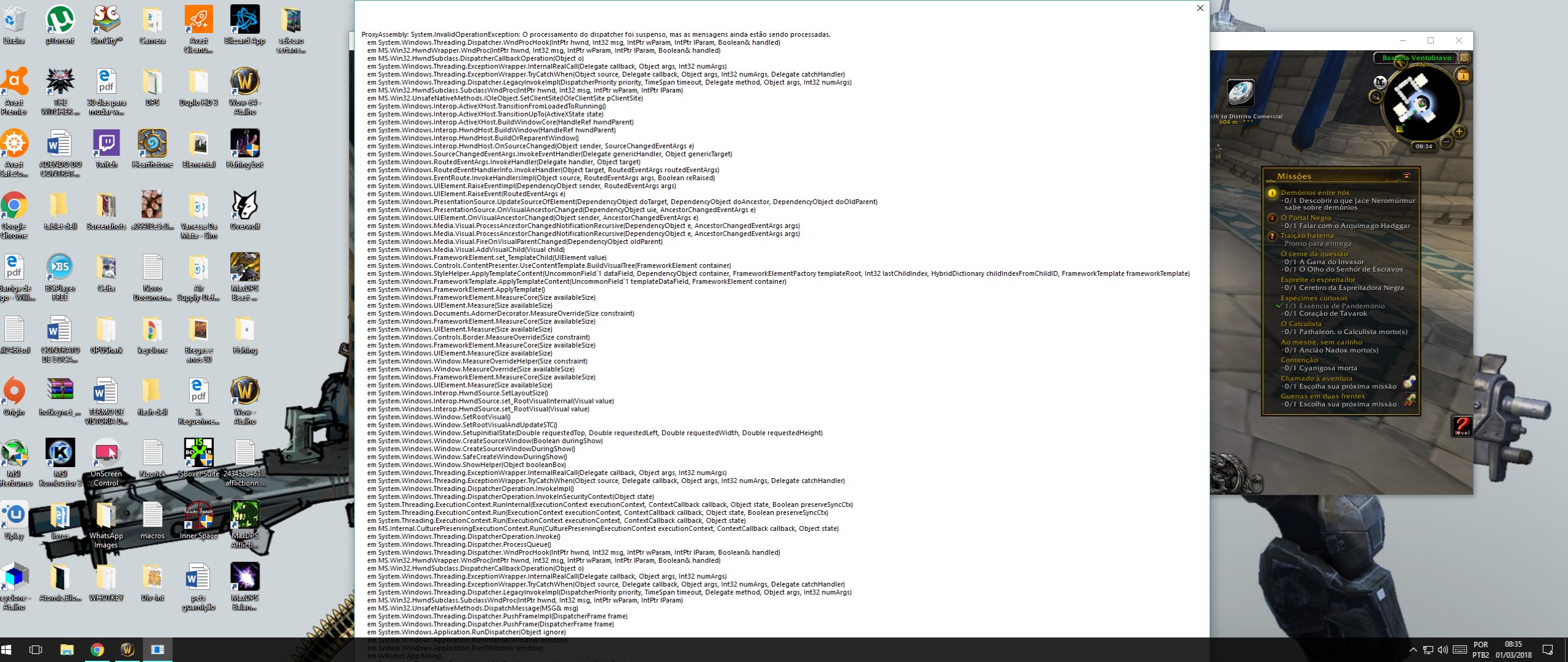
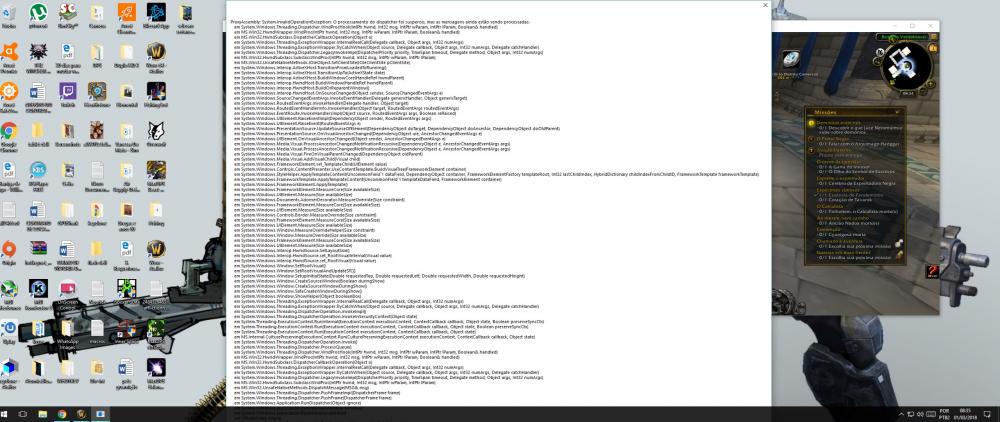
I need help, I am not able to open 32bit WRobot, there is another way to make it work. I am using WOW.exe and renamed the wow64 file. but I can not get it to work. before the update was able to use it. thank you
-
Boas galera. Venho do HB e estou com umproblema. o bot funciona, mas quando fecho o wrobot, mudo a conta do wow, ele não abre mais nem ferrando, preciso desligar o pc e ligar novamente, só dae ele volta a funcionar, mas se deslogo ou fecho acontece a mesma coisa. alguem poderia me ajudar. Valeu