




Drimacus
Members
-
Joined
-
Last visited
-
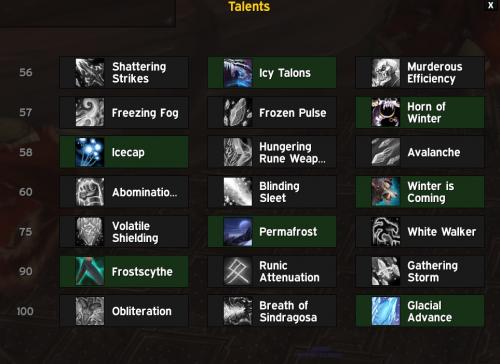 Hi i startet to work on some more things on the Rotaion of this Profile. Works so fine but some thing should be changed or be as an option. 1. Howling Blast should be the First attack allways 2. Sindragosas Fury should be castet if 5 stacks of Razorize on the target at beginning of the fight it could be optional maybe 3, More then 3 Targets Frostscyte and Clacial Avalance are spammed no more Obliberate dont know if you can manage that
- 3 comments
- 1 review