ignant_games
Members
-
Joined
-
Last visited
Everything posted by ignant_games
-
bump to correct
-
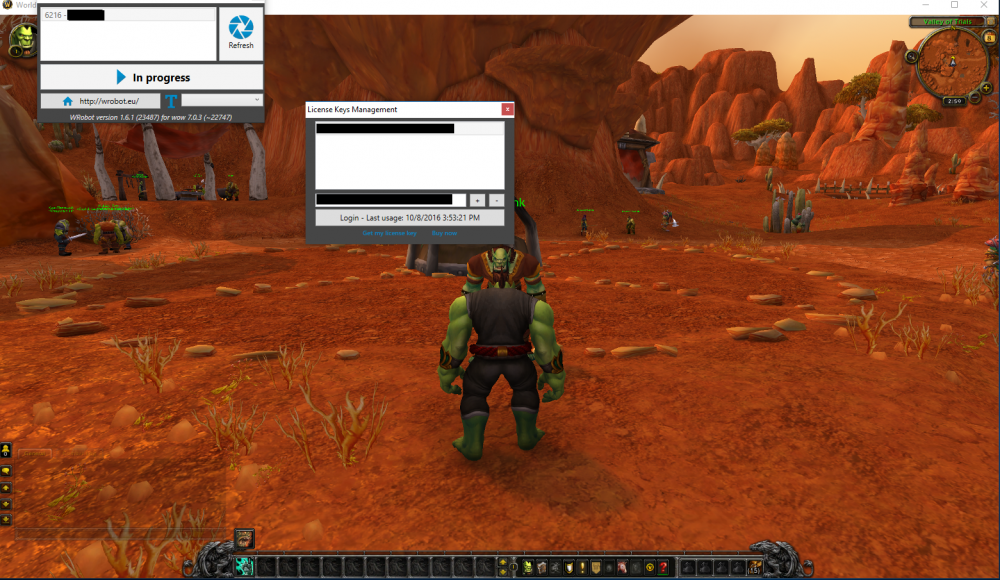
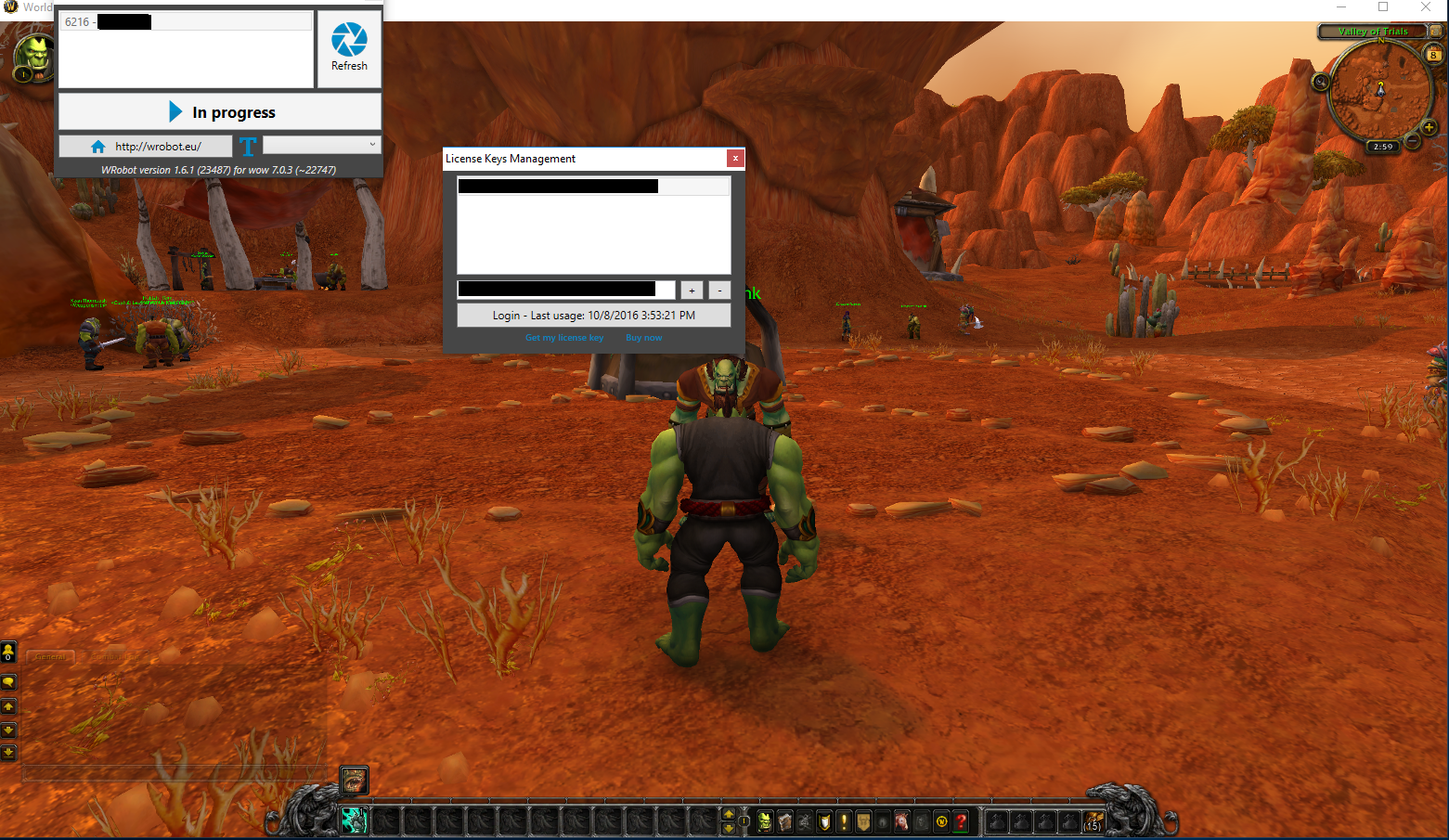
I have done all steps in the http://wrobot.eu/forums/topic/1381-repairinstall-wrobot/#comment-966 , I have also viewed others issues and have not seen a fix for what I am dealing with. I am running wow in 32bit selecting it from the Battle.net app and by navigating to the wow folder to launch as 32. When i have it all set up and select login, it closes out wow and does not bring it back.. I have attached log and image..8 Oct 2016 16H07.log.html [D] 16:07:06 - [Info] Log file created: 8 Oct 2016 16H07.log.html [D] 16:07:06 - [Info] WRobot Version: 1.6.1 (23487) for wow: 7.0.3_22747 [D] 16:07:06 - [Info] Offical website: http://wrobot.eu/ [D] 16:07:06 - [Info] Operating System Details: Microsoft Windows NT 6.2.9200.0 [D] 16:07:06 - [Info] Lang: English (United States) [F] 16:07:07 - [Memory] D3D9 found: 6A 20 B8 89 78 D 69 E8 9E 97 [F] 16:07:07 - [Memory] D3D11 found: 8B FF 55 8B EC 83 EC 58 A1 14 [D] 16:07:07 - [Memory] D3D11 used [E] 16:07:13 - wManager > Pulstator > Pulse(int processId, string secretKey): System.ComponentModel.Win32Exception (0x80004005): A 32 bit processes cannot access modules of a 64 bit process. at System.Diagnostics.NtProcessManager.GetModuleInfos(Int32 processId, Boolean firstModuleOnly) at System.Diagnostics.NtProcessManager.GetFirstModuleInfo(Int32 processId) at System.Diagnostics.Process.get_MainModule() at MemoryRobot.Memory.FindPattern(String szPattern, String szMask) at MemoryRobot.Memory.FindPattern(String pattern) at wManager.Wow.Memory.GetOffset(String pattern, Int32 position, Boolean isFunction, Boolean rebase, Memory memory) at wManager.Wow.Patchables.DenihuahoisWanoetolu.FunctionWow.Initialize() at wManager.Pulsator.Pulse(Int32 processId, String secretKey) 16:07:13 - [Memory] Select game process: 5220 - Mon...