manny80
Members
-
Joined
-
Last visited
Everything posted by manny80
-
After Update from priv server, to wow version 7.3.5 (26365) i have the same problems.... he dont join the q for battlefield ( BG) the other thing are, it is not possible to edit the file with Dnspy. what can i do , anyone can help me ? wrobot i just use for bg at priv server but it dont work ...
-
i dont no what i can do more, but w robot battlegrounder dont work after firestorm update 7.3.5 (26365) he q up but dont join. The same shit was with 7.1.5 and i resolved this with one auto mous klicker how accept q. But now when popup q is not possible to join the bg.... anyone can help me or hae the same problems ? i dont no why i pay for this when not work
-
with 2.1.0 plugin not work. he dont aceppt q and bring me when i enable thee plugin an error popup :/
-
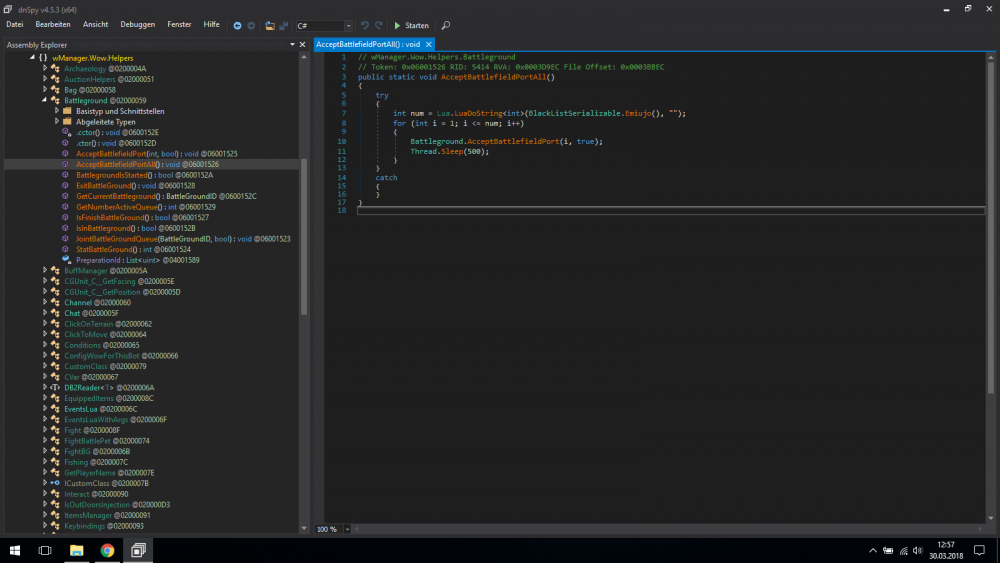
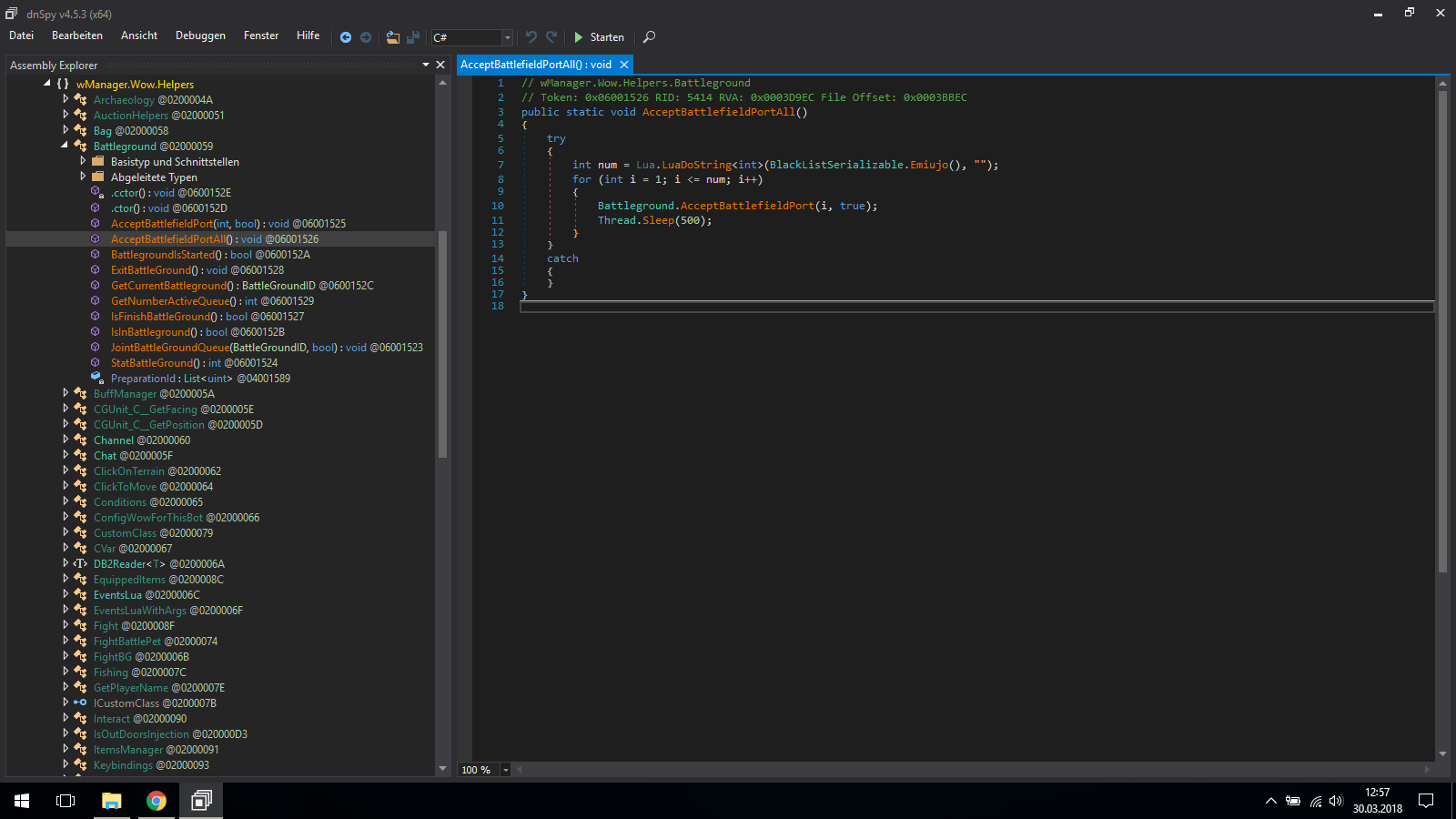
You mean the line 10 from my screenshot? i have do this, and now is so, q pops up but he dont join. but it is now possible to accept manual. i have try the plugin Battlegrounder helper plugin but when i enable it and start the bot he crash all ps: is for 7.1.5 priv server ( firestorm)
-
Ok, is it possible to send me a screenshot what exakly you mean?
-
i dont became it to run. He dont join the q. And then he have desartour. Help me pls