Skip to content
View in the app

A better way to browse. Learn more.

WRobot

A full-screen app on your home screen with push notifications, badges and more.

To install this app on iOS and iPadOS
  1. Tap the Share icon in Safari
  2. Scroll the menu and tap Add to Home Screen.
  3. Tap Add in the top-right corner.
To install this app on Android
  1. Tap the 3-dot menu (⋮) in the top-right corner of the browser.
  2. Tap Add to Home screen or Install app.
  3. Confirm by tapping Install.

Sayukki

Members
  • Joined

  • Last visited

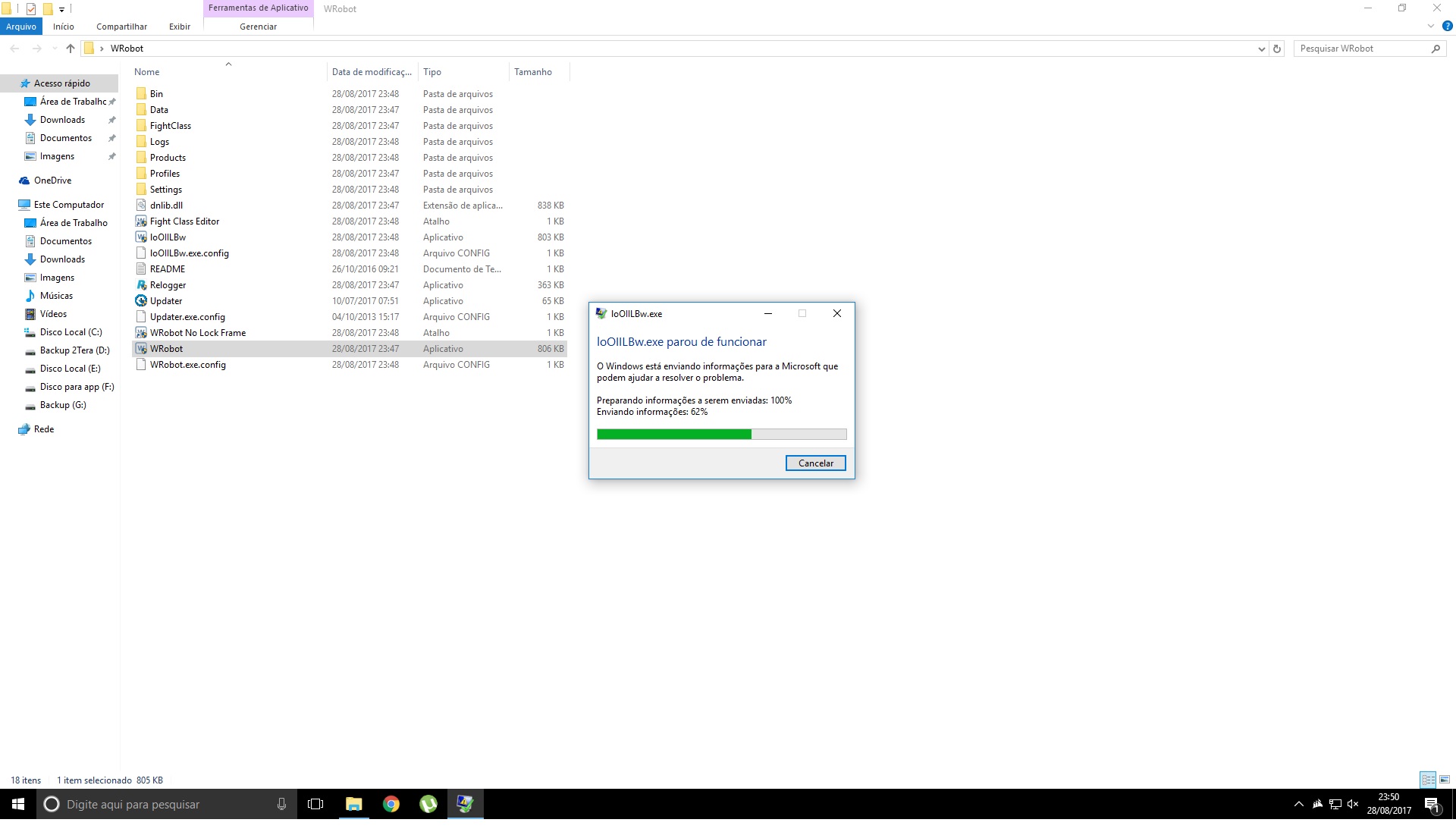
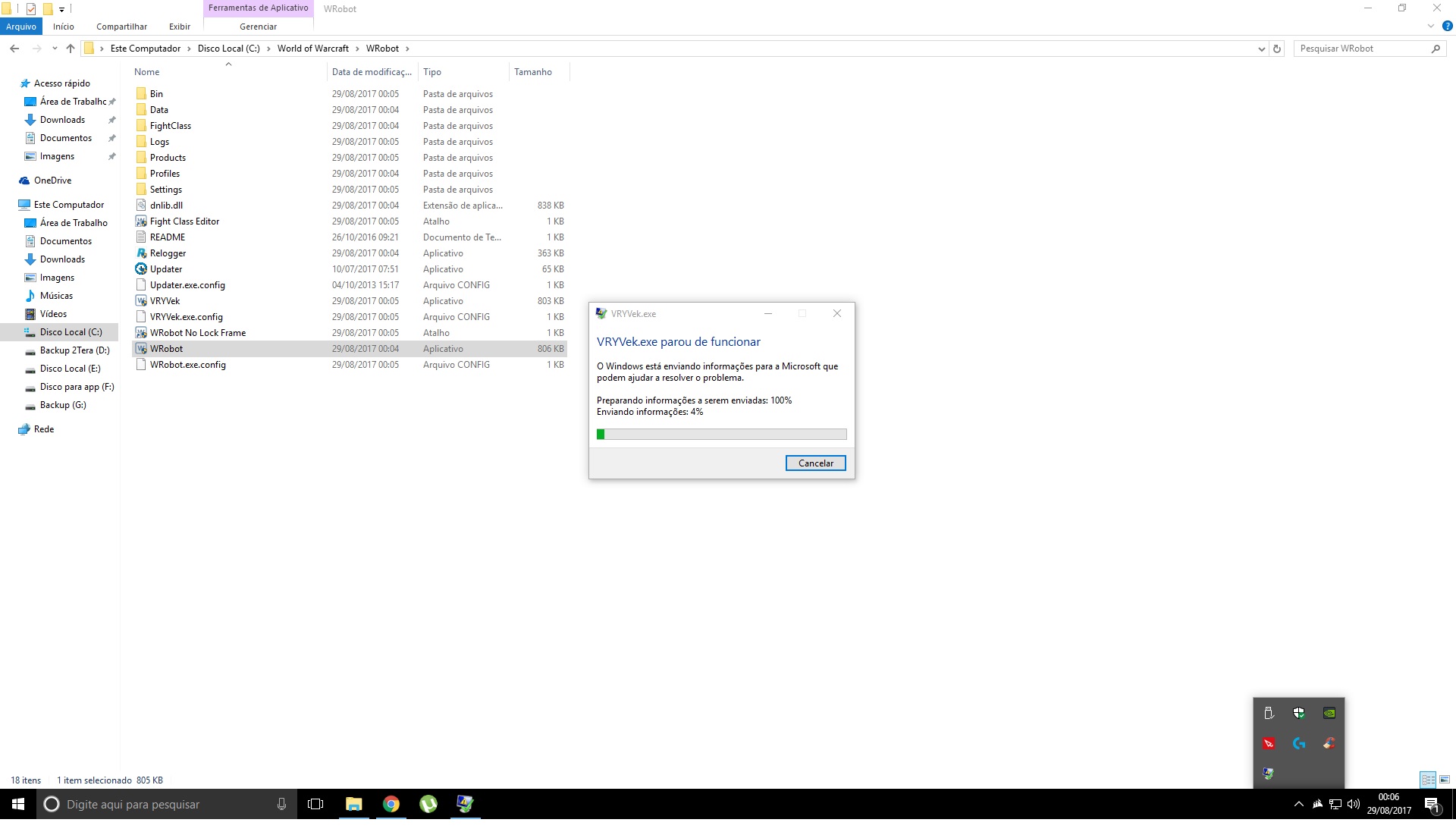
  1. I already uninstalled and downloaded the full package but the same error occurs, "X" program stops working. If you see the images each one presents different names for program with error. And every time I install the name changes. IoOIILBw.exe VRYek.exe .... .... ... For all your questions the answer is "yes" Please help me!
  2. I still have the same problem. 29 ago 2017 08H49.log.html 29 ago 2017 08H50.log.html
  3. I did everything as the manual says and downloaded all the programs but I can not make it work.

Account

Navigation

Search

Search

Configure browser push notifications

Chrome (Android)
  1. Tap the lock icon next to the address bar.
  2. Tap Permissions → Notifications.
  3. Adjust your preference.
Chrome (Desktop)
  1. Click the padlock icon in the address bar.
  2. Select Site settings.
  3. Find Notifications and adjust your preference.