




fihuvwix
Members
-
Joined
-
Last visited
Everything posted by fihuvwix
-
Both are already installed, I have a newer version of C++ is what is says when I click that download link. I also already tried repairing slimdx. "[E] 04:23:58 - System.ComponentModel.Win32Exception (0x80004005): Invalid window handle [E] 04:23:59 - System.ComponentModel.Win32Exception (0x80004005): Invalid window handle [E] 04:24:00 - System.ComponentModel.Win32Exception (0x80004005): Invalid window handle [E] 04:24:00 - System.ComponentModel.Win32Exception (0x80004005): Invalid window handle [E] 04:24:01 - System.ComponentModel.Win32Exception (0x80004005): Invalid window handle [E] 04:24:01 - System.ComponentModel.Win32Exception (0x80004005): Invalid window handle [E] 04:24:02 - System.ComponentModel.Win32Exception (0x80004005): Invalid window handle [E] 04:24:02 - System.ComponentModel.Win32Exception (0x80004005): Invalid window handle [E] 04:24:03 - System.ComponentModel.Win32Exception (0x80004005): Invalid window handle [E] 04:24:03 - System.ComponentModel.Win32Exception (0x80004005): Invalid window handle"
-
happening all the time help please, also bot goes afk and then not afk over and over? is there a fix for this? last question, is there a way to make the bot attack hostiles BEFORE neutrals as to not pull 2 mobs for no reason? I have tried everything... thanks for any help. run bot in NO DX mode and still happens, user account control is off 1.12 vanilla wow bot
-
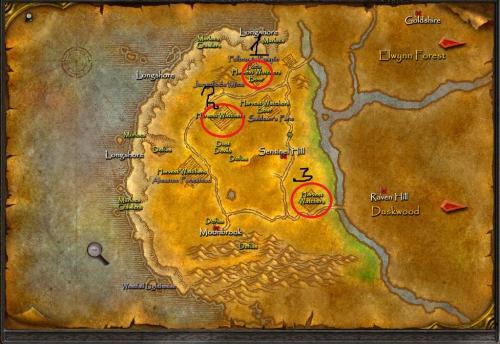 This didn't work at all, fighting level 14 mobs in an over populated at level 10 doesn't even work as a lock with a pet. Terrible