Skip to content
View in the app

A better way to browse. Learn more.

WRobot

A full-screen app on your home screen with push notifications, badges and more.

To install this app on iOS and iPadOS
  1. Tap the Share icon in Safari
  2. Scroll the menu and tap Add to Home Screen.
  3. Tap Add in the top-right corner.
To install this app on Android
  1. Tap the 3-dot menu (⋮) in the top-right corner of the browser.
  2. Tap Add to Home screen or Install app.
  3. Confirm by tapping Install.

sauce

Members
  • Joined

  • Last visited

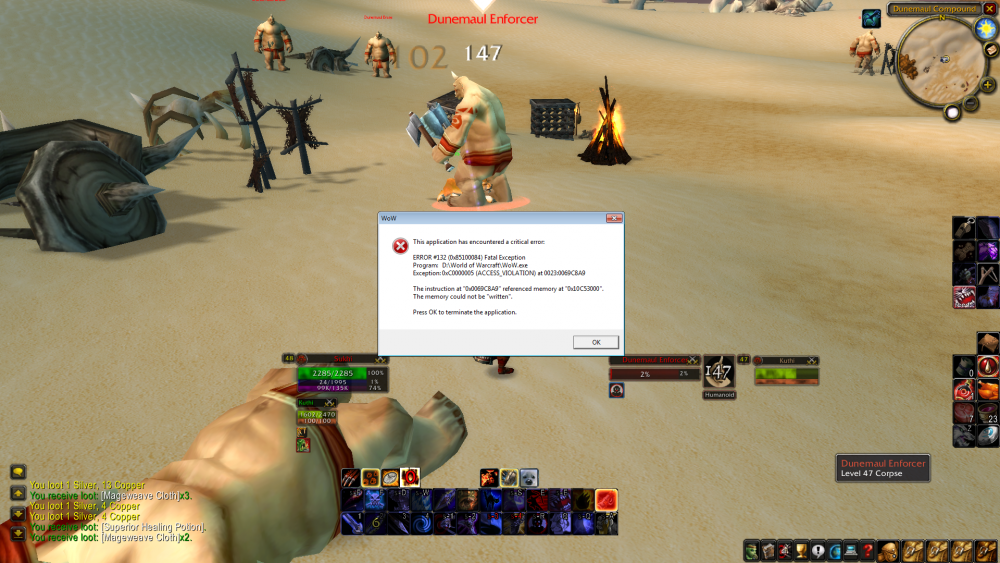
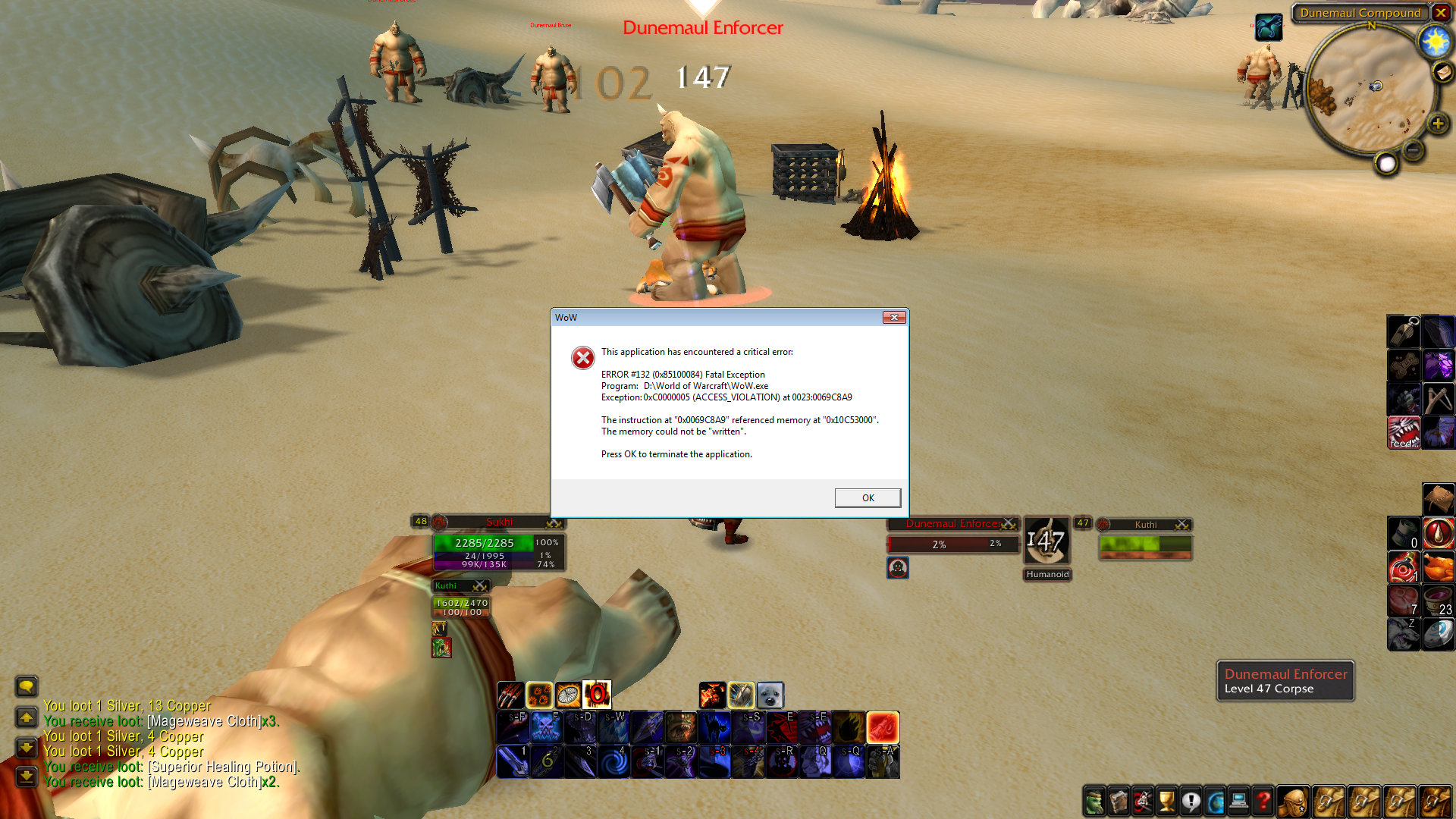
  1. Hello, Recently wow has been crashing and I'm wondering if it is related to the bot. Log Says: [E] 08:11:12 - !Memory.IsProcessOpen
  2. Thank you Ordush. This works.
  3. Ok. Well I've also made a macro in the game: feedpet /run local c=CastSpellByName;if GetPetHappiness()~=nil and GetPetHappiness()~=3 then c("Feed Pet");PickupContainerItem(0,1) end Clicking this macro works and feeds the pet. When I use RunMacroText("/cast feedpet"); This also doesn't work. Am I doing something wrong or does this method also not work in Vanilla?
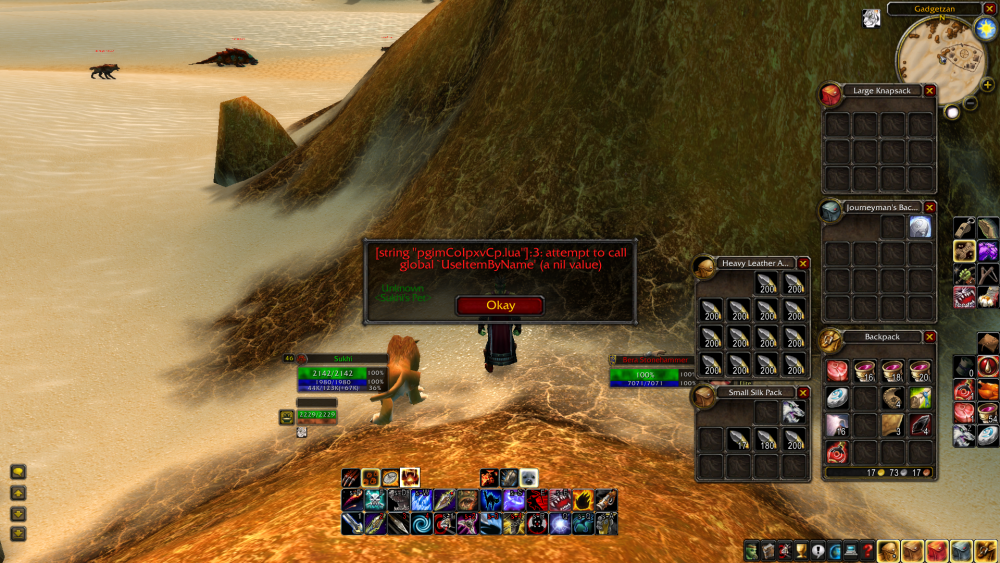
  4. I've been trying for a while now on how to get the bot to feed my hunters pet. I've tried the following spell and keep getting an error. if GetPetHappiness() < 3 then CastSpellByName("Feed Pet") UseItemByName("FoodName") end
Account

Navigation

Search

Search

Configure browser push notifications

Chrome (Android)
  1. Tap the lock icon next to the address bar.
  2. Tap Permissions → Notifications.
  3. Adjust your preference.
Chrome (Desktop)
  1. Click the padlock icon in the address bar.
  2. Select Site settings.
  3. Find Notifications and adjust your preference.