Skip to content
View in the app

A better way to browse. Learn more.

WRobot

A full-screen app on your home screen with push notifications, badges and more.

To install this app on iOS and iPadOS
  1. Tap the Share icon in Safari
  2. Scroll the menu and tap Add to Home Screen.
  3. Tap Add in the top-right corner.
To install this app on Android
  1. Tap the 3-dot menu (⋮) in the top-right corner of the browser.
  2. Tap Add to Home screen or Install app.
  3. Confirm by tapping Install.

Azaza31

Members
  • Joined

  • Last visited

  1. Do u have some good fight profiles on frost mage vanilla ? I can buy It!
  2.    Azaza31 reacted to a post in a topic: Buff myself mage
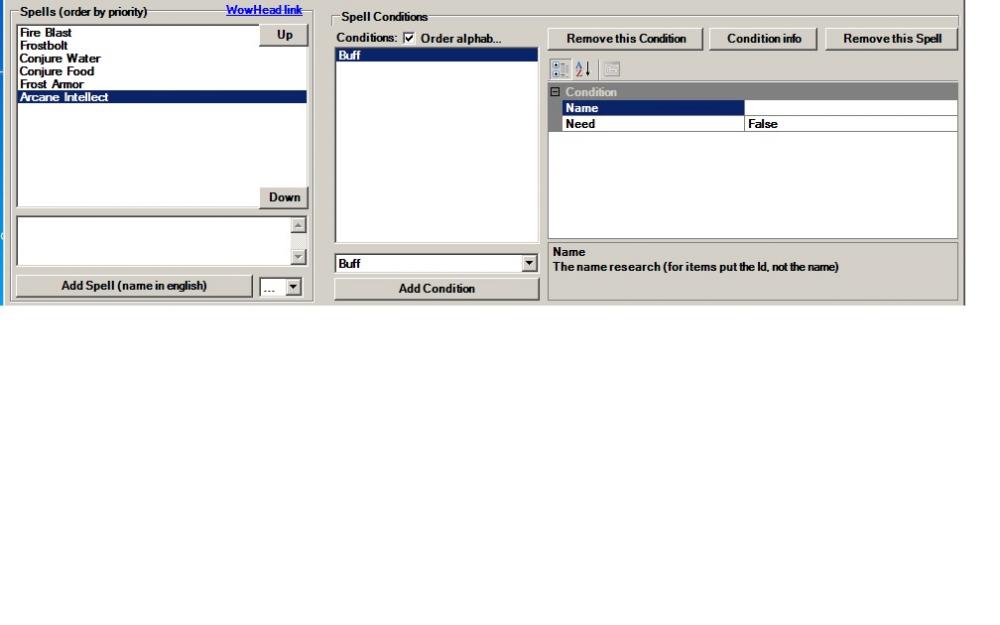
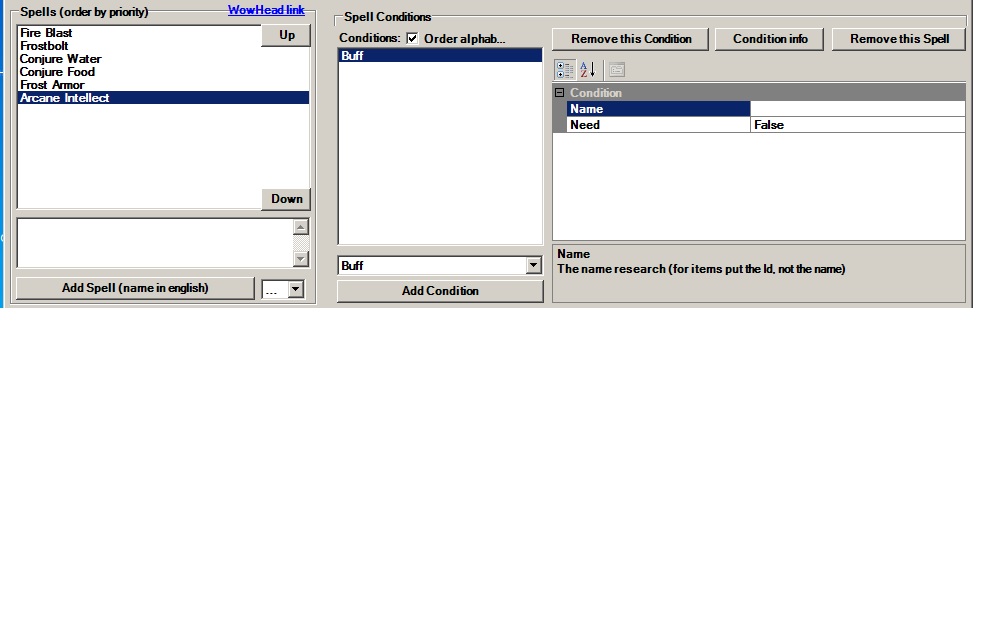
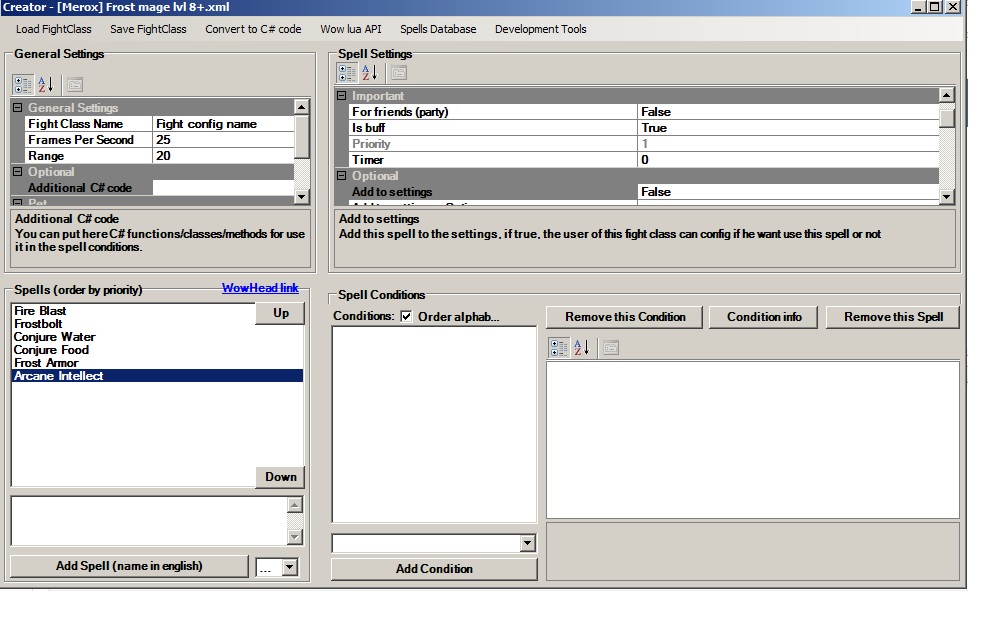
  3. Hello. How can i buff myself? No one help me, hero go fight with staff=)
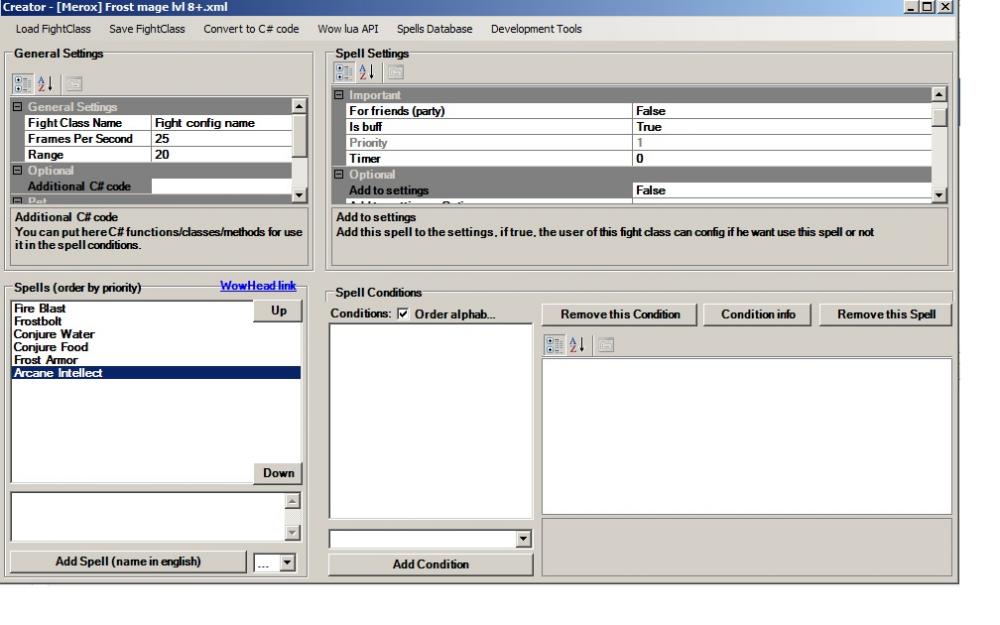
  4. Добрый день всем! Есть у кого fight profile на мага свои ? Не могу разобраться даже как бафать себя, к своему стыду. Все делаю как в паблик профиле, он все равно не хочет бафаться.
  5. Hello. Can I buy wrobot via BTC ? Ty.
  6.    Azaza31 reacted to a post in a topic: I cant feed my character help pls
  7. Hello. How can i feed my character after combad ? I don understand. Ill see this video , but i didnt understand. Olso i download free profiles, but its havnt this function.

Account

Navigation

Search

Search

Configure browser push notifications

Chrome (Android)
  1. Tap the lock icon next to the address bar.
  2. Tap Permissions → Notifications.
  3. Adjust your preference.
Chrome (Desktop)
  1. Click the padlock icon in the address bar.
  2. Select Site settings.
  3. Find Notifications and adjust your preference.