




sgdgf
Members
-
Joined
-
Last visited
-
nvm can be deleted - i found the answers through browsin older posts, i had to disable "randomise paths" option. Soz
-
Hi, so the Problem i have is simple: I created a profile that works on a private Server and it runs smooth - except randomly it flies into the ground and then unstucks - just to fly into the ground again. This was/is in borean Tundra on a private 3.3.5 Server. I've tried blacklisting the spots, but seemingly this is totally random and blacklisting doesn't do much - meaning that it will just pick another random spot to repeat this every now and then. I suspect my configs to be the problem, so i'll attack those in screens right here: https://gyazo.com/2738066d6c1c04964f8fcc1aa02b1e7f https://gyazo.com/f3282abdd8a8e89a26aa9373ce8a32ae Thanks alot in advance, cheers
-
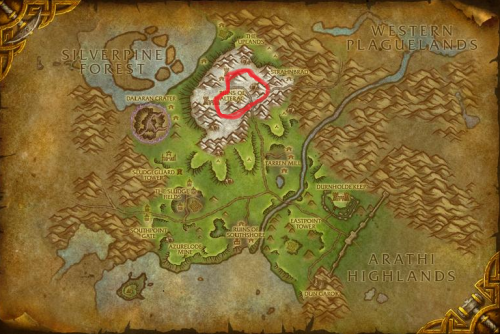 literally ran into wpl trying to hit 50 mobs 24/7 dying.. good stuff