



Skip to content
View in the app

A better way to browse. Learn more.

WRobot

A full-screen app on your home screen with push notifications, badges and more.

To install this app on iOS and iPadOS
  1. Tap the Share icon in Safari
  2. Scroll the menu and tap Add to Home Screen.
  3. Tap Add in the top-right corner.
To install this app on Android
  1. Tap the 3-dot menu (⋮) in the top-right corner of the browser.
  2. Tap Add to Home screen or Install app.
  3. Confirm by tapping Install.

Crackedy

Members
  • Joined

  • Last visited

Everything posted by Crackedy

  1. Maybe something i should've also asked. Where do i have to execute the code?
  2. Thanks i'll try this. I don't really care about the accounts so thats all fine and dandy.
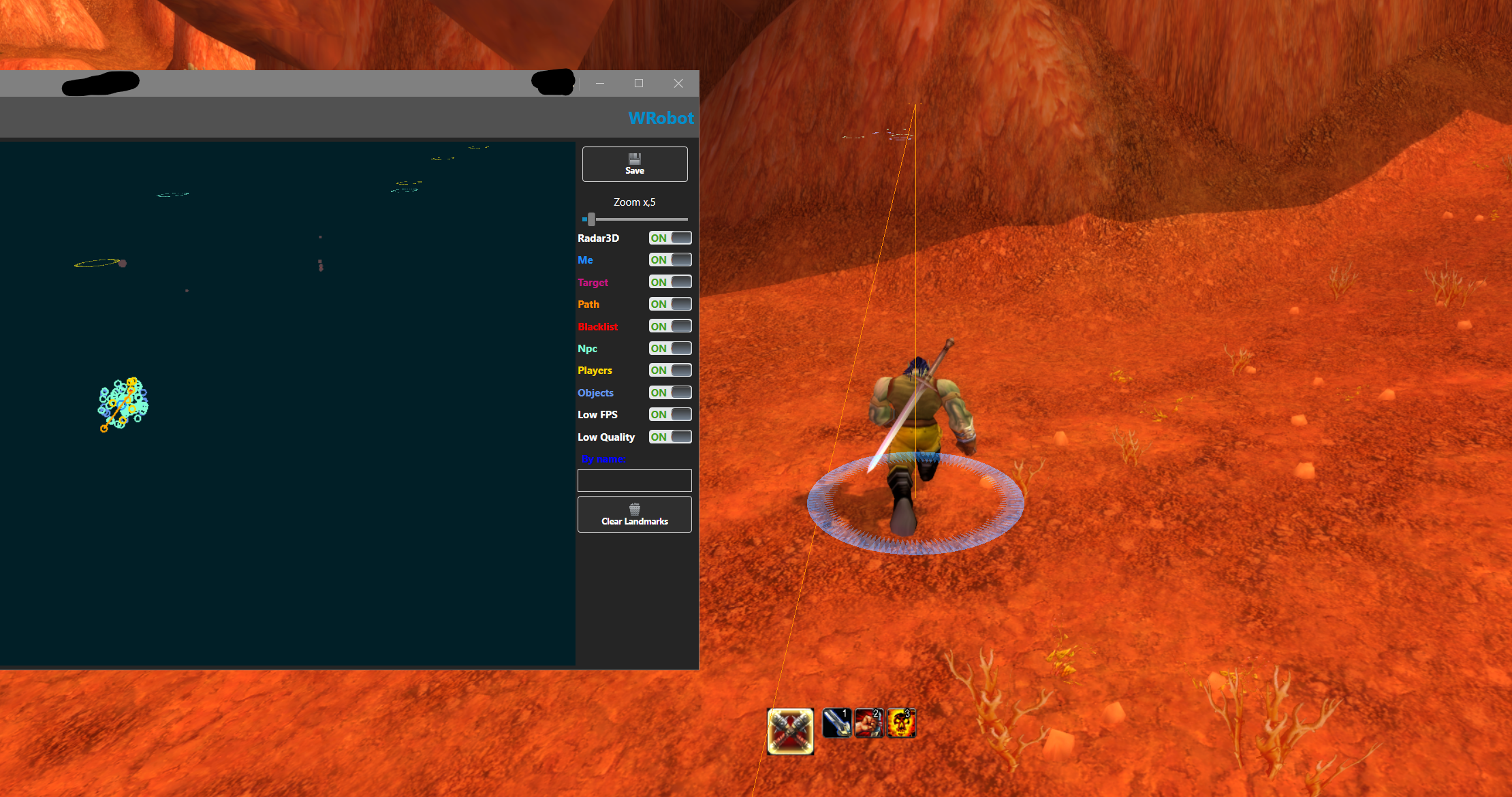
  3. A screenshot of the map and the bot attempting to run through walls.
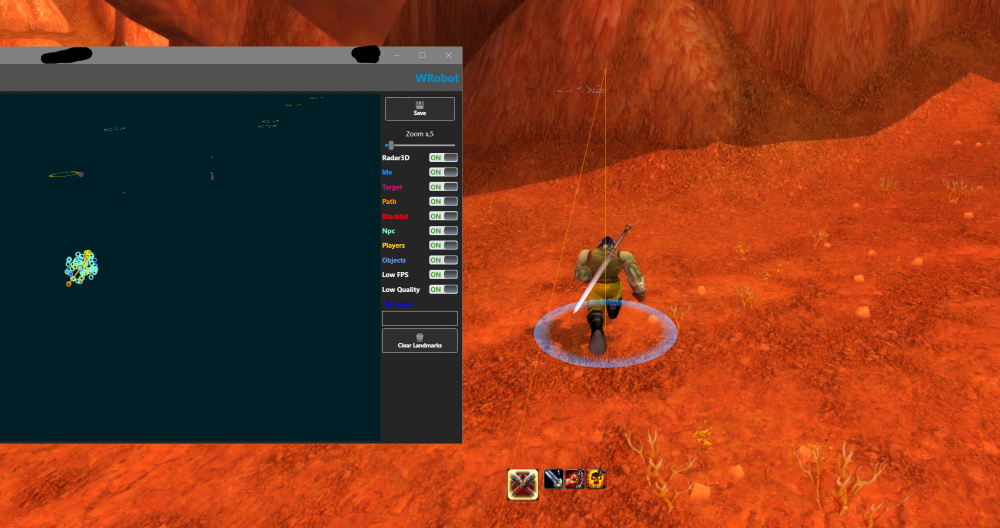
  4. Topic in title. Please tell me if you need a longer log, or any other information. No Plugins are used. The issue happens with all quester profiles i tried. 6 Sep 2021 12H45.log.html
Account

Navigation

Search

Search

Configure browser push notifications

Chrome (Android)
  1. Tap the lock icon next to the address bar.
  2. Tap Permissions → Notifications.
  3. Adjust your preference.
Chrome (Desktop)
  1. Click the padlock icon in the address bar.
  2. Select Site settings.
  3. Find Notifications and adjust your preference.