Skip to content
View in the app

A better way to browse. Learn more.

WRobot

A full-screen app on your home screen with push notifications, badges and more.

To install this app on iOS and iPadOS
  1. Tap the Share icon in Safari
  2. Scroll the menu and tap Add to Home Screen.
  3. Tap Add in the top-right corner.
To install this app on Android
  1. Tap the 3-dot menu (⋮) in the top-right corner of the browser.
  2. Tap Add to Home screen or Install app.
  3. Confirm by tapping Install.

danny_4841

Members
  • Joined

  • Last visited

  1.    danny_4841 reacted to a post in a topic: Happy New Year 2021
  2. danny_4841 replied to xupei1987's topic in 中文
    有申請但是還沒確認
  3. 官方的懷舊能用嗎? 好像光是要弄成32BIT就有困難了 XD...
  4. Does wrobot support the official genuine version 9.0? (translator)
  5. How can I cancel my subscription? I can't use it anyway
  6. Droidz i have message you my teamviewer id ...
  7. U.S. official server
  8. Also unavailable ....... can u teamviewer mu computer ??? : ( im very sad
  9. 23六月2018 22H19 - dAXNk.log.html 23六月2018 22H19.log.html
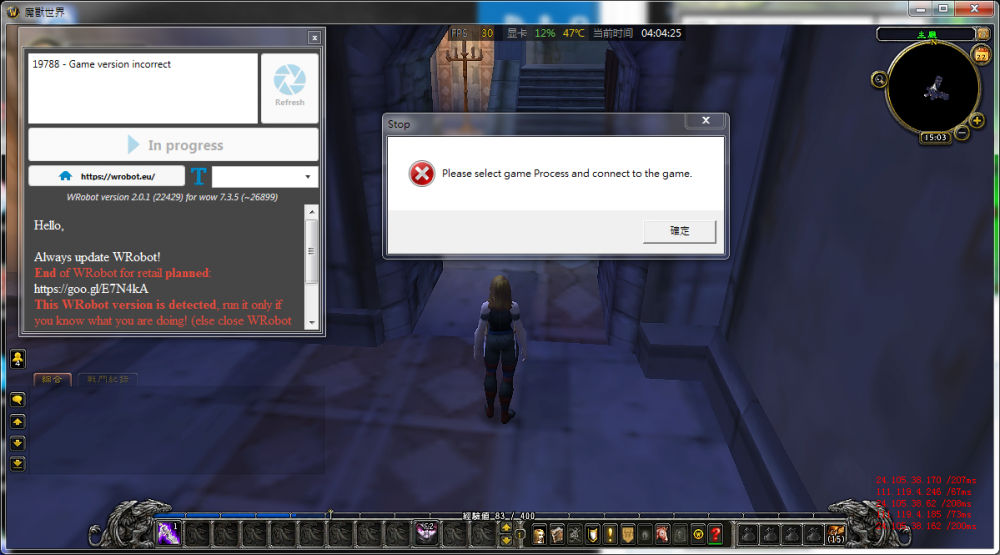
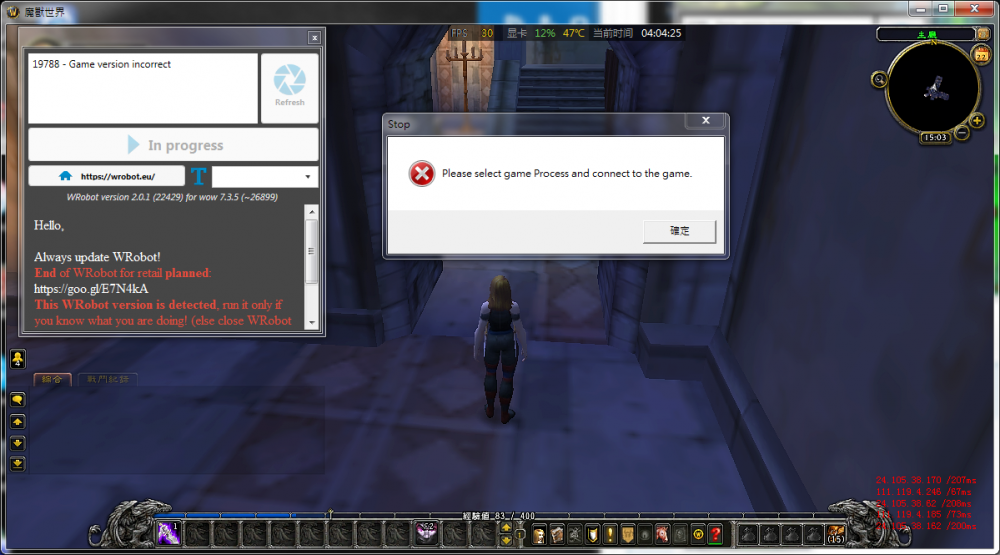
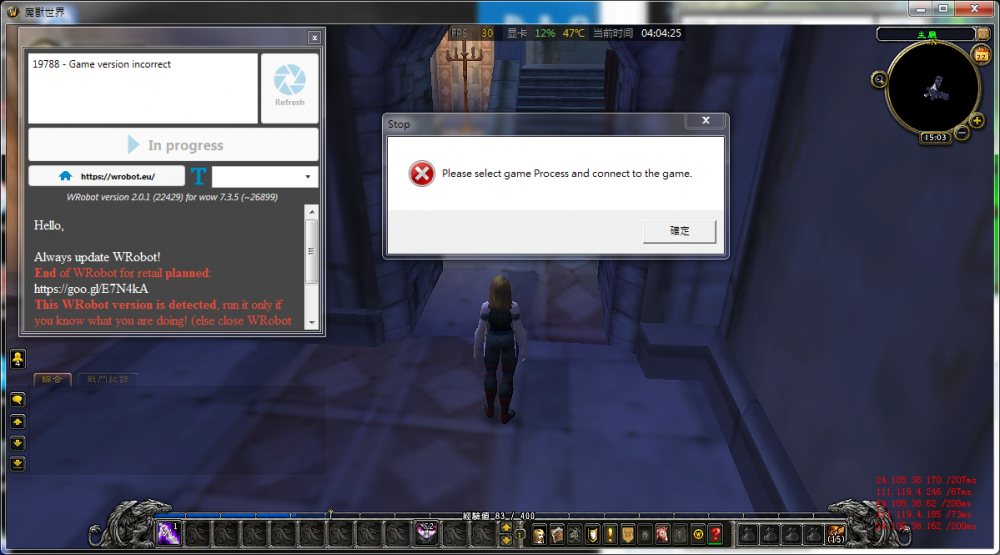
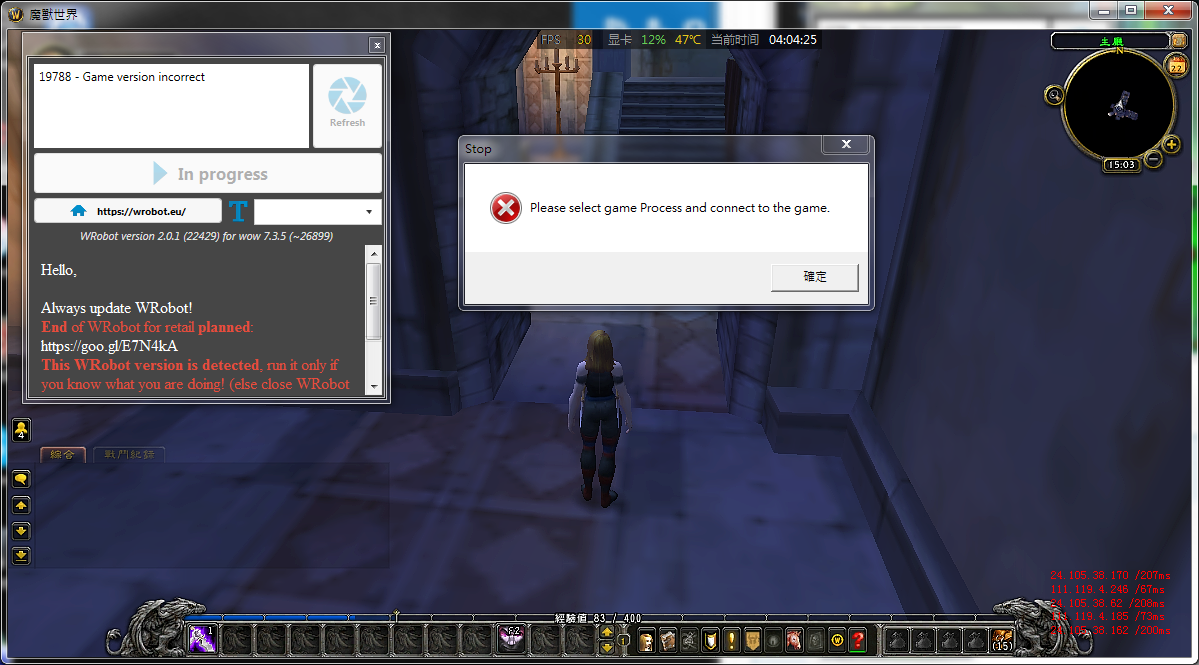
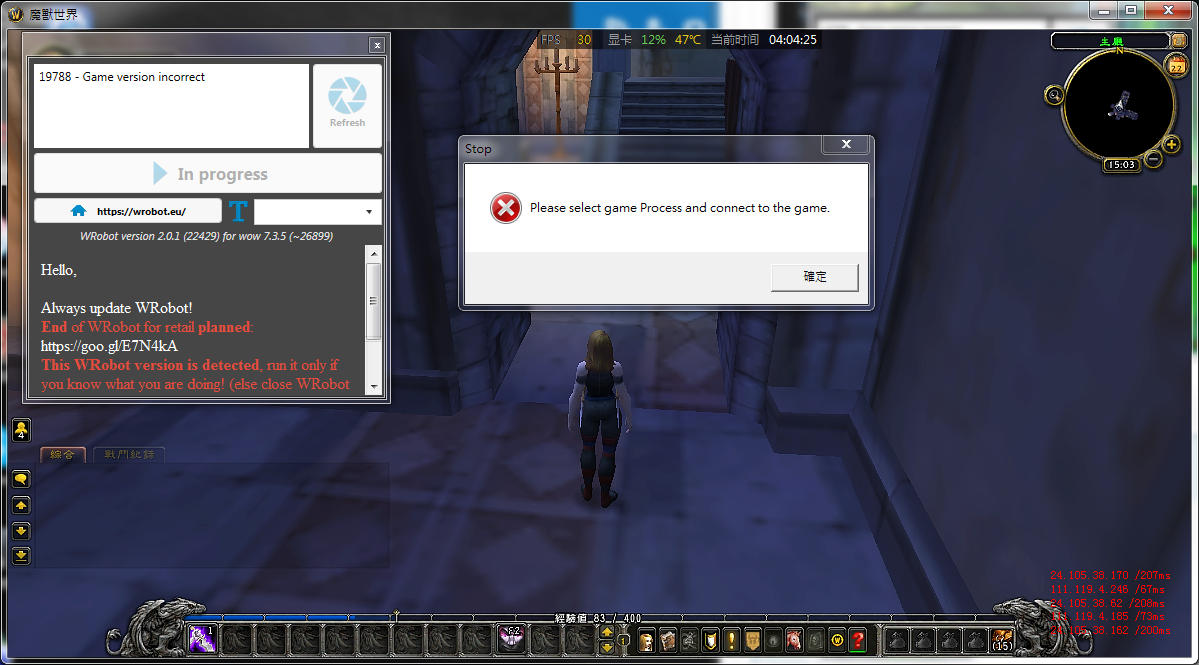
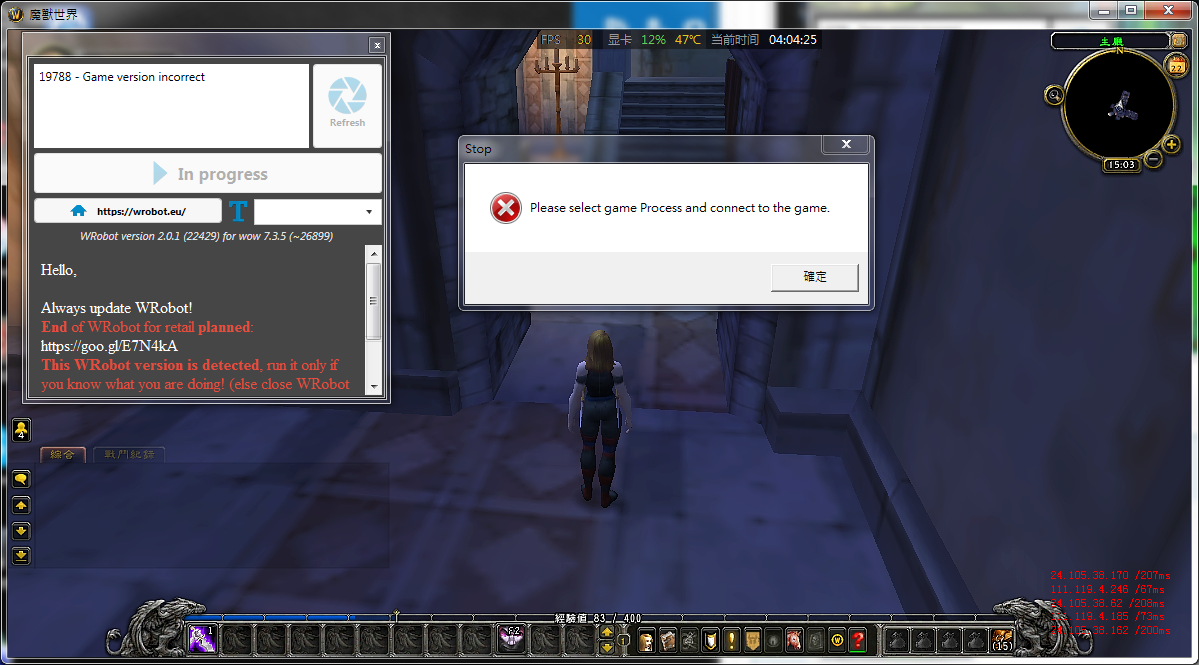
  10. I cannot display this page My WROBOT can not to select games
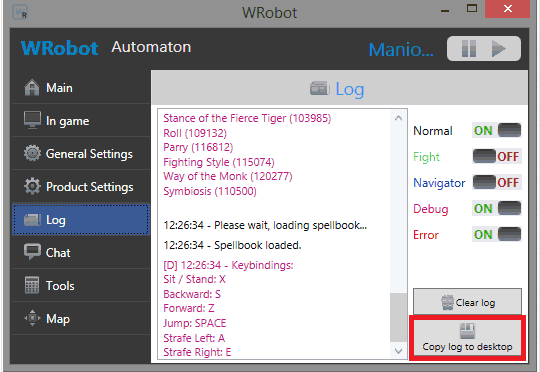
  11. 兄弟你看看 我沒瞎扯 WTF :( ??
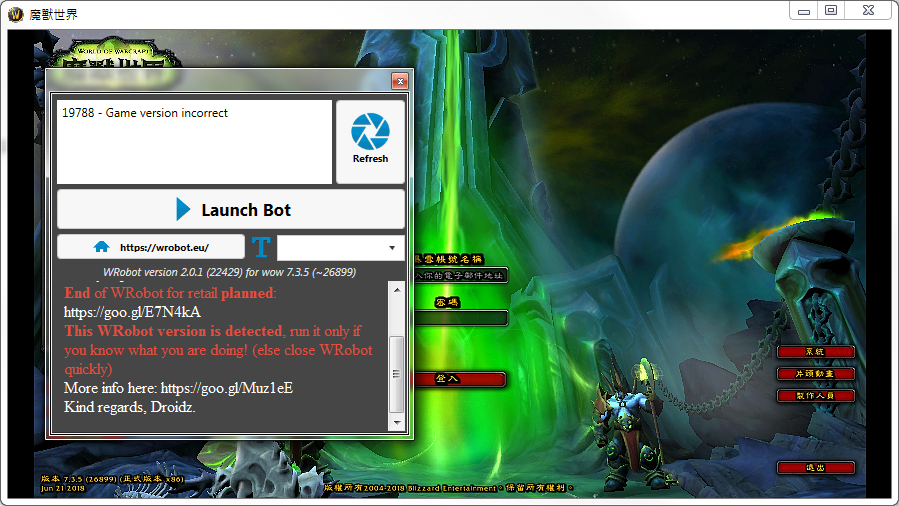
  12. sorry , i need halp my wrobot version is 2.0.1(22429) and wow version is (26899) why bot cant use ???
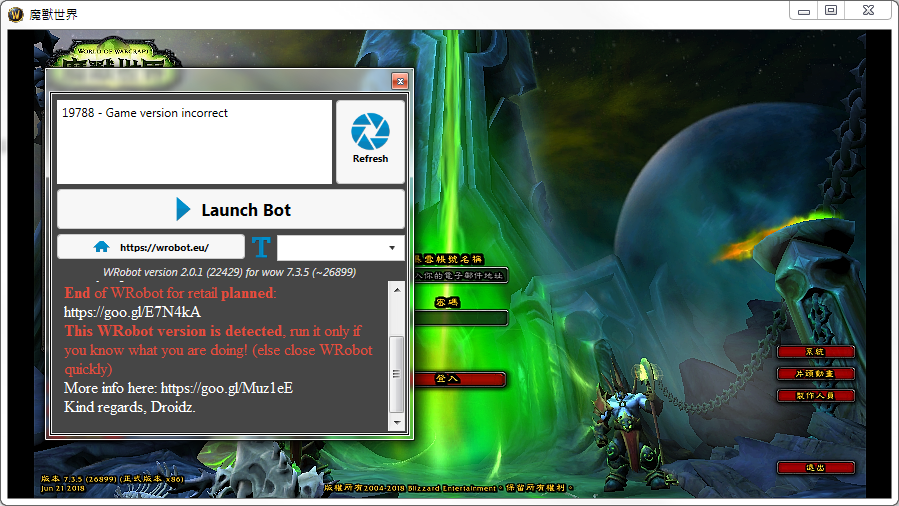
  13. 我的上面顯示 wrobot version 2.0.1 (22429) for wow 7.3.5(~26899)
  14. 我的是官方下載最新版本@@ 有對照過 確定版本是符合的 .. 但是我也找不到克服幫忙
  15. 我今天更新了WROBOT 還是沒辦法使用最新版本 WOW我也重新下載過 都無法使用 ...

Account

Navigation

Search

Search

Configure browser push notifications

Chrome (Android)
  1. Tap the lock icon next to the address bar.
  2. Tap Permissions → Notifications.
  3. Adjust your preference.
Chrome (Desktop)
  1. Click the padlock icon in the address bar.
  2. Select Site settings.
  3. Find Notifications and adjust your preference.