CSnave
Members
-
Joined
-
Last visited
Everything posted by CSnave
-
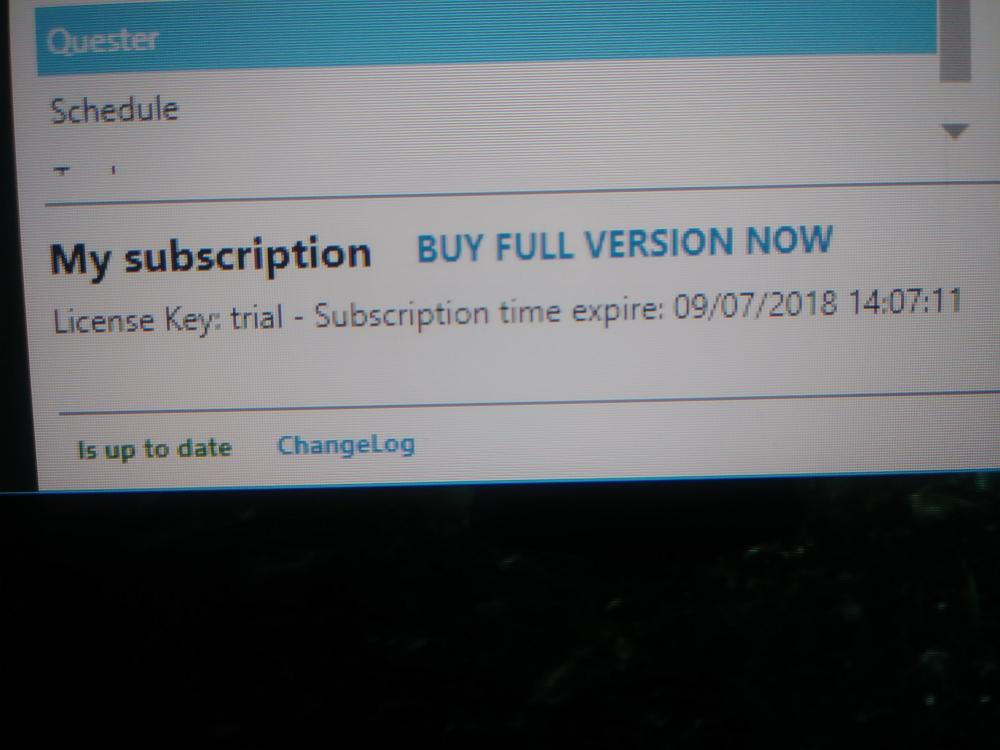
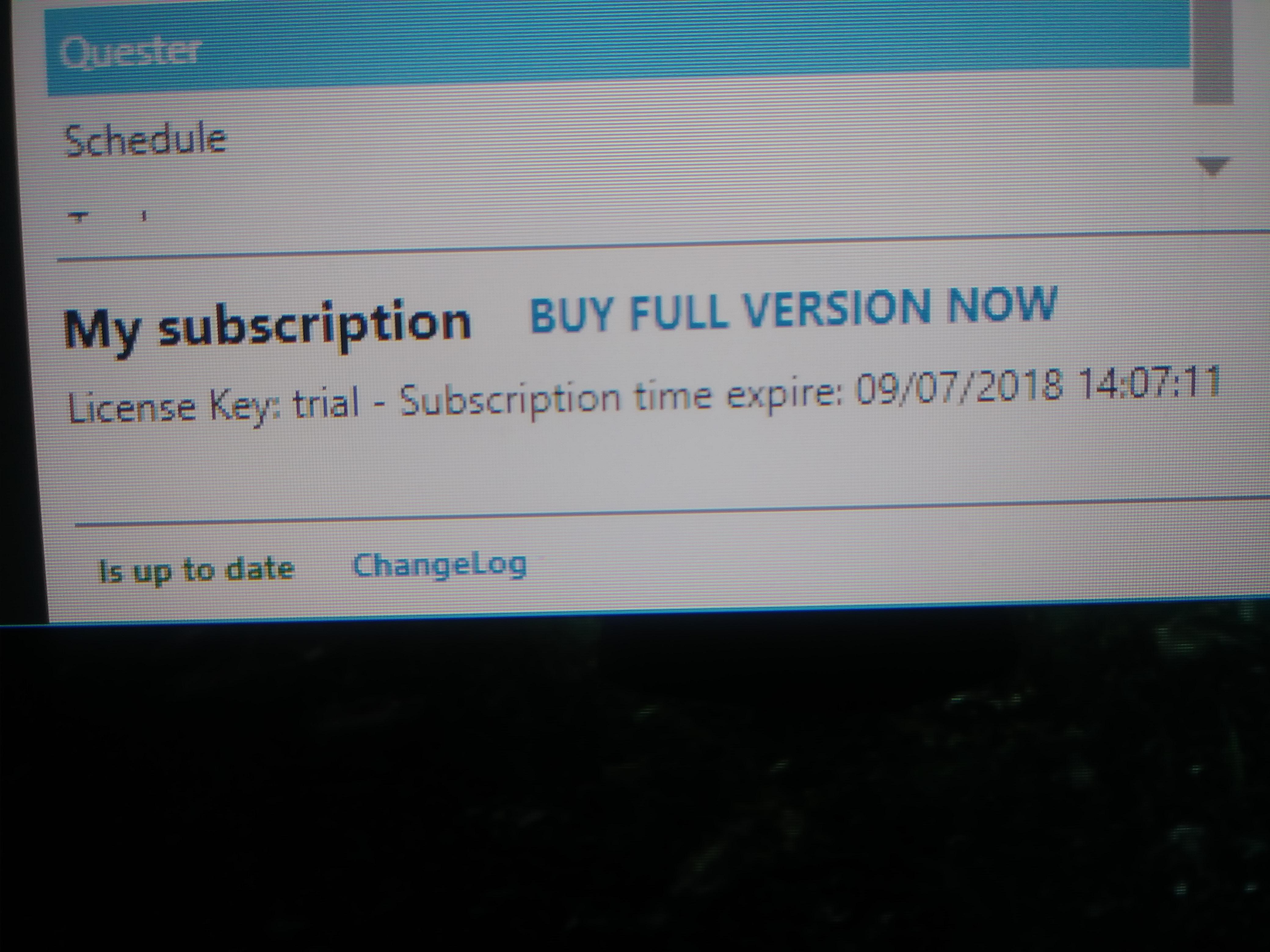
I'm was using the free Trial on a private server then hadn't been on for a few day. Than when I tired using it again, every time I tired starting the bot would say my subscription had expired. Then prompted me to add a subscription. Been Resolved: I installed it onto my laptop and it worked fine. So I completely removed it from my desktop, did a fresh install and now its working. Still don't know what happened but its working again.? Thank you.
-
I downloaded Wrobot, was trying it out (I play on a private server) and didn't use it for a few days. Now anytime I try using it tells me my license key: trial is expired. (photo below) I've re put in the key: Trial, read on forums but I didn't see anything that helps me figuring out what I might be doing wrong. Thanks for any help you guys might be able to provide me.