Skip to content
View in the app

A better way to browse. Learn more.

WRobot

A full-screen app on your home screen with push notifications, badges and more.

To install this app on iOS and iPadOS
  1. Tap the Share icon in Safari
  2. Scroll the menu and tap Add to Home Screen.
  3. Tap Add in the top-right corner.
To install this app on Android
  1. Tap the 3-dot menu (⋮) in the top-right corner of the browser.
  2. Tap Add to Home screen or Install app.
  3. Confirm by tapping Install.

linco txu

Members
  • Joined

  • Last visited

Everything posted by linco txu

  1. 另外,在某些位置,比如登录后进入选择进程的页面,下面会显示当前密匙剩余的时间,这些文本都是不能翻译的。当然这些并不影响使用,也许未来你会考虑把所有的文本都写入对应的翻译源文件中,作为用户,我很期待。
  2. 我查看了英文原版的对应文本,没有看到相对应的条目,是否在新的版本更新后,有些条目没有添加入翻译使用的源文件。
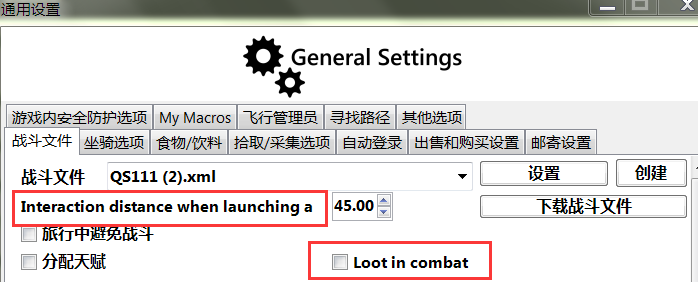
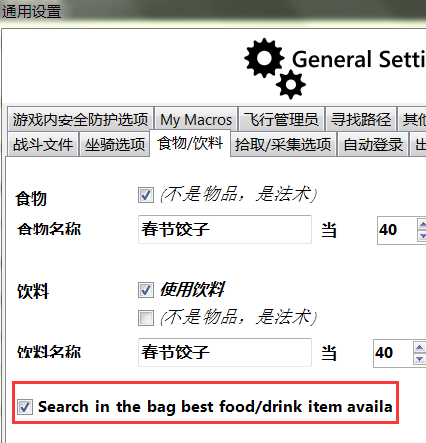
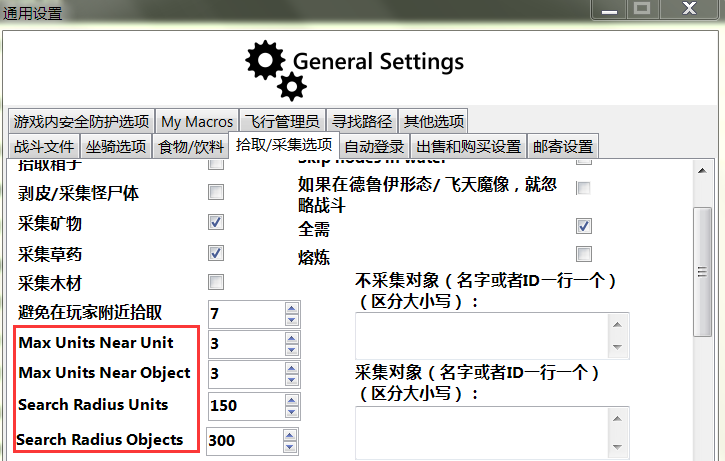
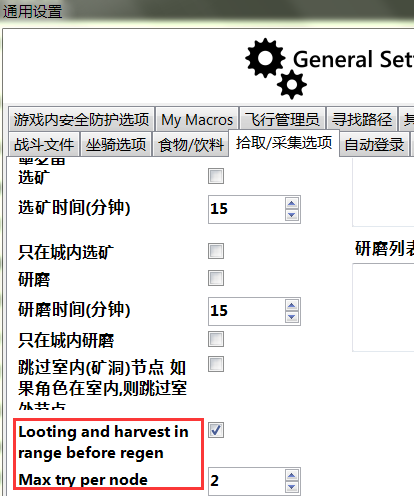
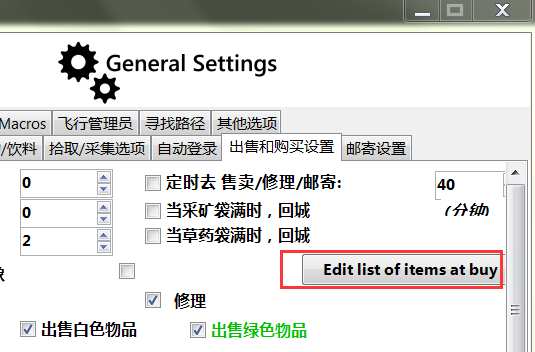
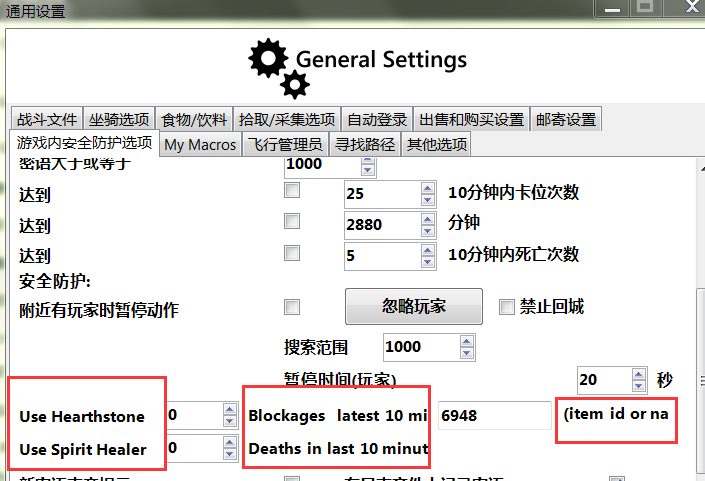
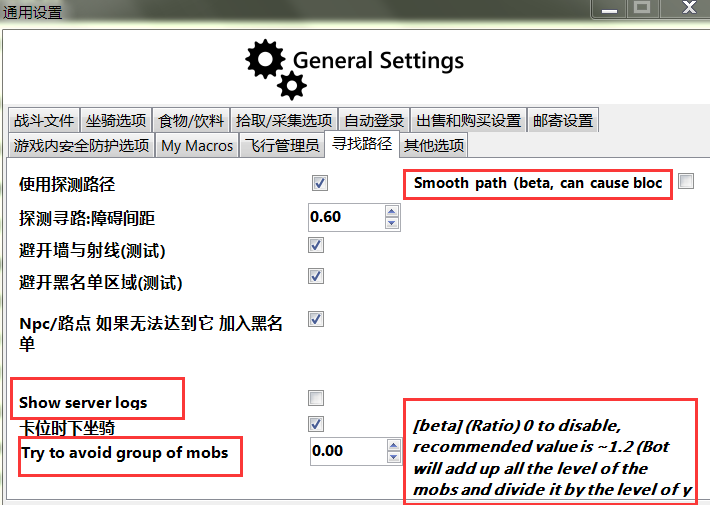
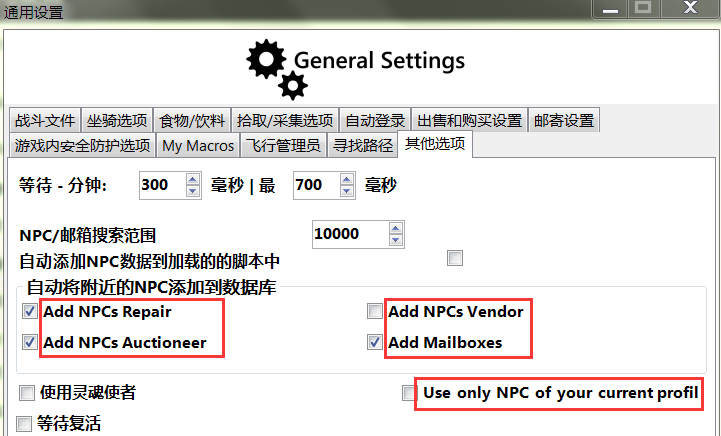
  3. 在2.6.1(23971)版本中,有很多条目,当通过翻译工具进行编辑时,添加进本地化文件后无法在wrobot对应的栏目中翻译,结果就是无论怎么编辑,对应位置依然显示英文。
  4. 具体该如何使用呢,能否提示,是做成插件么?

Account

Navigation

Search

Search

Configure browser push notifications

Chrome (Android)
  1. Tap the lock icon next to the address bar.
  2. Tap Permissions → Notifications.
  3. Adjust your preference.
Chrome (Desktop)
  1. Click the padlock icon in the address bar.
  2. Select Site settings.
  3. Find Notifications and adjust your preference.