hoovermen
Members
-
Joined
-
Last visited
Everything posted by hoovermen
-
TY ❤️
-
hello people of the world: V, I need help I've been doing things with the fight class editor and I can't get it to use the trinkets, I tried putting the id and the name but I can't get it to use the trinket can someone help me, it's the only thing that helps me I need to finish my fight class
-
-
Thanks but I don't understand language, I was thinking more about an example with EASY PROFILE CREATOR to understand hahaha
-
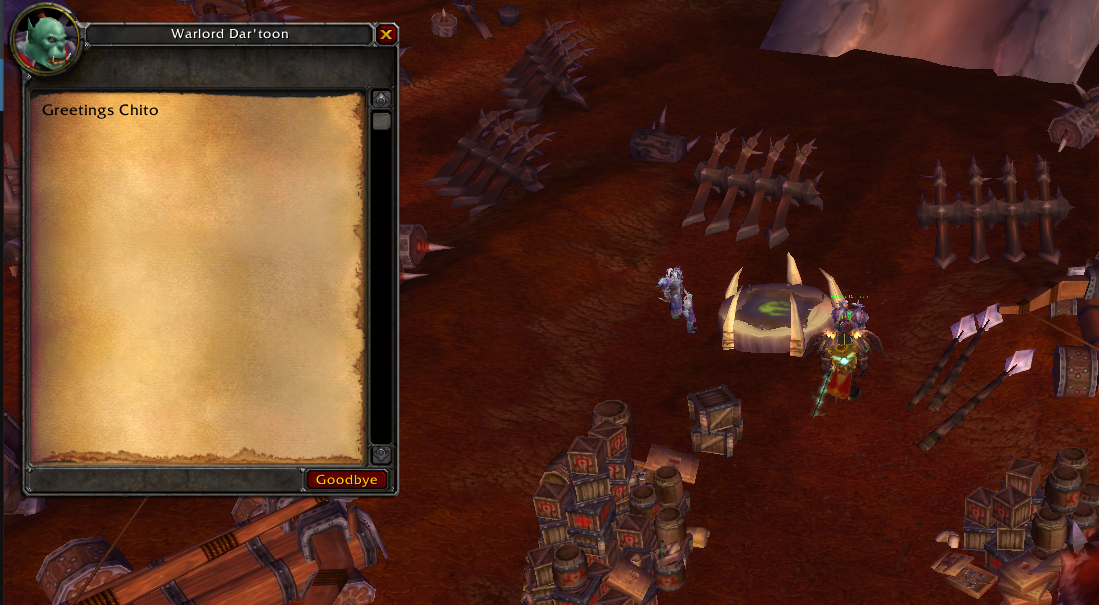
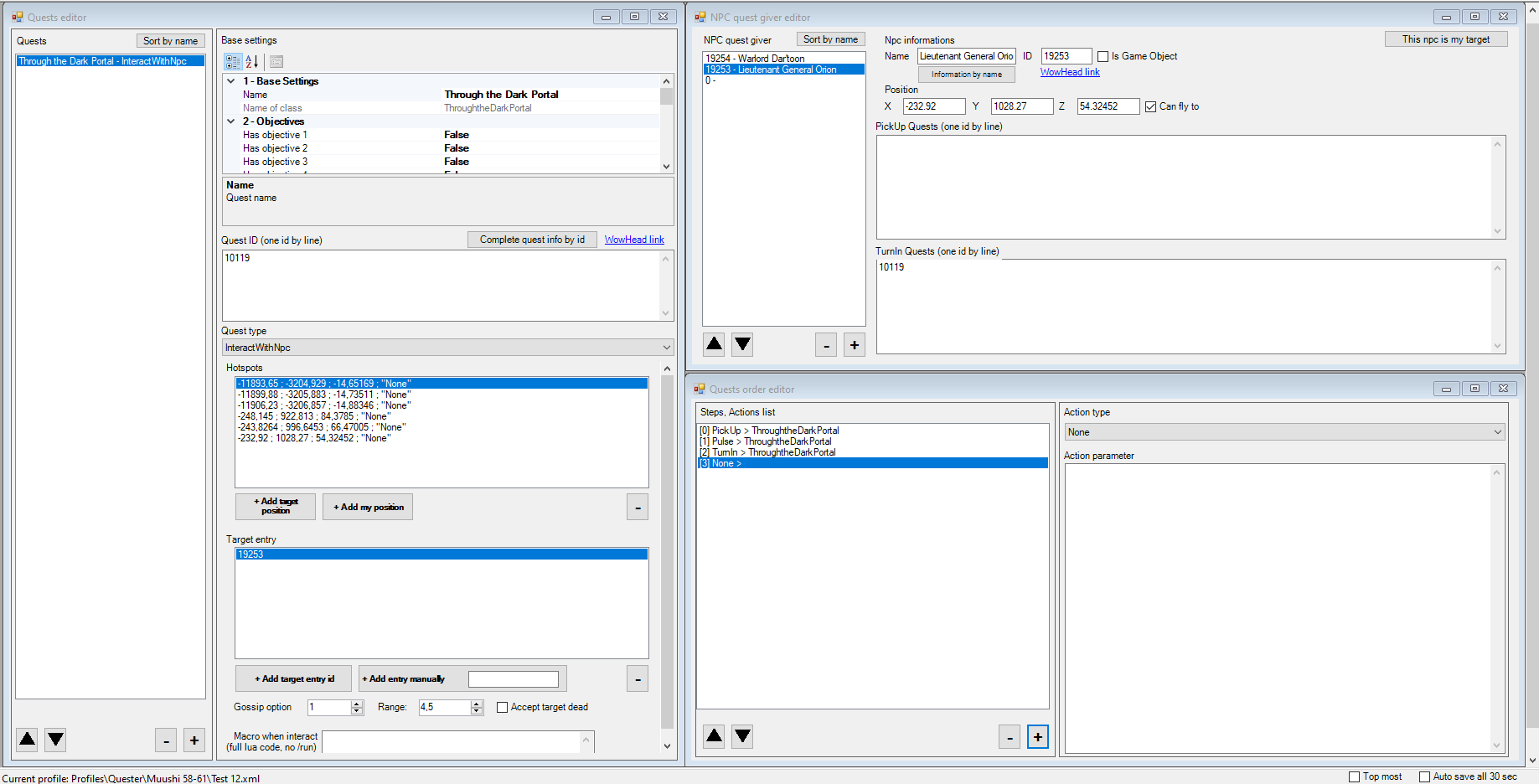
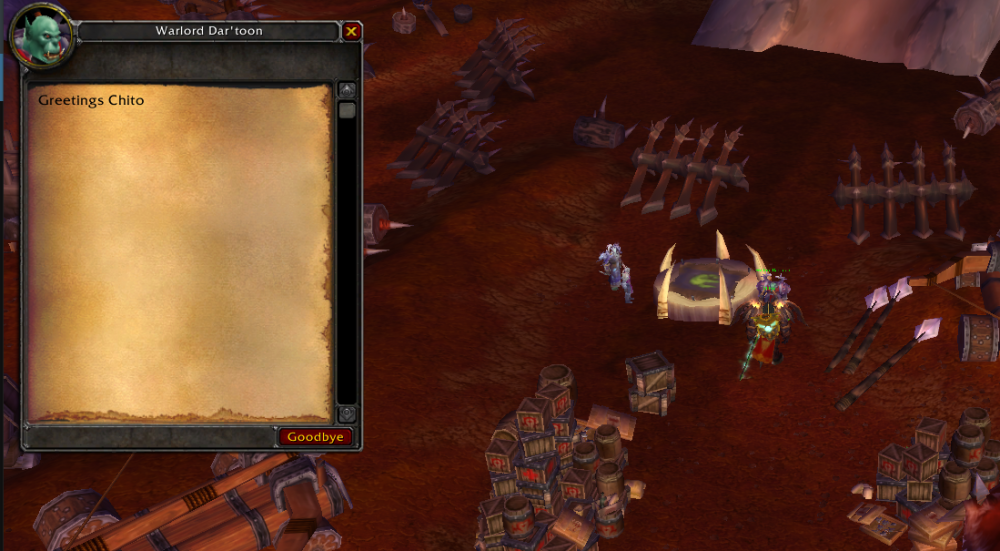
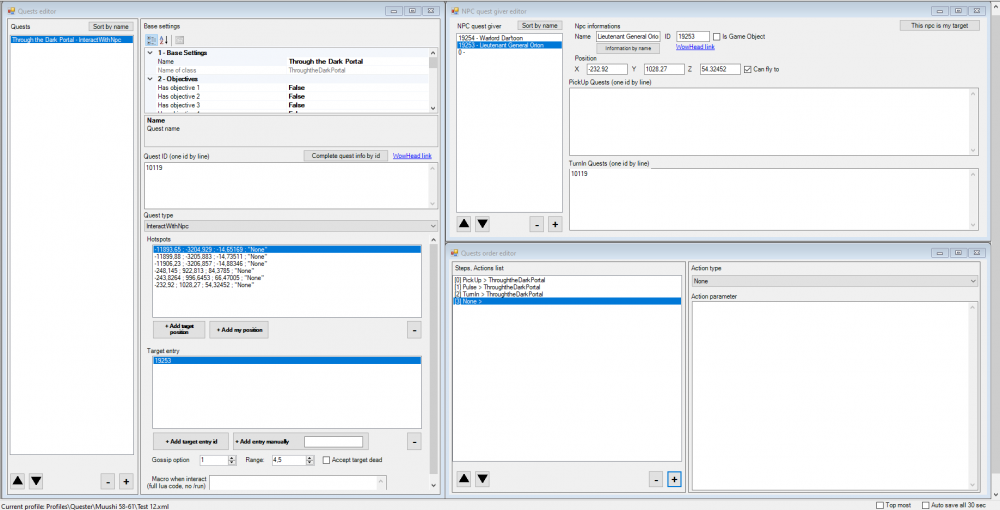
Hi, good, I'm new to this and I don't know much. I saw some old videos and I was encouraged to try it, but I'm having a problem and I'm stuck, I don't know how to solve it. I'm using EASY PROFILES CREATOR. the fact is that I'm trying to do the quest Through the Dark Portal but I can't get the bot to move forward as soon as it takes the quest it gets stuck with the npc trying something idk Test 12.xml
-
hello everyone in wrobot I am new in this world and I would like to try and test some profiles of quester and grinding without taking risks If there is a server where you can do that, you can leave me your version and your realmlist would be very helpful ❤️
-
how do I make the wrobot work on legion servers? It tells me what version is wrong, is there a solution?