



Skip to content
View in the app

A better way to browse. Learn more.

WRobot

A full-screen app on your home screen with push notifications, badges and more.

To install this app on iOS and iPadOS
  1. Tap the Share icon in Safari
  2. Scroll the menu and tap Add to Home Screen.
  3. Tap Add in the top-right corner.
To install this app on Android
  1. Tap the 3-dot menu (⋮) in the top-right corner of the browser.
  2. Tap Add to Home screen or Install app.
  3. Confirm by tapping Install.

Wutpear

Members
  • Joined

  • Last visited

Everything posted by Wutpear

  1. @Matenia Also how do I add NPC's to HMP's blacklist when I open the settings it says ((Collections). Is there some collection file I need to edit?
  2. Ahh I didnt realize I could add things to the id's by double clicking thanks guys.
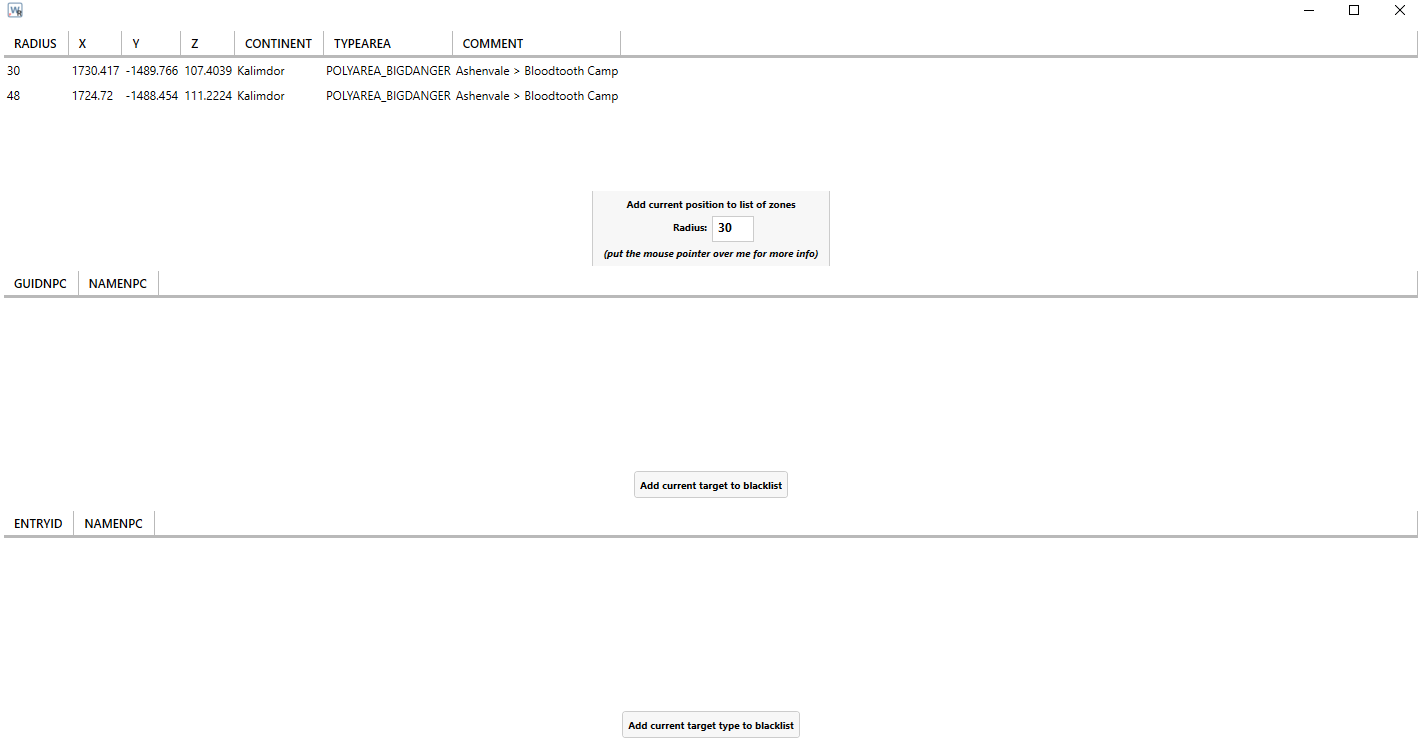
  3. I have HMP installed but all i see when I open the blacklist editor is
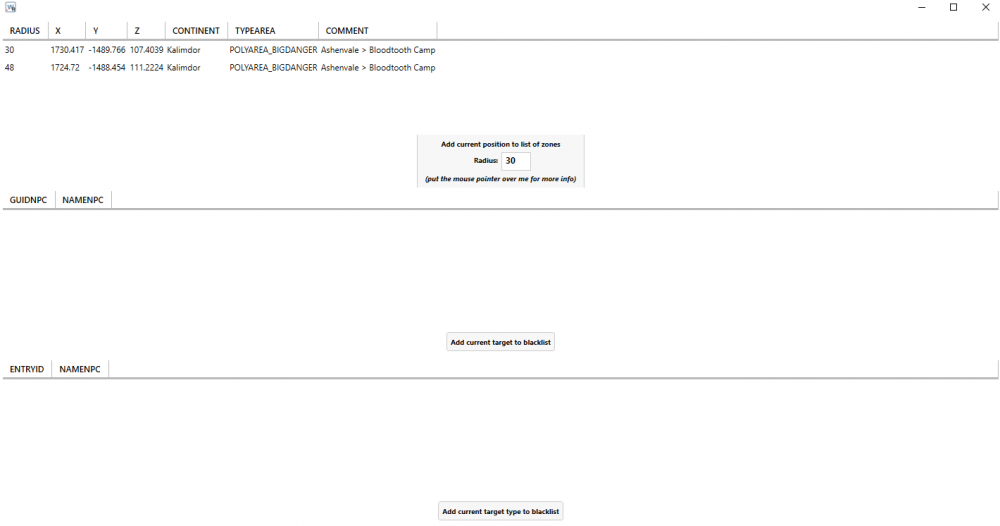
  4. That just allows me to blacklist current target though?
  5. I'm using a Vanilla Quester right now and its getting stuck at class training at level 16. It keeps trying to train at "Babagaya Shadowcleft with ID: 23534" but this NPC apparently doesn't exist on the server I'm playing on. I want to blacklist the NPC but because it doesn't even exist I can't select it and therefore my character remains permanently trapped at ratchet.
Account

Navigation

Search

Search

Configure browser push notifications

Chrome (Android)
  1. Tap the lock icon next to the address bar.
  2. Tap Permissions → Notifications.
  3. Adjust your preference.
Chrome (Desktop)
  1. Click the padlock icon in the address bar.
  2. Select Site settings.
  3. Find Notifications and adjust your preference.