Skip to content
View in the app

A better way to browse. Learn more.

WRobot

A full-screen app on your home screen with push notifications, badges and more.

To install this app on iOS and iPadOS
  1. Tap the Share icon in Safari
  2. Scroll the menu and tap Add to Home Screen.
  3. Tap Add in the top-right corner.
To install this app on Android
  1. Tap the 3-dot menu (⋮) in the top-right corner of the browser.
  2. Tap Add to Home screen or Install app.
  3. Confirm by tapping Install.

zxcv654654

Members
  • Joined

  • Last visited

  1.    zxcv654654 reacted to a post in a topic: help plz stop it bot
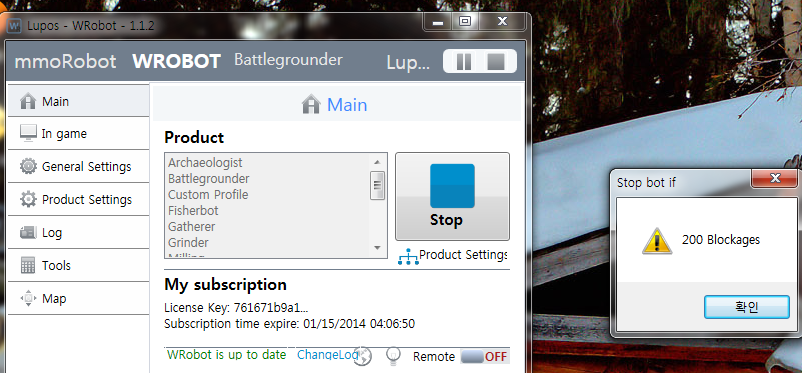
  2. Battle Ground Running stop it bot What is the blockages?
  3. hi ! How do I fix it? Stop the robot is 1-3 hours
  4.    zxcv654654 reacted to a post in a topic: wrobot error
  5. [N] 12:40:21 - Failure No polyref found for start [N] 12:40:21 - Download map "HawaiiMainLand\HawaiiMainLand_-2147483648_28.tile" [E] 12:40:21 - DownloadThread()#1: System.Net.WebException: From a remote server 404 Not Found error was returned. 위치: System.Net.WebClient.DownloadFile(Uri address, String fileName) 위치: System.Net.WebClient.DownloadFile(String address, String fileName) 위치: robotManager.Helpful.Others.T2QP9FFw8R() continue to move strange place wrobot use help me plz!!
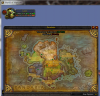
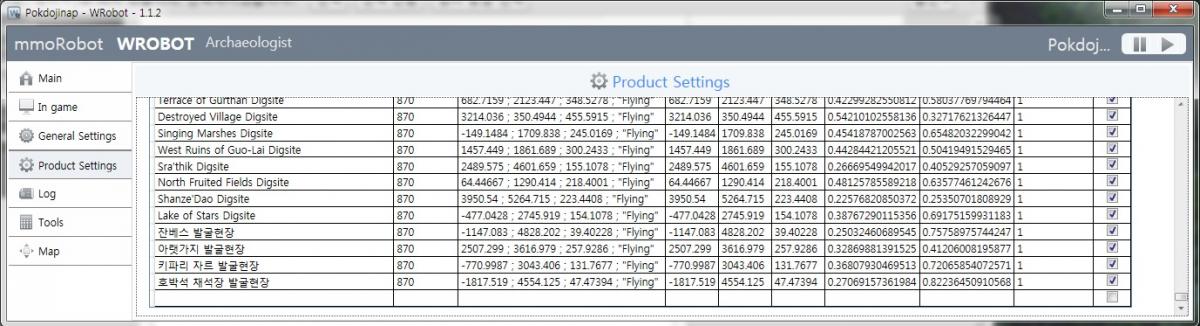
  6. So I am Korean and not English The Korean impossible because local name recognition
Account

Navigation

Search

Search

Configure browser push notifications

Chrome (Android)
  1. Tap the lock icon next to the address bar.
  2. Tap Permissions → Notifications.
  3. Adjust your preference.
Chrome (Desktop)
  1. Click the padlock icon in the address bar.
  2. Select Site settings.
  3. Find Notifications and adjust your preference.