



Skip to content
View in the app

A better way to browse. Learn more.

WRobot

A full-screen app on your home screen with push notifications, badges and more.

To install this app on iOS and iPadOS
  1. Tap the Share icon in Safari
  2. Scroll the menu and tap Add to Home Screen.
  3. Tap Add in the top-right corner.
To install this app on Android
  1. Tap the 3-dot menu (⋮) in the top-right corner of the browser.
  2. Tap Add to Home screen or Install app.
  3. Confirm by tapping Install.

Angus313

Members
  • Joined

  • Last visited

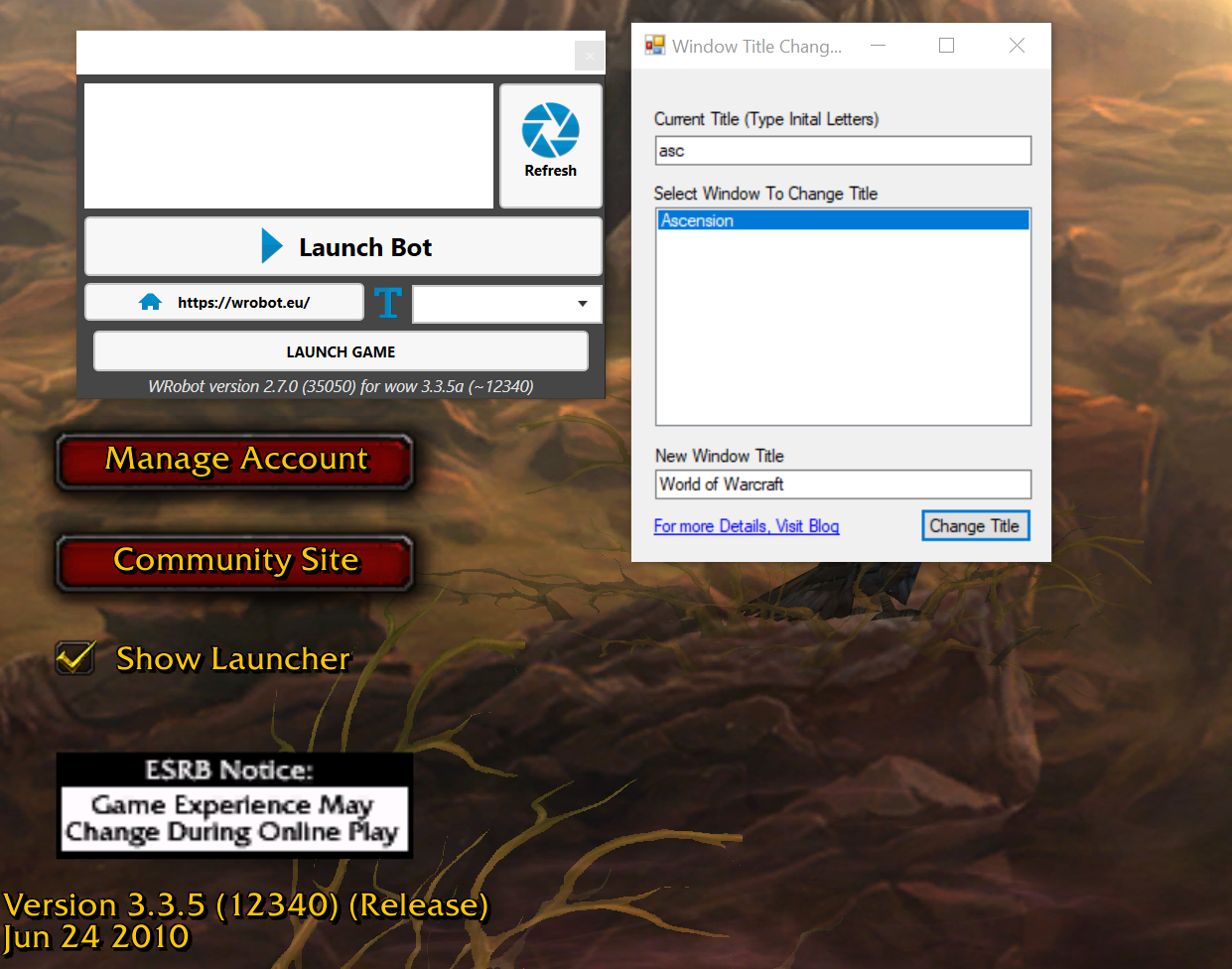
  1. Hi Droidz, I have used the Window title changer, but it is still not finding the client.
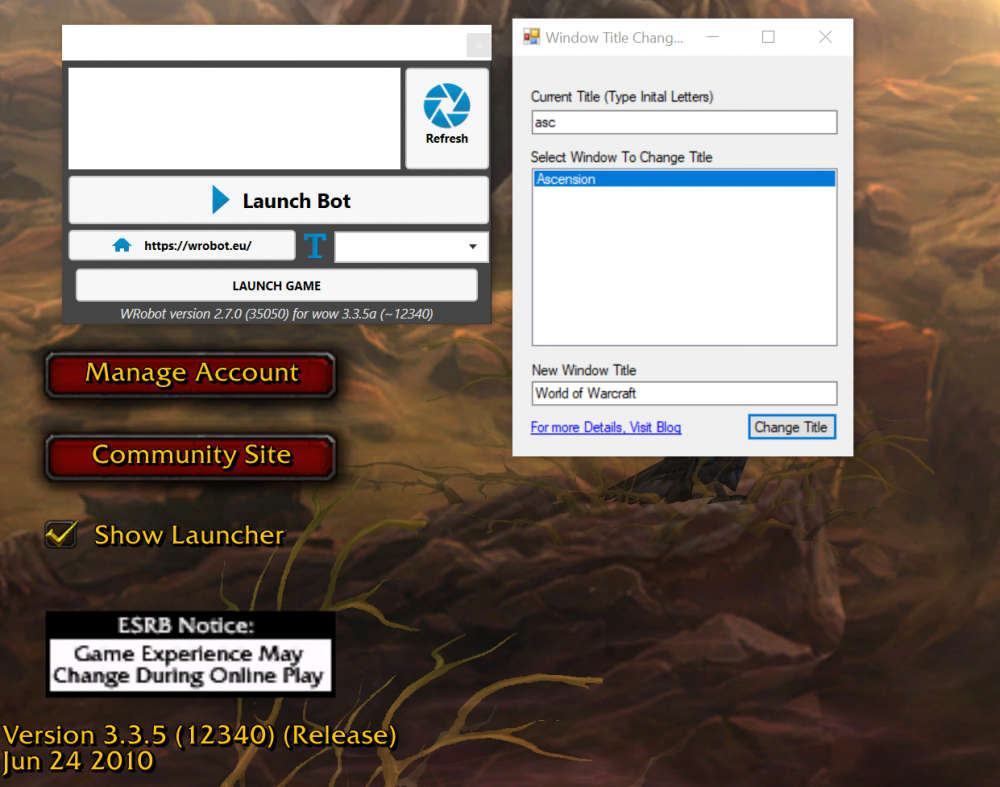
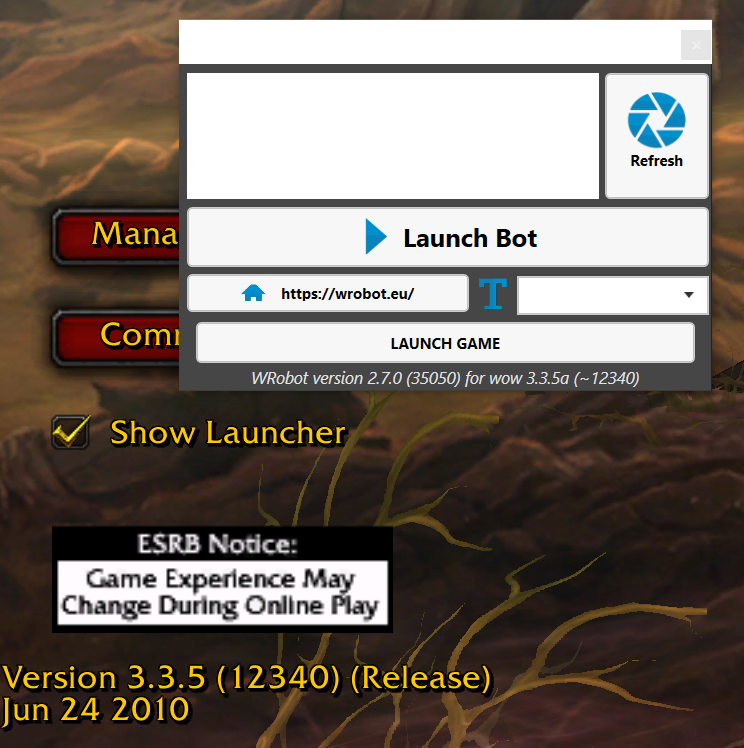
  2. Since the new update from Project Ascension yesterday (4/28/21), WRobot can no longer attach to the client. it seems the memory is not locating the D3D9. I know its a customer modified server so wondering if there is any chance WRobot will be patched for this? or is there something going on, on my side? can any other ascension users confirm? @Droidz please help your my only hope! Attached below are logs pre and post patch 28 Apr 2021 15H05.log.html 28 Apr 2021 21H35.log.html
Account

Navigation

Search

Search

Configure browser push notifications

Chrome (Android)
  1. Tap the lock icon next to the address bar.
  2. Tap Permissions → Notifications.
  3. Adjust your preference.
Chrome (Desktop)
  1. Click the padlock icon in the address bar.
  2. Select Site settings.
  3. Find Notifications and adjust your preference.