




grumpymango
Members
-
Joined
-
Last visited
-
-
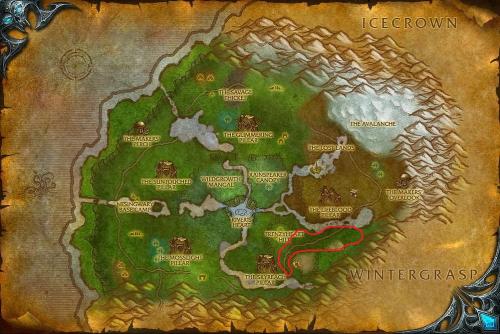 Since this isn't getting much attention i thought id just pop in to say its working great for me on 3.3.5 wotlk having a slight issue with selling to vendor but im working through it, the path is good with lots of mobs, farmed Borean leather, and a bunch of il160 greens this is a great little gold maker
- 1 comment
- 2 reviews
-
-

- 1
-