




Skip to content
View in the app

A better way to browse. Learn more.

WRobot

A full-screen app on your home screen with push notifications, badges and more.

To install this app on iOS and iPadOS
  1. Tap the Share icon in Safari
  2. Scroll the menu and tap Add to Home Screen.
  3. Tap Add in the top-right corner.
To install this app on Android
  1. Tap the 3-dot menu (⋮) in the top-right corner of the browser.
  2. Tap Add to Home screen or Install app.
  3. Confirm by tapping Install.

Molten Front Dailies [Colderpotato] 1.0.6

(0 reviews)

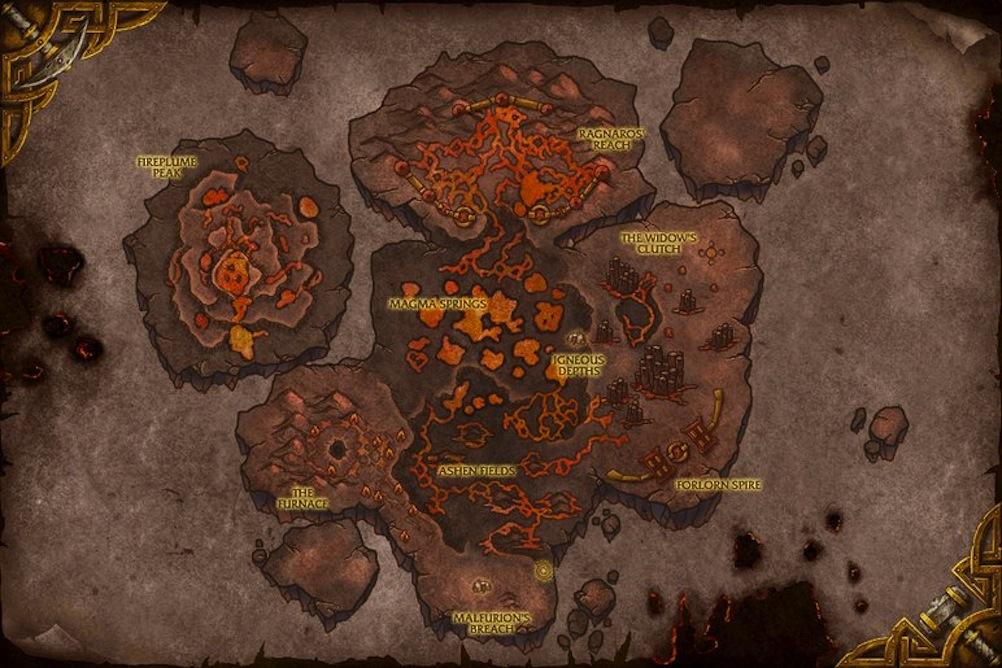
1 Screenshot

Right now it does seven of the possible dailies and more will come as unlock more of the front. Also, I might start work on adding the other dailies out side the front to it and changing to to be auto pick up instead of manual like my Tol'Barad profile that isn't out yet. I recommend using the plugin called QuesterParty with it and if on a private server using MoveDuringCombat.

Current quests:

  • Burn Victims
  • Hostile Elements
  • The Protectors of Hyjal
  • Traitors Return
  • Wisp Away!
  • The dogs of War
  • Breach in the Defenses

What's New in Version 1.0.6

Released

1.0.6

  • Added quest "The Harder they Fall"

1.0.5

  • Added quest "Aggressive Growth"


User Feedback

You may only provide a review once you have downloaded the file.

There are no reviews to display.

Account

Navigation

Search

Search

Configure browser push notifications

Chrome (Android)
  1. Tap the lock icon next to the address bar.
  2. Tap Permissions → Notifications.
  3. Adjust your preference.
Chrome (Desktop)
  1. Click the padlock icon in the address bar.
  2. Select Site settings.
  3. Find Notifications and adjust your preference.