



Skip to content
View in the app

A better way to browse. Learn more.

WRobot

A full-screen app on your home screen with push notifications, badges and more.

To install this app on iOS and iPadOS
  1. Tap the Share icon in Safari
  2. Scroll the menu and tap Add to Home Screen.
  3. Tap Add in the top-right corner.
To install this app on Android
  1. Tap the 3-dot menu (⋮) in the top-right corner of the browser.
  2. Tap Add to Home screen or Install app.
  3. Confirm by tapping Install.

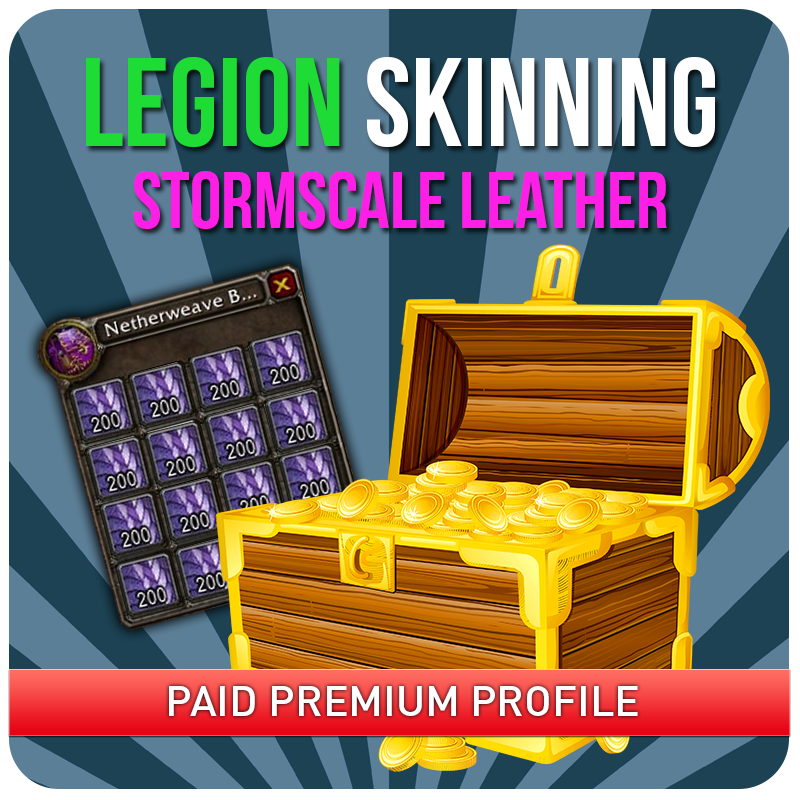
[FREE] Skinning Stormscale 1.0

(1 review)

1 Screenshot

Hi guys!

This is the most efficient route to grind and farm Stormscale Leather in Highmountain.

Tested on a medium populated server and farm 330+ Stormscale Leather / Hour

Put in \WRobot\Profiles\Grinder - Start at Thundertotem, Highmountain

Make sure you have Skinning on in Bot Settings

Check out my new Profile Bundle

 

User Feedback

You may only provide a review once you have downloaded the file.

   0 of 1 member found this review helpful 0 / 1 member

Works great! There are 3-4 mobs on the edge of Snowblind Mesa that if the bot tries to attack it phases you out of the zone and they disappear. So it ends up moving to attack, phasing out, moving away, they reappear, moving back to attack, phasing again, etc. It usually loops a few times before skipping them, so not a big deal, but would be great if those mobs, or area, could be blacklisted for melee.

Account

Navigation

Search

Search

Configure browser push notifications

Chrome (Android)
  1. Tap the lock icon next to the address bar.
  2. Tap Permissions → Notifications.
  3. Adjust your preference.
Chrome (Desktop)
  1. Click the padlock icon in the address bar.
  2. Select Site settings.
  3. Find Notifications and adjust your preference.