




Jagnasty
Members
-
Joined
-
Last visited
-
Edit: Found the Fight Class editor in the folder.
-
-
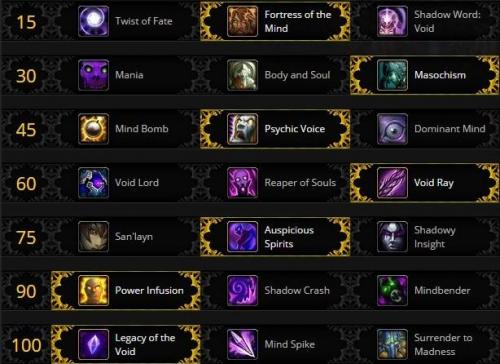 Yep np, the disc one works, but it doesn't use key talents like schism and power word: solace which are amazing to use when grinding, I was thinking of trying to open it up and try to edit it a bit, but it's my 3rd day using this bot so I;m still learning a lot of things.
 -
-
I'll try this out later and give some feedback, It would be awesome to see a disc priest one for grinding. It's amazing class to bot simply because the dps is pretty decent nd atonement keeps you alive really easily. Edit: By far the best shadow priest profile, it has a very smooth rotation and is able to keep me alive, even during some risky pulls. Overall, a solid shadow priest fight class.
