Skip to content
View in the app

A better way to browse. Learn more.

WRobot

A full-screen app on your home screen with push notifications, badges and more.

To install this app on iOS and iPadOS
  1. Tap the Share icon in Safari
  2. Scroll the menu and tap Add to Home Screen.
  3. Tap Add in the top-right corner.
To install this app on Android
  1. Tap the 3-dot menu (⋮) in the top-right corner of the browser.
  2. Tap Add to Home screen or Install app.
  3. Confirm by tapping Install.

moscow5

Members
  • Joined

  • Last visited

Everything posted by moscow5

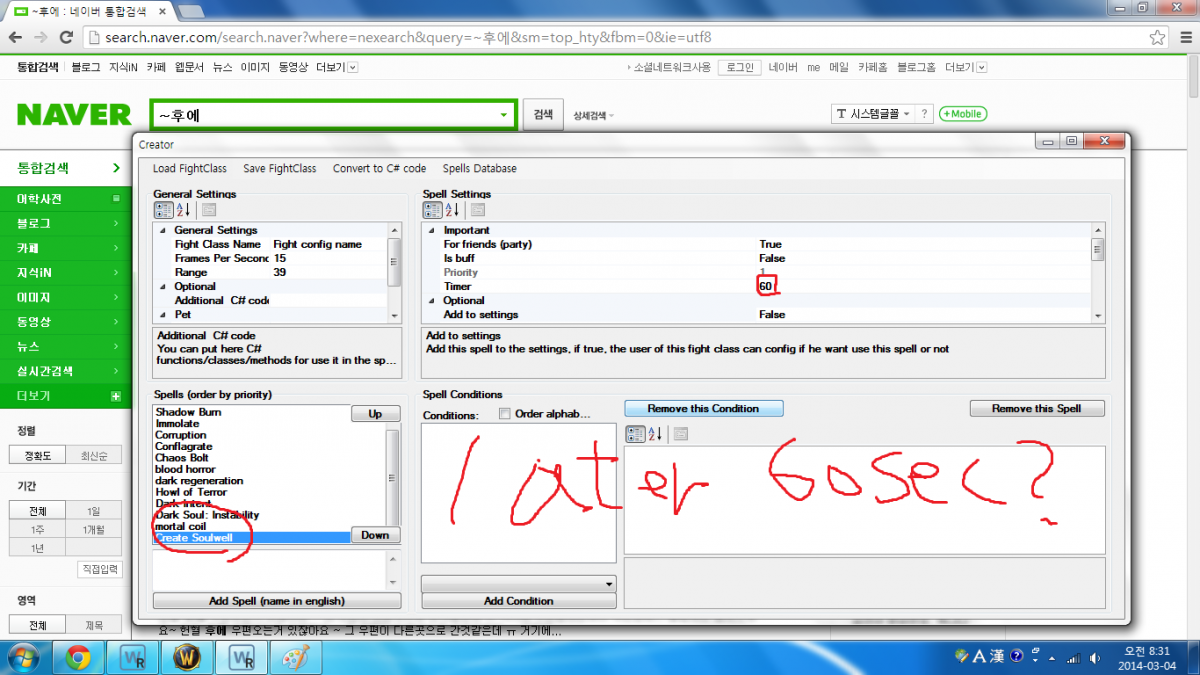
  1. 내가 CREAT 타이머를 원하는 later 60sec 어떻게?
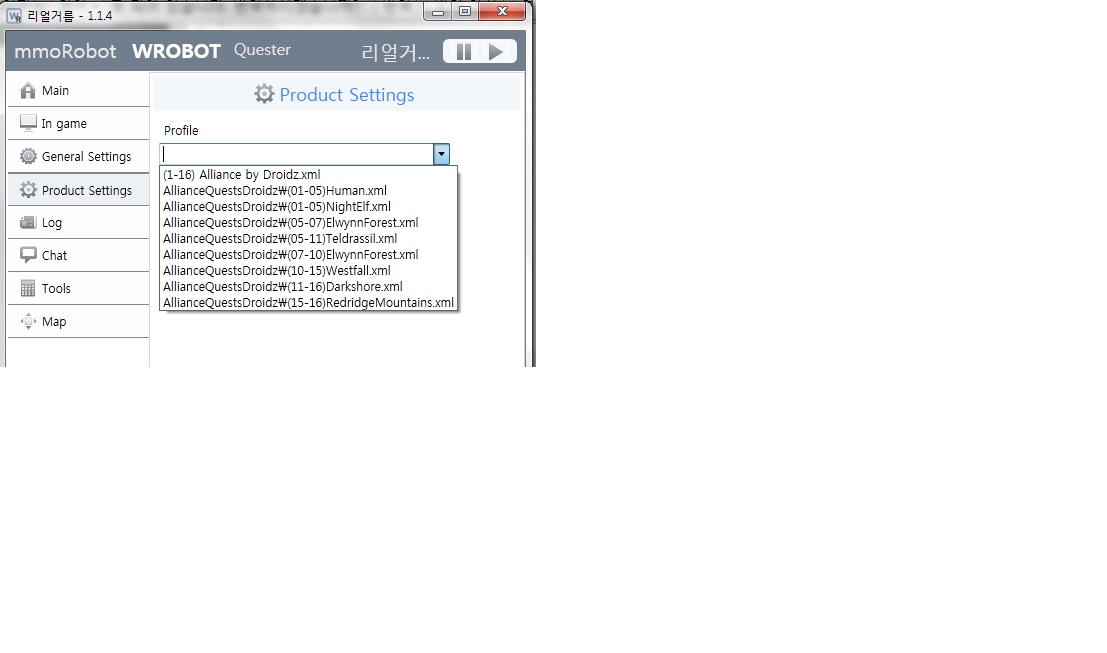
  2. how Create Soulwell bg start setting? and perfect warlock fightclass file download link plz~ bye~
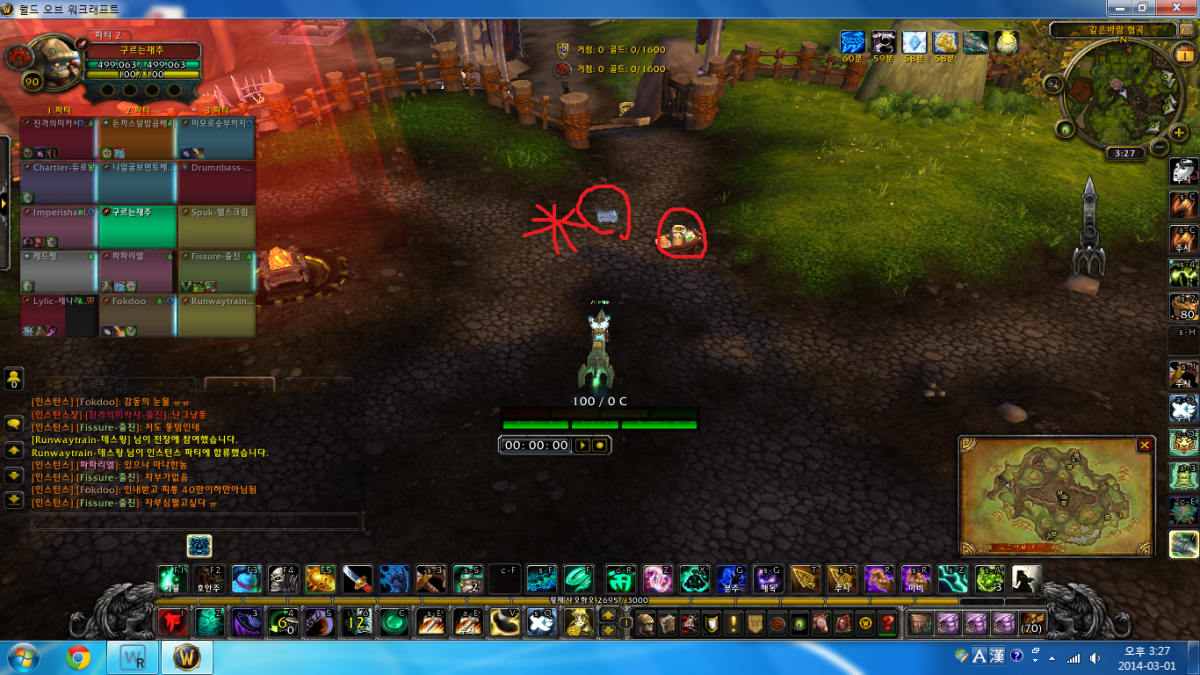
  3. and starting buff skill
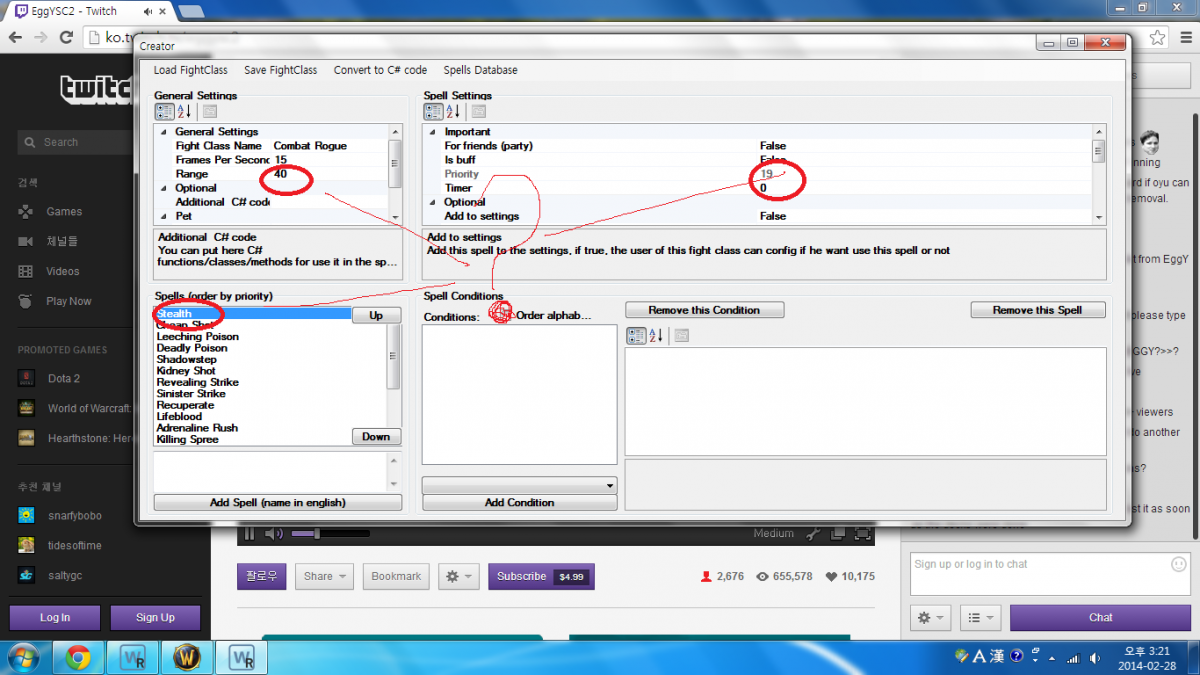
  4. rogue skill how creating?
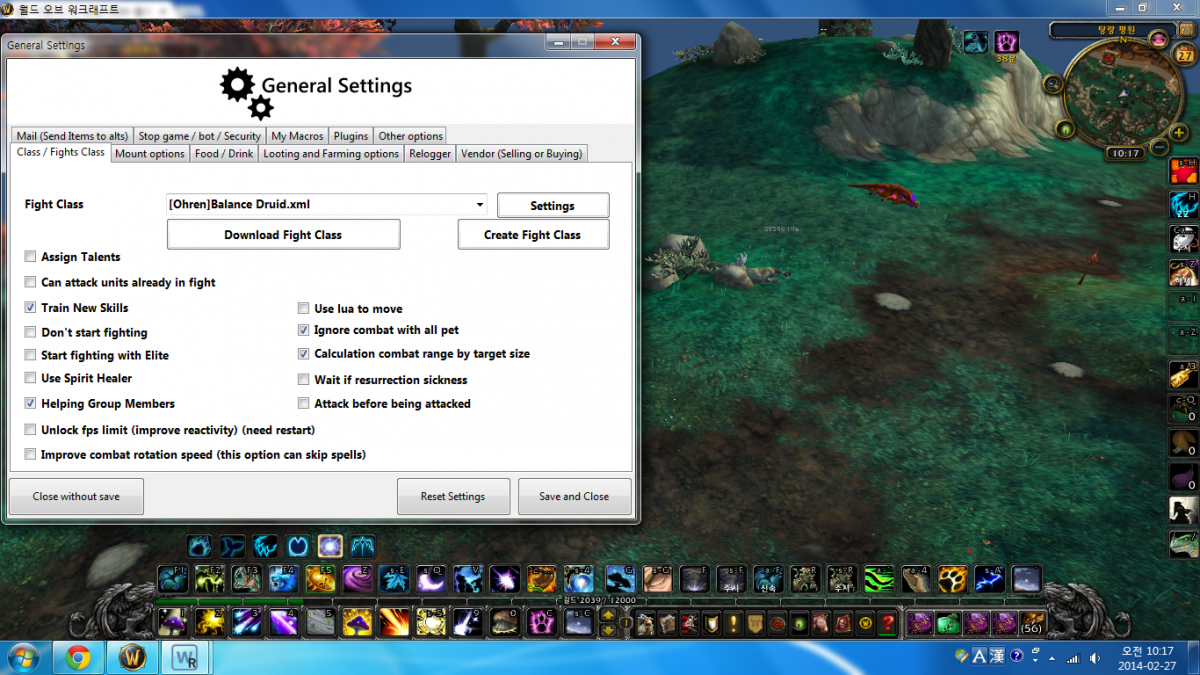
  5. 나는 균형 드루이드를 사용하여 어떻게 35 또는 40m 범위 설정 캐스팅하려고? 너무 가까이 캐스팅 과 죽은 ....
  6. i get licence key why only aliance 1-16? i want orc 1-90

Account

Navigation

Search

Search

Configure browser push notifications

Chrome (Android)
  1. Tap the lock icon next to the address bar.
  2. Tap Permissions → Notifications.
  3. Adjust your preference.
Chrome (Desktop)
  1. Click the padlock icon in the address bar.
  2. Select Site settings.
  3. Find Notifications and adjust your preference.