melalis
Members
-
Joined
-
Last visited
-
-
-
-
-
01:34:17 - [Memory] Select game process: 4956 - Mal... 01:34:18 - [Gatherer] Loaded 01:34:19 - [SpellManager] Initializing SpellBook - (Wait few seconds) 01:34:19 - [SpellManager] Initialize SpellBook Finished (225 spell found) 01:34:19 - [SpellManager] Please wait, loading spellbook... 01:34:19 - [SpellManager] Spellbook loaded. [F] 01:34:49 - [FightClass] Loading Fight class: C:\Users\Kade.om\Desktop\wroboot wow\WRobot\\FightClass\AIO.dll 01:34:49 - [Gatherer] Started 01:34:49 - [WOTLK - Druid]: Your version is up to date (1.0.9154.37115 / 1.0.9154.37115) 01:34:49 - [WOTLK - Druid]: Started 1.0.9154.37115 Discovering class and finding rotation... 01:34:49 - [Farming] Farm Cobalt Deposit > 4026.27 ; 5978.07 ; -126.071 ; "None" 01:34:49 - [WOTLK - Druid]: Your are using the Druid_SoloFeral default talents build: 01:34:49 - [WOTLK - Druid]: 0000000000000000000000000000503202032322012053120030313511203503012000000000000000000 01:34:49 - [WOTLK - Druid]: Running Druid_SoloFeral specialisation 01:34:50 - [WOTLK - Druid]: Adding mixed addon AIO.Combat.Addons.Racials 01:34:50 - [WOTLK - Druid]: Adding OOC addon AIO.Combat.Druid.OOCBuffs 01:34:50 - [WOTLK - Druid]: Adding mixed addon AIO.Combat.Druid.CombatBuffs 01:34:50 - [WOTLK - Druid]: Adding OOC addon AIO.Combat.Addons.AutoPartyResurrect 01:34:50 - [WOTLK - Druid]: Adding combat addon AIO.Combat.Addons.AutoPartyResurrect 01:34:50 - [WOTLK - Druid]: Adding OOC addon AIO.Combat.Druid.HealOOC 01:34:52 - [WOTLK - Druid]: Rotation started 01:35:22 - [WOTLK - Druid]: Rotation disposed 01:35:22 - [Gatherer] Stopped 01:35:23 - Session statistics: Elapsed time: 00h:00m:33s XP/HR: 0 - 0 min Kills: 0 (0/hr) Deaths: 0 (0/hr) Stucks: 0 (0/hr) Farms: 0 (0/hr) Loots: 0 (0/hr) Money/HR: 0 G 00 S 00 C (0 G 00 S 00 C)
-
-
-
-
-
-
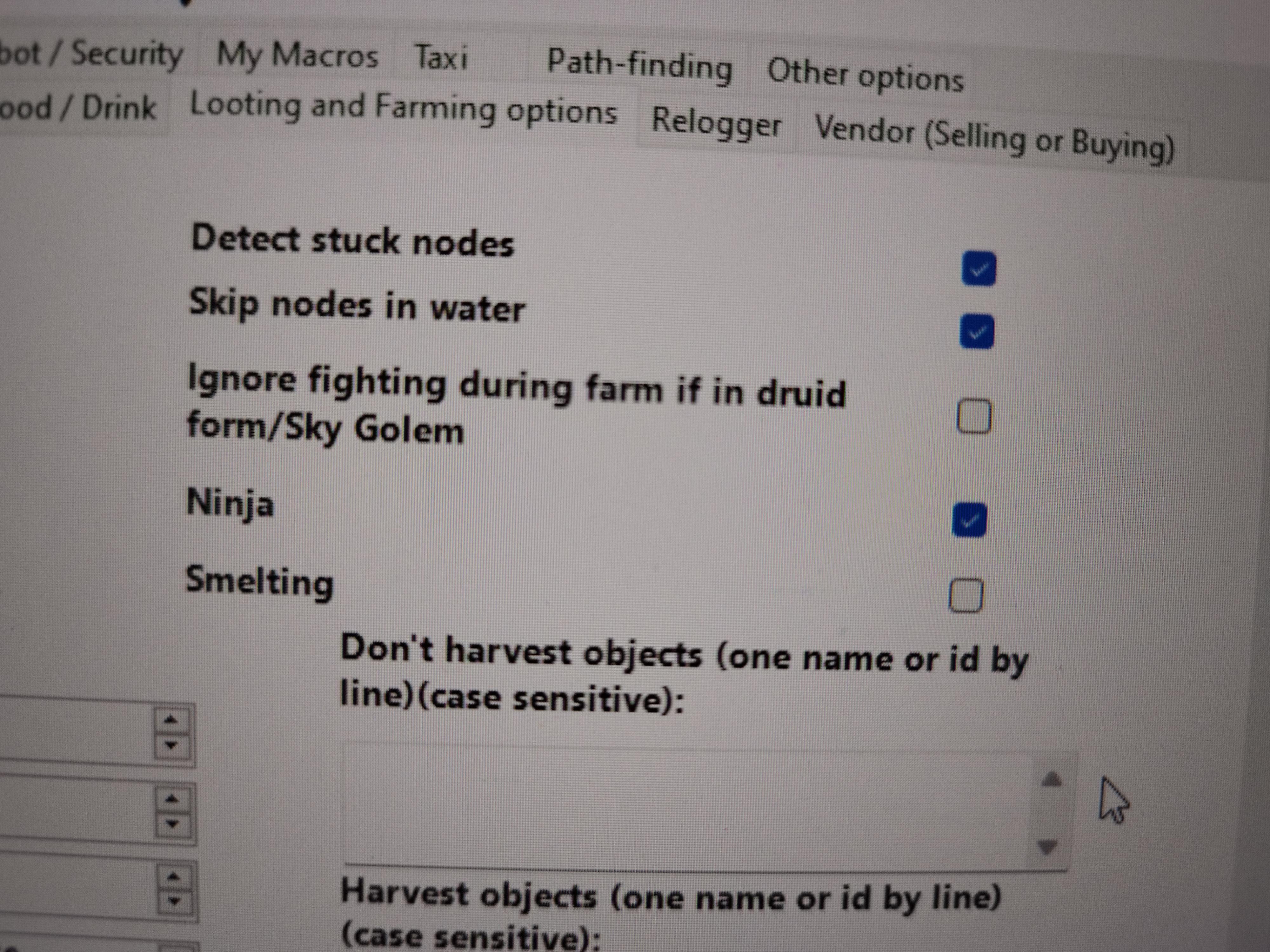
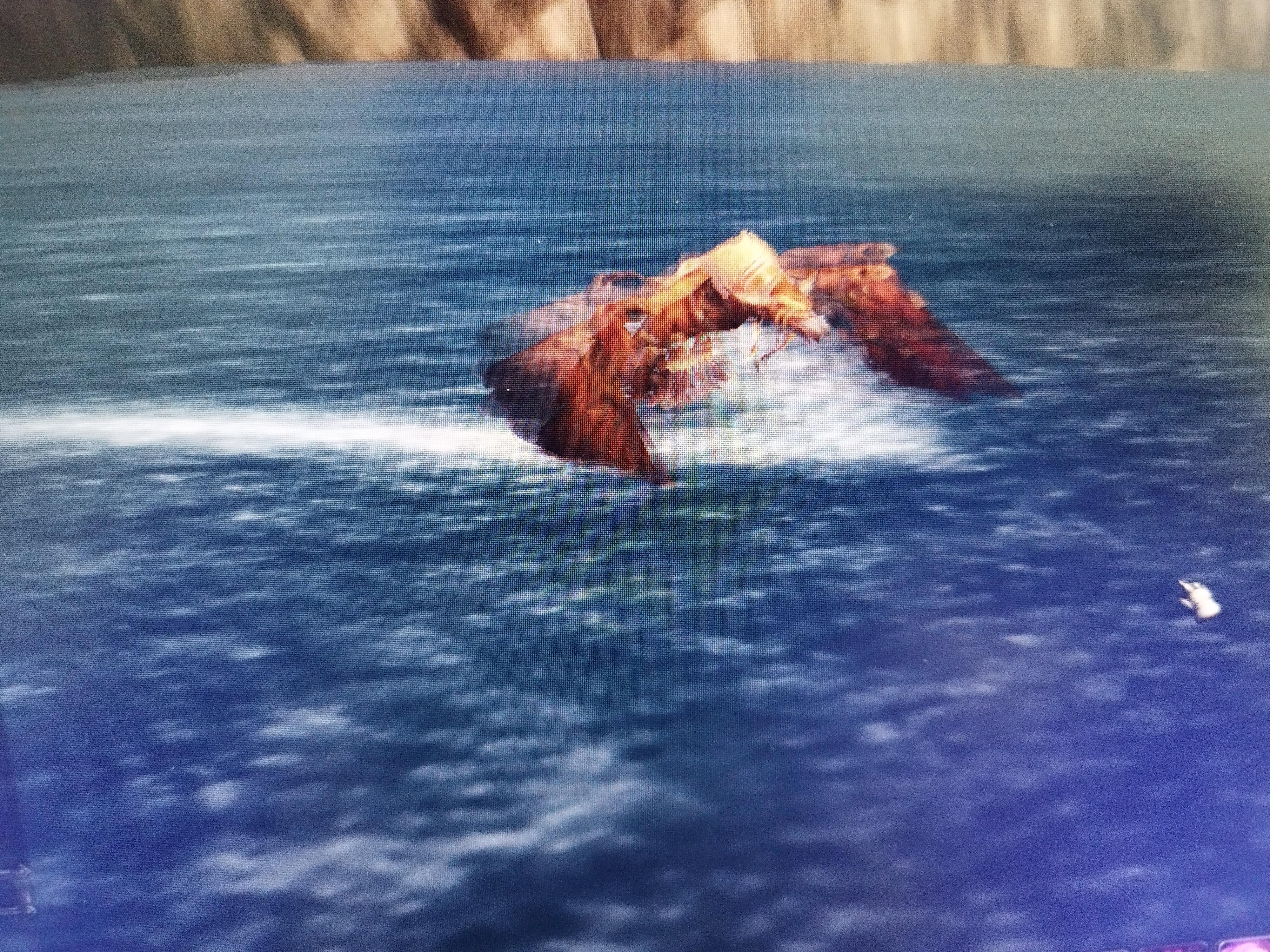
my bot or specially flight form (or flying mount) sometimes found a underwater node to gather (herb / mine) nodes but the problem is the bot can't turn off the flying mount or The bot never gives up trying to catch underwater nodes. so it will be stucked forever above the water. Does anyone know of a setting that makes the bot give up on unreachable nodes after trying for a certain amount of time and add them to a blacklist so it won’t try to go after them again? Because all it takes is for the bot to see a node underwater, and it will get stuck above it forever, constantly flying upward and repeatedly slamming itself headfirst toward the water, but it can’t actually enter the water while using a flying mount.
-
-
-
-
-
-
-