Skip to content
View in the app

A better way to browse. Learn more.

WRobot

A full-screen app on your home screen with push notifications, badges and more.

To install this app on iOS and iPadOS
  1. Tap the Share icon in Safari
  2. Scroll the menu and tap Add to Home Screen.
  3. Tap Add in the top-right corner.
To install this app on Android
  1. Tap the 3-dot menu (⋮) in the top-right corner of the browser.
  2. Tap Add to Home screen or Install app.
  3. Confirm by tapping Install.

ROSKI

WRobot user
  • Joined

  • Last visited

Everything posted by ROSKI

  1. can you do a thisa for ascension server looks like we have same issue there
  2. How you make the rotation to work in this server?, I upload the profile fightclass example Druid feral , I’m just lv3 bot don’t do anything just auto attack, I have try so many profiles. Also do u have any for PvP?
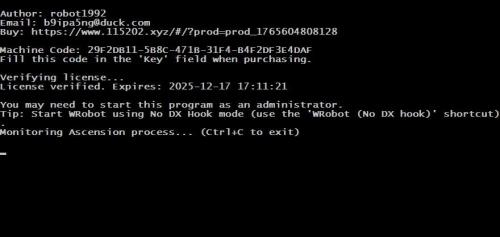
  3. This is working in ascension just like instructions said, anything else won’t work, but I have a problem loading the fight class profile, bot does not execute it just attacks, anyone know how I can fix this problem.

Account

Navigation

Search

Search

Configure browser push notifications

Chrome (Android)
  1. Tap the lock icon next to the address bar.
  2. Tap Permissions → Notifications.
  3. Adjust your preference.
Chrome (Desktop)
  1. Click the padlock icon in the address bar.
  2. Select Site settings.
  3. Find Notifications and adjust your preference.