Skip to content
View in the app

A better way to browse. Learn more.

WRobot

A full-screen app on your home screen with push notifications, badges and more.

To install this app on iOS and iPadOS
  1. Tap the Share icon in Safari
  2. Scroll the menu and tap Add to Home Screen.
  3. Tap Add in the top-right corner.
To install this app on Android
  1. Tap the 3-dot menu (⋮) in the top-right corner of the browser.
  2. Tap Add to Home screen or Install app.
  3. Confirm by tapping Install.

notoeffect

Members
  • Joined

  • Last visited

  1.    Droidz reacted to a post in a topic: Issue Launching WOTLK
  2. that was just bad timing on my part then, anyway I can get a refund since this wont be usable for me?
  3. Sadly still the same issue even after that. Also tested it on 2 differant PCs
  4. Oh gotcha, I tried to but it closes my game automatically. Ill do some trouble shooting later. Game version still shows the same
  5. Ignore my post or the error? It closes the game after these errors come up.
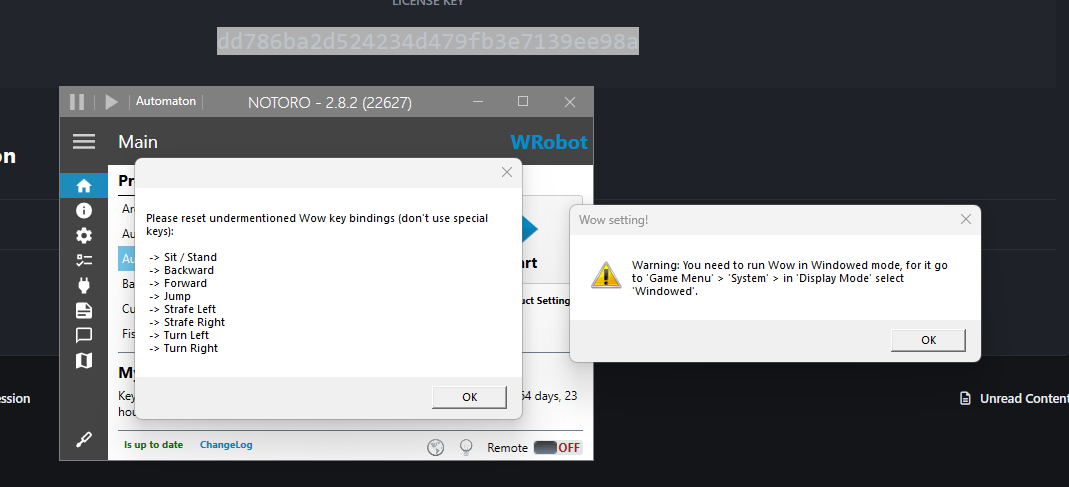
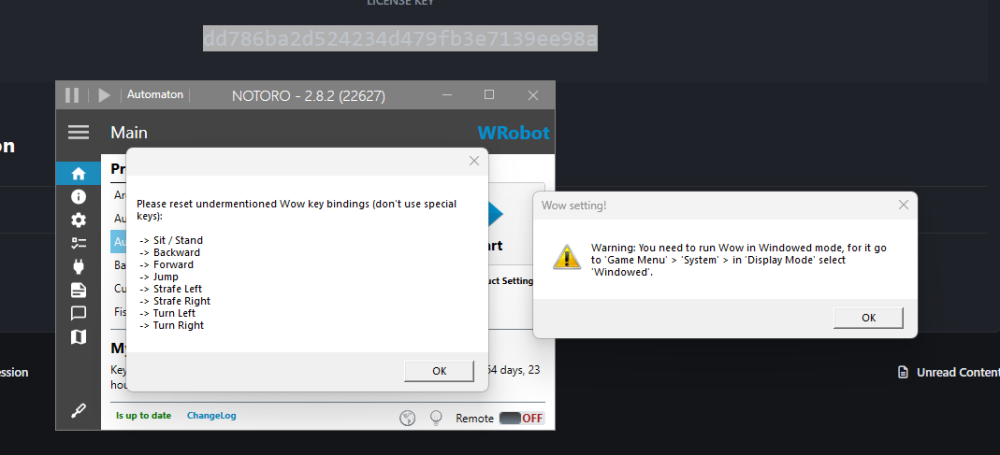
  6. Had this worong on a private server (Ebonhold) with a trail. Once I purchased a license it no longer works and gives me this on two differant PCs. They had correct settings before. All of these keybinds are defualt and the display mode is windowed

Account

Navigation

Search

Search

Configure browser push notifications

Chrome (Android)
  1. Tap the lock icon next to the address bar.
  2. Tap Permissions → Notifications.
  3. Adjust your preference.
Chrome (Desktop)
  1. Click the padlock icon in the address bar.
  2. Select Site settings.
  3. Find Notifications and adjust your preference.