
conne2
Members
-
Joined
-
Last visited
Files posted by conne2
-
So i make a lot of profiles (for my own use)
BUT. I would just like to share profiles that works great for me.
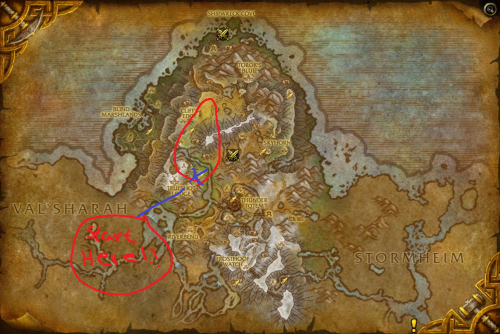
This is just a REALLY simple grinding profile (for lvling) and the bobs are 36-37-38.
The bots move in a quiet small area and the mobs is not (really) close by, that means its low risk for aggro 2 mobs at the same time.
BUT, just keep in minde use it safe, its a small area, and ppl would run by some times.
I will share a lot more profiles in the future but have to start somewhere. :)
//Best regards Conne2
- 395 Downloads
- 1 Comments
Updated -
i Fine using no mount will make this profile better!
I made this profile i have had a timer for it and i got 1000 Stonehide Leather per hour, i thought like why not share the profile for the community like why not, the profile works fine for me, let me know if you guys do have any issues, and PLS comment what you think about the profile and how much you guys got an hour.
// Conne2 - StAY CoOL- 551 Downloads
- 13 Comments
Updated