fraser1991
Members
-
Joined
-
Last visited
Everything posted by fraser1991
-
-
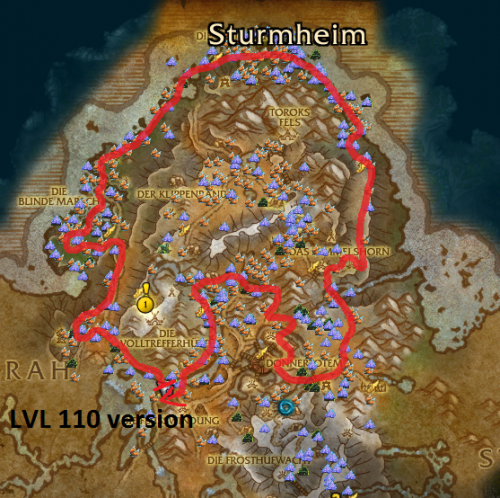
 Question to people out there. Is there a way to make the bot just run around and herb rather than stop everytime its attacked. TO give an example the bot will run to a node stand there for 30 seconds and then attack whats attacking it. It is making me get almost 60/h with this run which honestly isnt the greatest. If the bot would just keep running around herbing rather than wait to get attacked it would be amazing. Any help?