




horst.harpelt
Members
-
Joined
-
Last visited
-
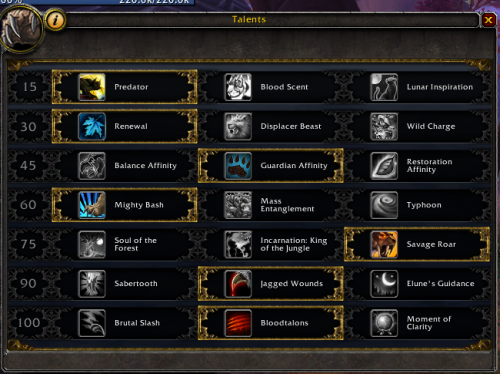 I have the same problem with not changing the druid form. The bot just keeps on autoattacking. (german client)
- 46 comments
- 3 reviews
-
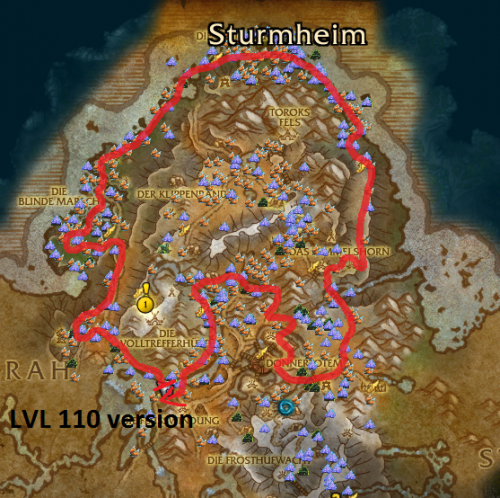 I'm getting an error when I try to start the 100-109 version: [E] 04:48:36 - Gatherer > Bot > Bot > Pulse(): System.NullReferenceException: Der Objektverweis wurde nicht auf eine Objektinstanz festgelegt. bei Gatherer.Bot.Dopoiweutoib.Jievaew(String koadelubuke) bei Gatherer.Bot.Dopoiweutoib.Ufoajoitu() The 110 version works fine, but keeps killing me. Any suggestions?